《13 Sentinels》-Iori Fuyusaka - Flux.1 dev
Eingabe
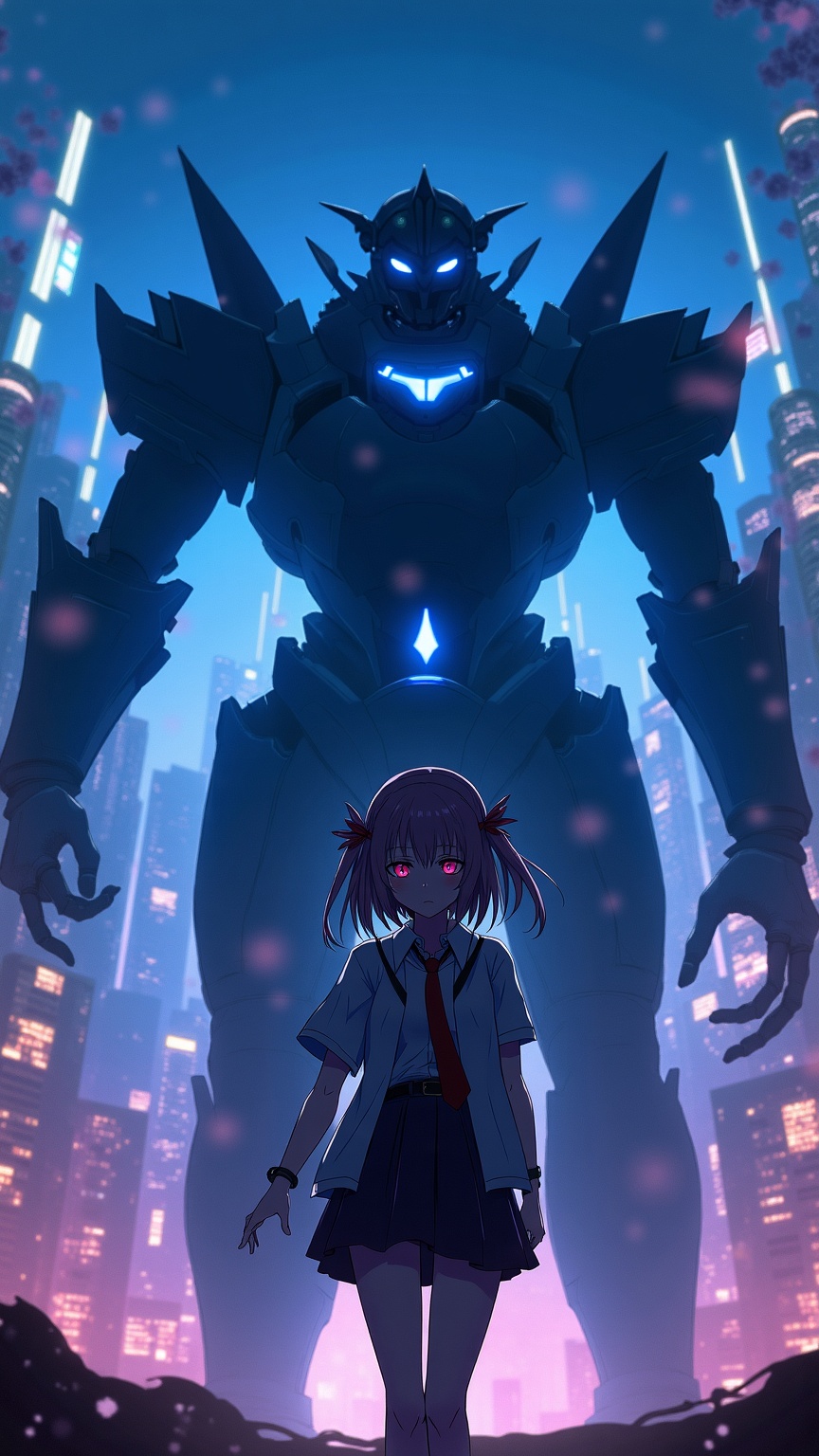
**Prompt:** "A cinematic portrait of Iori Fuyusaka from *13 Sentinels: Aegis Rim*, a sci-fi visual novel with mecha combat elements. She stands in a neon-lit urban dystopia, her school uniform blending with futuristic armor accents. Soft, melancholic eyes contrast with the chaotic glow of towering skyscrapers and flickering holograms. Behind her looms a massive Sentinel mech, its sleek, angular design pulsing with blue energy. Cherry blossoms drift through the air, symbolizing fleeting youth amidst war. The scene balances cyberpunk grit with emotional depth, using a moody palette of deep blues, purples, and warm highlights. Dynamic lighting casts dramatic shadows, emphasizing the tension between humanity and technology." *(Character count: 597)*
Detaillierte Analyse des Flux KI Image Prompt
Analysiere den detaillierten Prompt, der zur Erstellung des Bildes mit dem Flux KI Image Generator verwendet wurde.
Flux-Prompts für den KI-Bildgenerator erkunden
Wie man ein Bild generiert von Flux.1 dev
Folge diesen vier einfachen Schritten, um das gewünschte Bild zu erstellen.
Schritt 1: Gib deinen Text ein (Fühle dich frei, deinen Prompt für bessere Ergebnisse zu verfeinern)
Schritt 2: Wähle das Bildseitenverhältnis
Schritt 3: Wähle dein Flux-Modell:
Schritt 4: Klicke auf die Generieren-Schaltfläche und warte ein paar Sekunden auf dein Bild
Verwandte Flux KI Tools für Prompts über Flux.1 dev
Entdecke fortschrittliche Tools von Flux KI, um deinen kreativen Workflow zu verbessern.