《13 Sentinels》-Iori Fuyusaka - Flux.1 dev
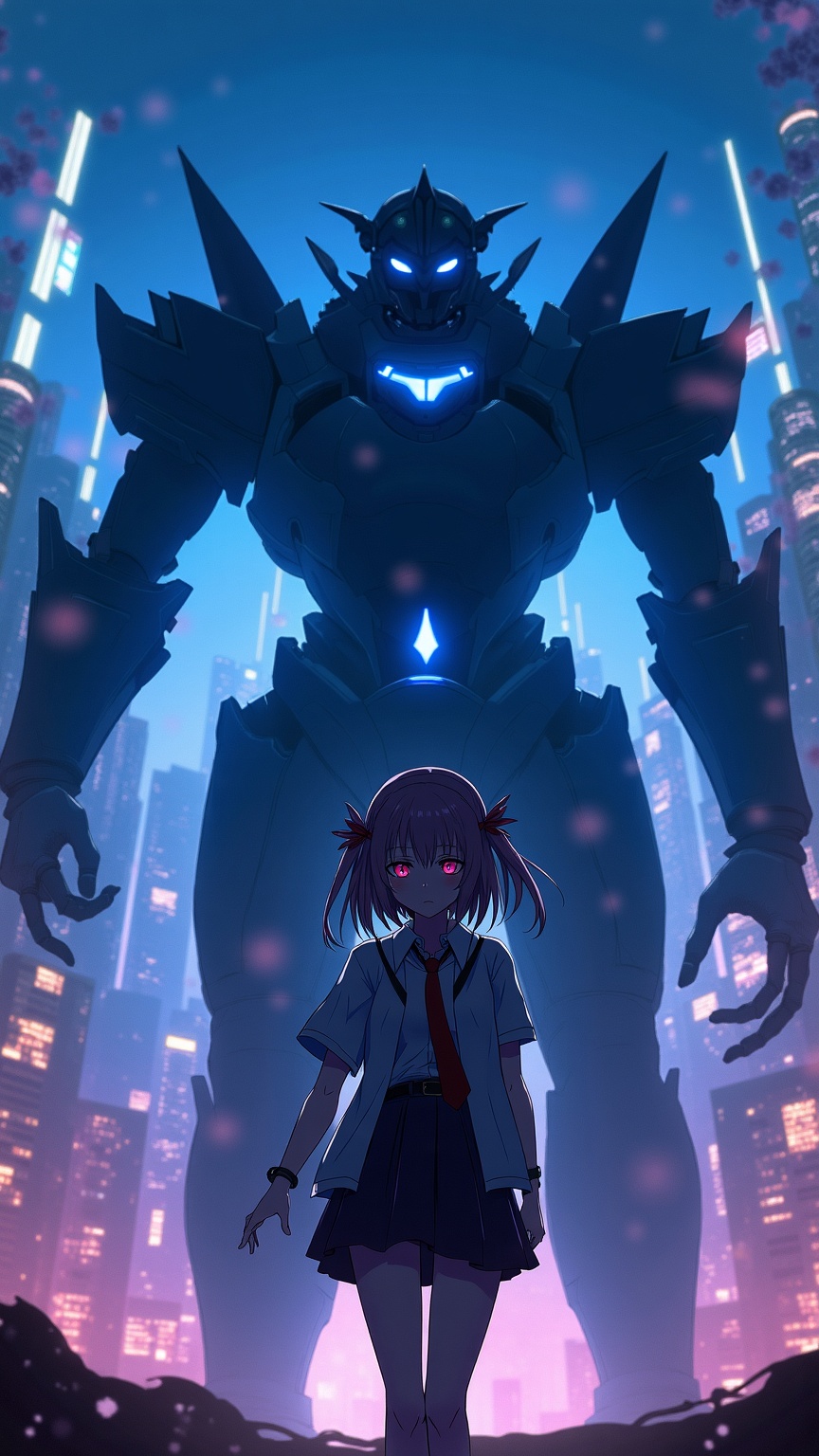
프롬프트
**Prompt:** "A cinematic portrait of Iori Fuyusaka from *13 Sentinels: Aegis Rim*, a sci-fi visual novel with mecha combat elements. She stands in a neon-lit urban dystopia, her school uniform blending with futuristic armor accents. Soft, melancholic eyes contrast with the chaotic glow of towering skyscrapers and flickering holograms. Behind her looms a massive Sentinel mech, its sleek, angular design pulsing with blue energy. Cherry blossoms drift through the air, symbolizing fleeting youth amidst war. The scene balances cyberpunk grit with emotional depth, using a moody palette of deep blues, purples, and warm highlights. Dynamic lighting casts dramatic shadows, emphasizing the tension between humanity and technology." *(Character count: 597)*
Flux AI 이미지 프롬프트에 대한 상세 분석
Flux AI Image Generator를 사용하여 이미지를 생성하는 데 사용된 상세한 프롬프트를 분석합니다.
Flux AI 이미지 생성기 프롬프트 탐색
을 통해 이미지를 생성하는 방법 Flux.1 dev
원하는 이미지를 만들기 위해 다음 네 가지 간단한 단계를 따르세요.
단계 1: 텍스트 입력 (더 나은 결과를 위해 프롬프트를 자유롭게 수정하세요)
단계 2: 이미지 종횡비 선택
단계 3: Flux 모델 선택:
단계 4: 생성 버튼을 클릭하고 몇 초간 기다려 이미지를 받으세요
프롬프트와 관련된 Flux AI 도구 Flux.1 dev
Flux AI의 고급 도구를 발견하여 창의적인 작업 흐름을 향상시키세요.