《13 Sentinels》-Iori Fuyusaka - Flux.1 dev
Indicador
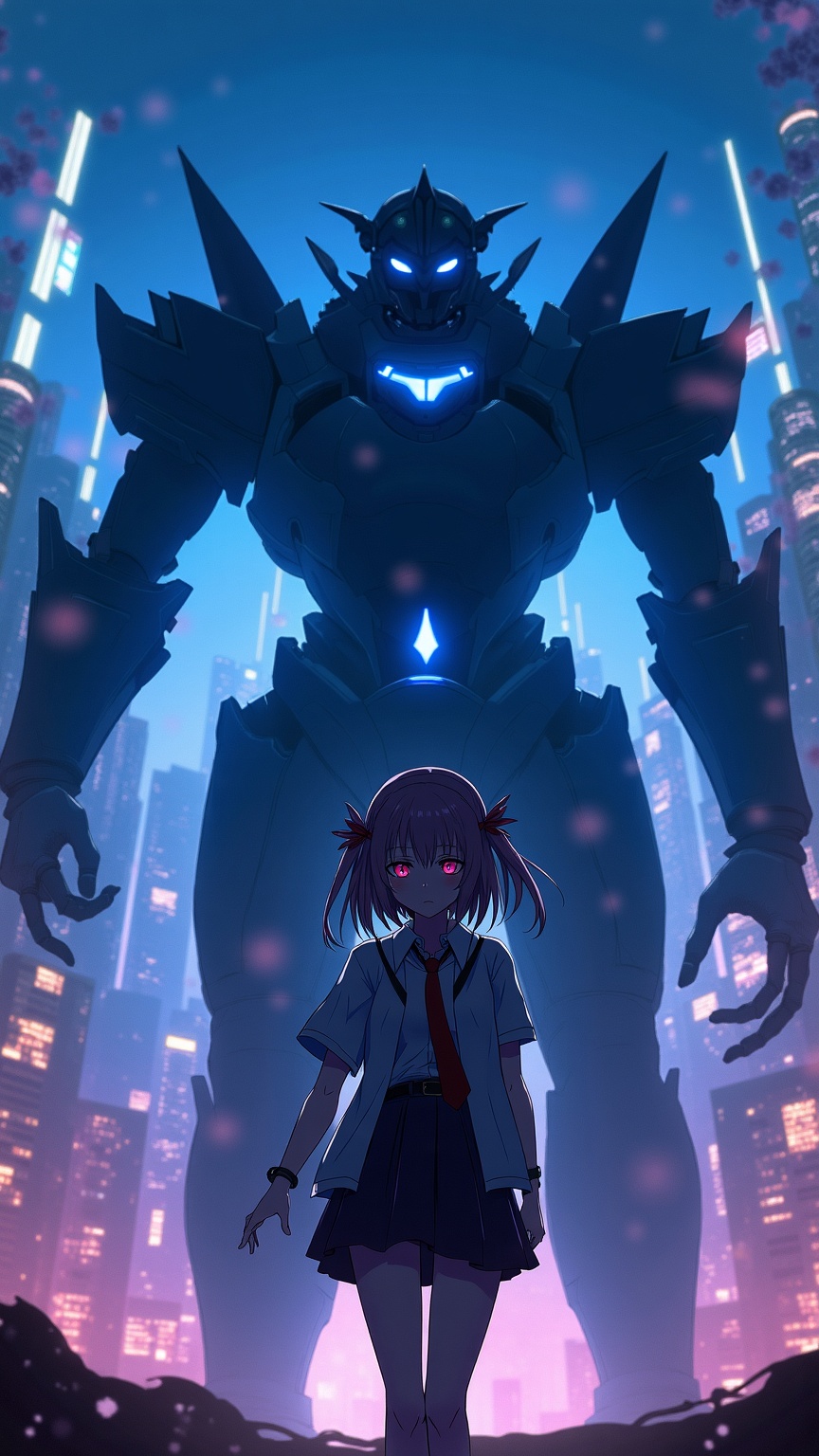
**Prompt:** "A cinematic portrait of Iori Fuyusaka from *13 Sentinels: Aegis Rim*, a sci-fi visual novel with mecha combat elements. She stands in a neon-lit urban dystopia, her school uniform blending with futuristic armor accents. Soft, melancholic eyes contrast with the chaotic glow of towering skyscrapers and flickering holograms. Behind her looms a massive Sentinel mech, its sleek, angular design pulsing with blue energy. Cherry blossoms drift through the air, symbolizing fleeting youth amidst war. The scene balances cyberpunk grit with emotional depth, using a moody palette of deep blues, purples, and warm highlights. Dynamic lighting casts dramatic shadows, emphasizing the tension between humanity and technology." *(Character count: 597)*
Análisis Detallado del Prompt de Imagen de Flux IA
Analiza el prompt detallado utilizado para generar la imagen con Flux IA Image Generator.
Explorar Mensajes para Flux IA
Cómo generar una imagen por Flux.1 dev
Sigue estos cuatro sencillos pasos para crear la imagen que deseas.
Paso 1: Ingresa tu texto (No dudes en refinar tu prompt para mejores resultados)
Paso 2: Elige la relación de aspecto de la imagen
Paso 3: Selecciona tu modelo Flux:
Paso 4: Haz clic en el botón Generar y espera unos segundos para tu imagen
Herramientas Flux IA relacionadas para prompts sobre Flux.1 dev
Descubre herramientas avanzadas de Flux IA para potenciar tu flujo de trabajo creativo.