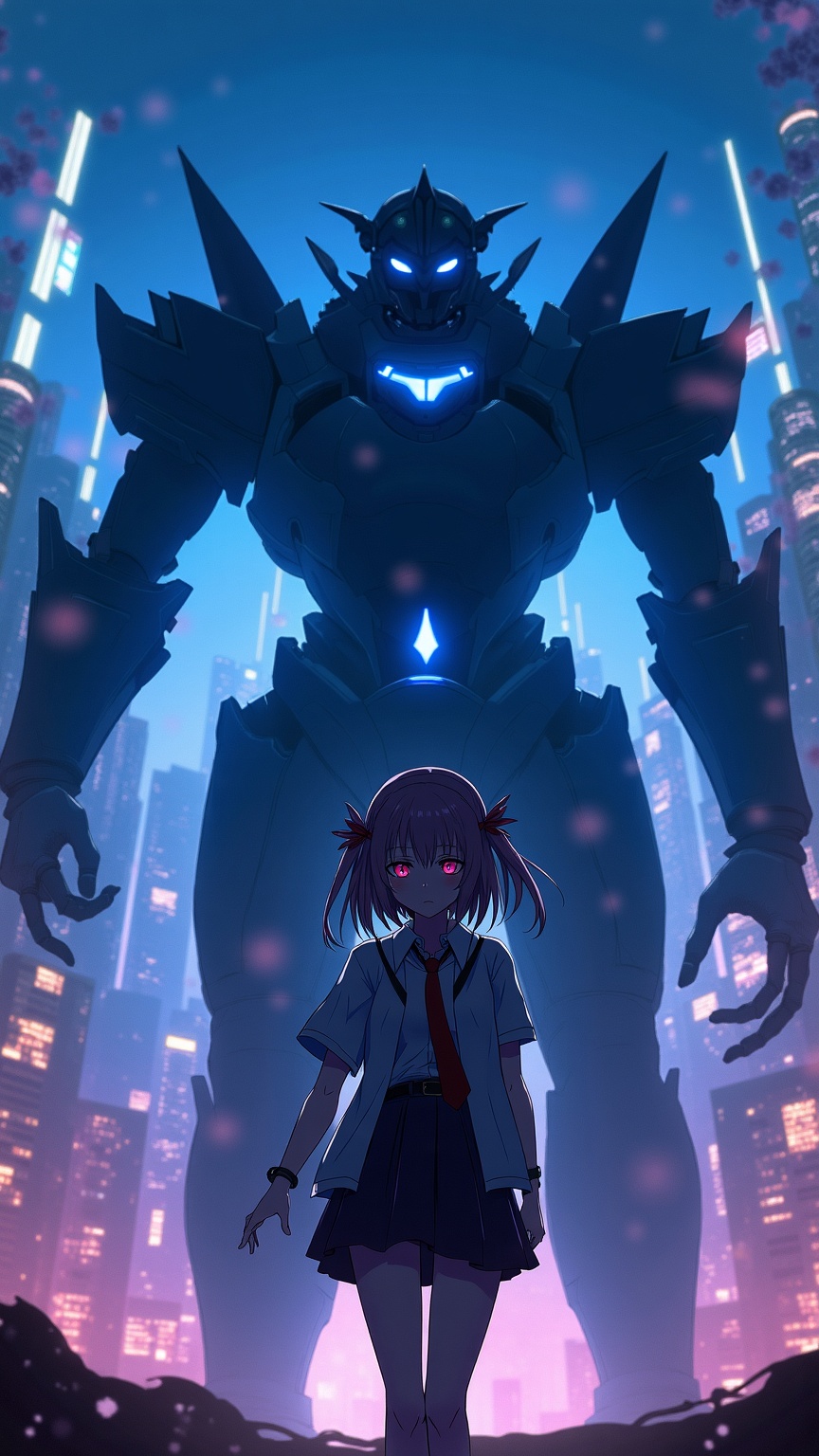
《13 Sentinels》-Iori Fuyusaka - Flux.1 dev
prompt
**Prompt:** "A cinematic portrait of Iori Fuyusaka from *13 Sentinels: Aegis Rim*, a sci-fi visual novel with mecha combat elements. She stands in a neon-lit urban dystopia, her school uniform blending with futuristic armor accents. Soft, melancholic eyes contrast with the chaotic glow of towering skyscrapers and flickering holograms. Behind her looms a massive Sentinel mech, its sleek, angular design pulsing with blue energy. Cherry blossoms drift through the air, symbolizing fleeting youth amidst war. The scene balances cyberpunk grit with emotional depth, using a moody palette of deep blues, purples, and warm highlights. Dynamic lighting casts dramatic shadows, emphasizing the tension between humanity and technology." *(Character count: 597)*
Detailed Analysis of the Flux AI Image Prompt
Analyze the detailed prompt used to generate the image with Flux AI Image Generator.
Explore Flux Prompts for the Flux AI Image Generator
How to generate image by Flux.1 dev
Follow these four simple steps to create your desired image.
Step 1: Enter Your Text (Feel free to refine your prompt for better results)
Step 2: Choose Image Aspect Ratio
Step 3: Select Your Flux Model:
Step 4: Click the Generate Button and Wait a Few Seconds for Your Image
Related Flux AI tools for prompts about Flux.1 dev
Discover advanced tools from Flux AI to boost your creative workflow.