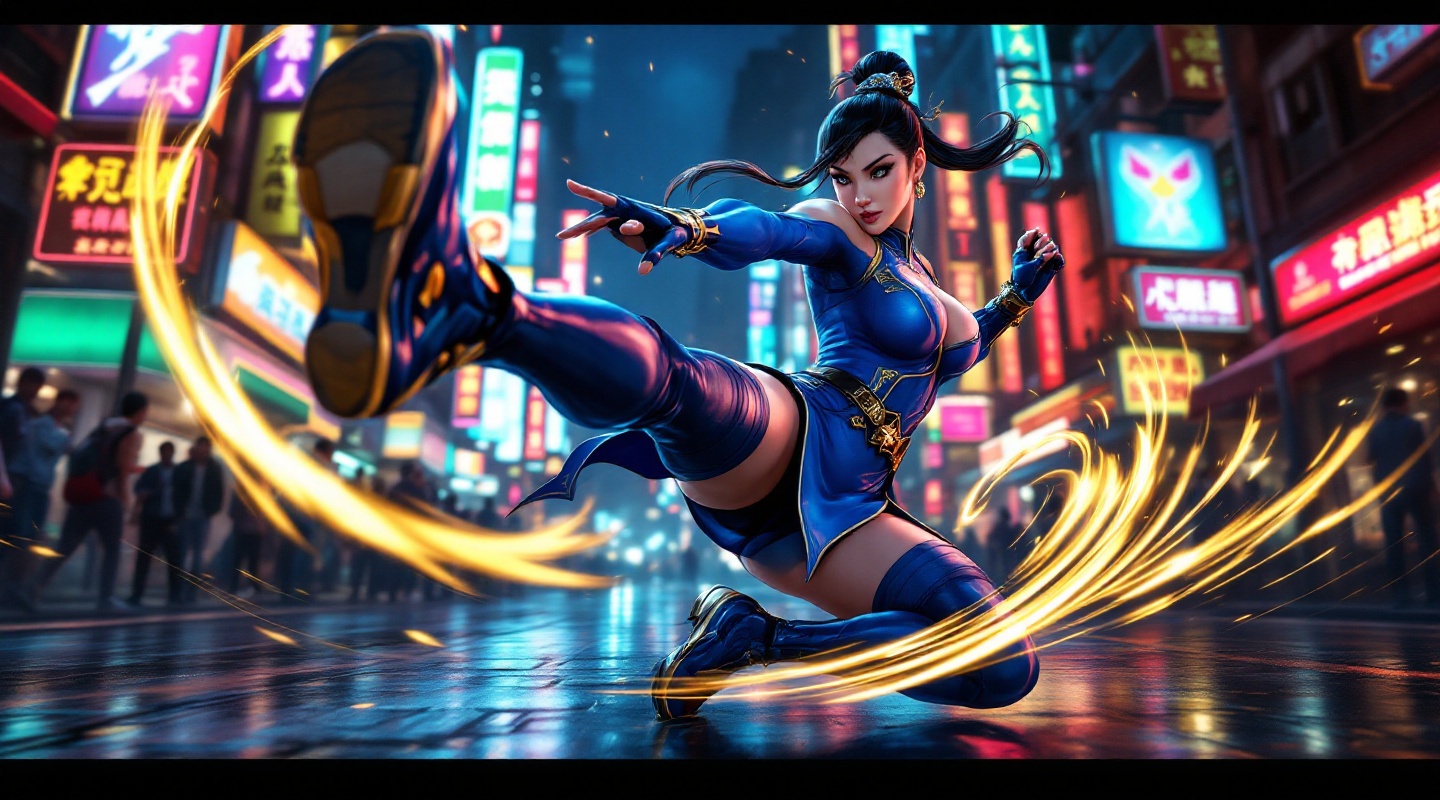
《Street Fighter 6》-Chun-Li - Flux.1.1 pro
Eingabe
**Prompt:** *"A dynamic action shot of Chun-Li from *Street Fighter 6*, the iconic fighting game, in mid-combat stance. She wears her modernized blue qipao with gold accents, thigh-high stockings, and combat boots, muscles tensed for a powerful kick. The background is a neon-lit urban street in Metro City, bustling with spectators and glowing signs reflecting off wet pavement. Her signature Spinning Bird Kick is captured in motion, energy trails swirling around her legs. The atmosphere is electric—high-energy, vibrant, and cinematic—with dramatic lighting emphasizing her fierce expression and fluid movement. Ultra-detailed, bold colors, and a mix of realism and stylized anime aesthetics."* (Characters: 598)
Detaillierte Analyse des Flux KI Image Prompt
Analysiere den detaillierten Prompt, der zur Erstellung des Bildes mit dem Flux KI Image Generator verwendet wurde.
Flux-Prompts für den KI-Bildgenerator erkunden
Wie man ein Bild generiert von Flux.1.1 pro
Folge diesen vier einfachen Schritten, um das gewünschte Bild zu erstellen.
Schritt 1: Gib deinen Text ein (Fühle dich frei, deinen Prompt für bessere Ergebnisse zu verfeinern)
Schritt 2: Wähle das Bildseitenverhältnis
Schritt 3: Wähle dein Flux-Modell:
Schritt 4: Klicke auf die Generieren-Schaltfläche und warte ein paar Sekunden auf dein Bild
Verwandte Flux KI Tools für Prompts über Flux.1.1 pro
Entdecke fortschrittliche Tools von Flux KI, um deinen kreativen Workflow zu verbessern.