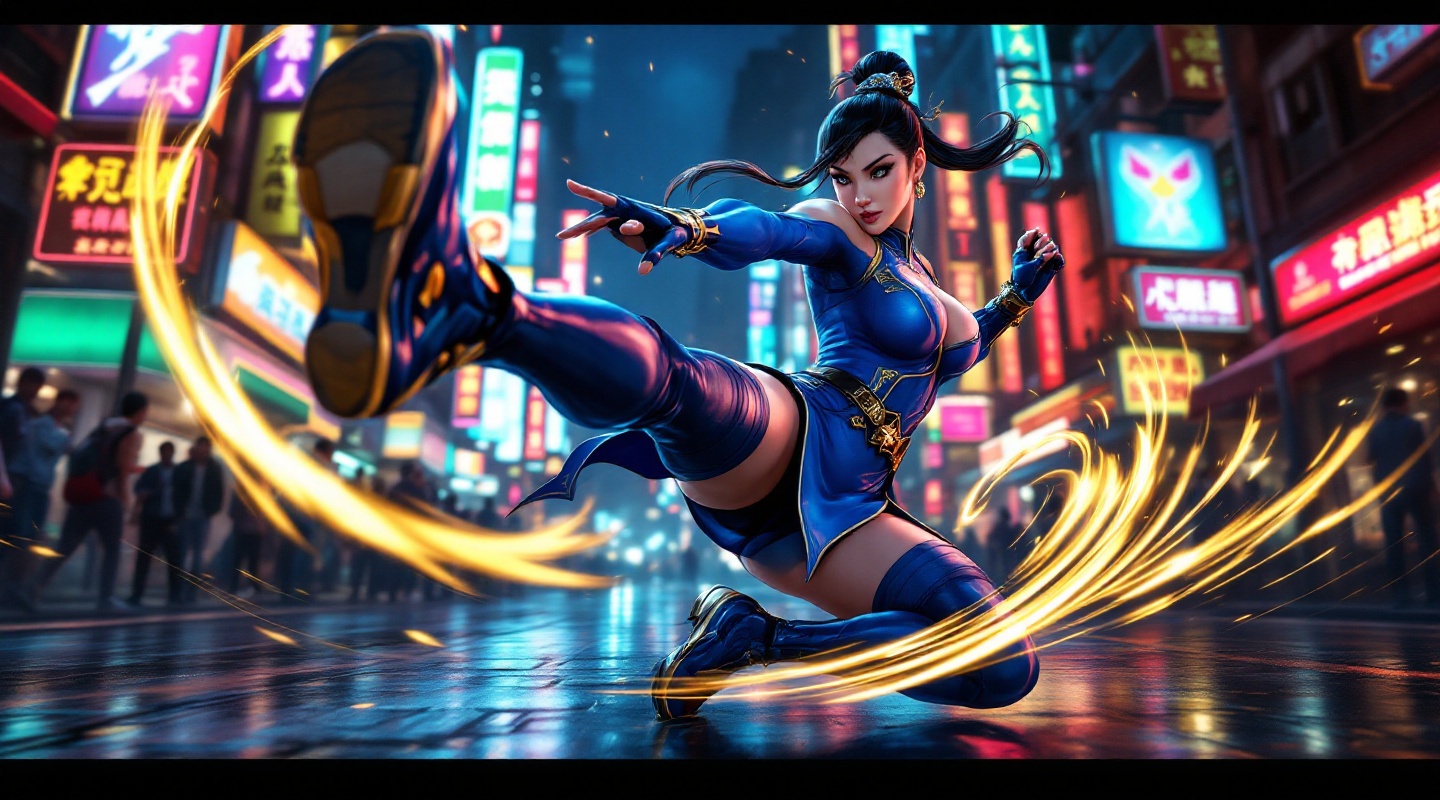
《Street Fighter 6》-Chun-Li - Flux.1.1 pro
Indicador
**Prompt:** *"A dynamic action shot of Chun-Li from *Street Fighter 6*, the iconic fighting game, in mid-combat stance. She wears her modernized blue qipao with gold accents, thigh-high stockings, and combat boots, muscles tensed for a powerful kick. The background is a neon-lit urban street in Metro City, bustling with spectators and glowing signs reflecting off wet pavement. Her signature Spinning Bird Kick is captured in motion, energy trails swirling around her legs. The atmosphere is electric—high-energy, vibrant, and cinematic—with dramatic lighting emphasizing her fierce expression and fluid movement. Ultra-detailed, bold colors, and a mix of realism and stylized anime aesthetics."* (Characters: 598)
Análisis Detallado del Prompt de Imagen de Flux IA
Analiza el prompt detallado utilizado para generar la imagen con Flux IA Image Generator.
Explorar Mensajes para Flux IA
Cómo generar una imagen por Flux.1.1 pro
Sigue estos cuatro sencillos pasos para crear la imagen que deseas.
Paso 1: Ingresa tu texto (No dudes en refinar tu prompt para mejores resultados)
Paso 2: Elige la relación de aspecto de la imagen
Paso 3: Selecciona tu modelo Flux:
Paso 4: Haz clic en el botón Generar y espera unos segundos para tu imagen
Herramientas Flux IA relacionadas para prompts sobre Flux.1.1 pro
Descubre herramientas avanzadas de Flux IA para potenciar tu flujo de trabajo creativo.