Forearm-Micro Ocean Wave - Flux.1 dev
Eingabe
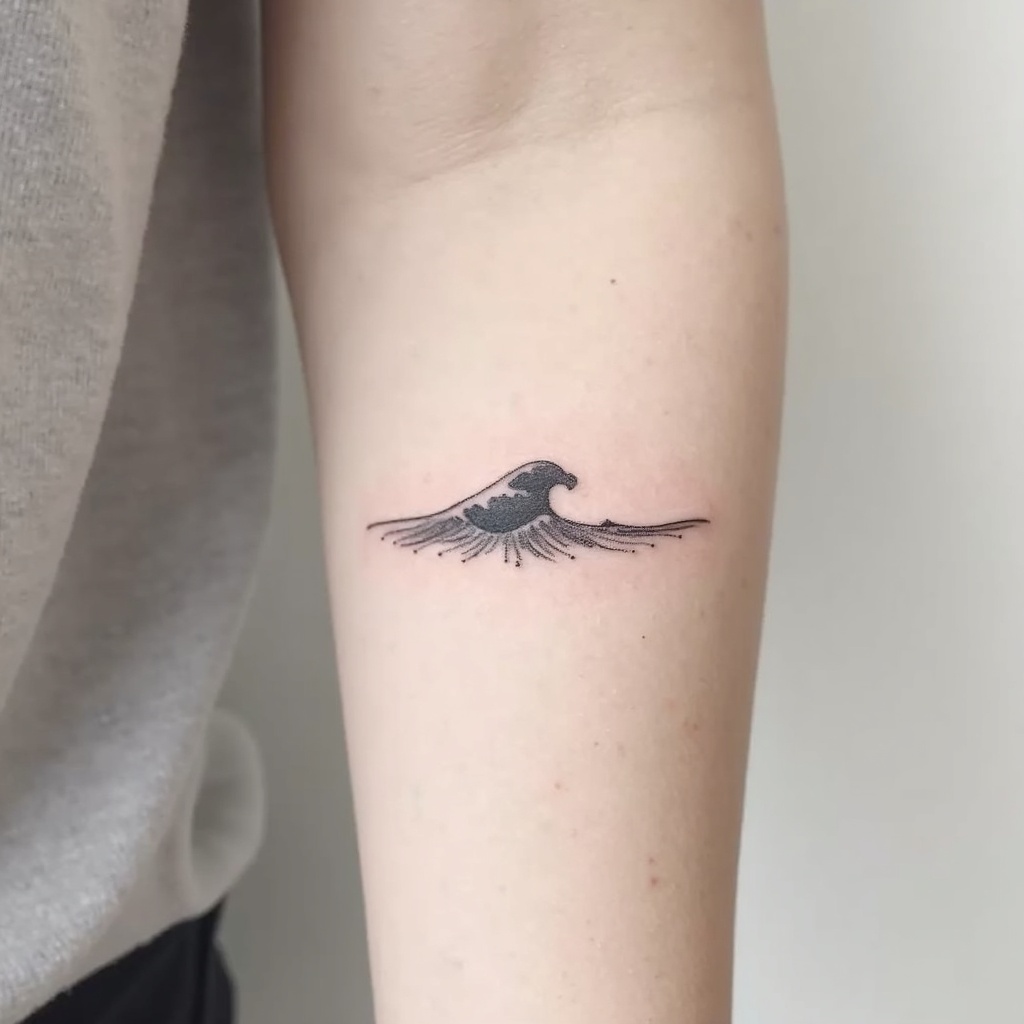
**Prompt:** "Design a delicate **forearm micro tattoo** featuring a **minimalist ocean wave** with clean, flowing lines. The wave should be **small and subtle**, approximately 2-3 inches, placed along the inner or outer forearm for understated elegance. Use a **monochromatic black ink** palette for sharp contrast, with fine details to suggest movement and texture. Incorporate **soft dotwork or fine hatching** to add depth, mimicking the shimmer of water. The style should be **contemporary and refined**, evoking tranquility and fluidity. Avoid heavy shading, keeping the design **light and airy** for a timeless, wearable piece. Symbolically, the wave represents resilience and adaptability, blending simplicity with meaning." (998 characters)
Detaillierte Analyse des Flux KI Image Prompt
Analysiere den detaillierten Prompt, der zur Erstellung des Bildes mit dem Flux KI Image Generator verwendet wurde.
Flux-Prompts für den KI-Bildgenerator erkunden
Wie man ein Bild generiert von Flux.1 dev
Folge diesen vier einfachen Schritten, um das gewünschte Bild zu erstellen.
Schritt 1: Gib deinen Text ein (Fühle dich frei, deinen Prompt für bessere Ergebnisse zu verfeinern)
Schritt 2: Wähle das Bildseitenverhältnis
Schritt 3: Wähle dein Flux-Modell:
Schritt 4: Klicke auf die Generieren-Schaltfläche und warte ein paar Sekunden auf dein Bild
Verwandte Flux KI Tools für Prompts über Flux.1 dev
Entdecke fortschrittliche Tools von Flux KI, um deinen kreativen Workflow zu verbessern.