Best AI Tools

Best AI Tools for Your Next Great Idea

Find your next creative advantage. Explore AI tools that turn a rough brief into sharper writing, striking visuals, moving stories and memorable sound. Start with your goal, discover the right category, and build a toolkit that fits the way you work.

What makes an AI tool worth using?

The best AI tools solve a specific problem well: generating a product visual, animating a storyboard, developing a song idea, understanding a document or building software. A useful tool gives you enough control to refine the result and an output you can actually use in your next step.

This directory combines familiar AI assistants with specialized creative services from our recommendation list. Tools are grouped by their primary workflow, not a paid ranking or a universal winner. Read the features and audience notes, then try a small project to judge the fit for yourself.

Discover the best AI tools by category

Go straight to the task you want to finish. Each category explains who it suits, where it helps and which tools are worth exploring, from a first experiment to a repeatable professional workflow.

Image generation & design

Turn an idea or reference into a visual direction, refine the details and prepare assets for publishing. Combine generation with editing, layout and compression for a complete image workflow.

Who it is for
Designers, illustrators, social media managers, bloggers and small business owners.
Where it helps
YouTube thumbnails, Instagram graphics, campaign moodboards, blog illustrations and lightweight website images.
  • Sea Imagine AI: Image generation & design

    seaimagine.com

    Sea Imagine AI

    Explore image and video art creation in an online creative toolkit. Sea Imagine AI suits creators developing visual concepts, social graphics and short animated ideas, particularly when they want to move between still-image inspiration and motion experiments.

    Explore Sea Imagine AI
  • Hey Dream AI: Image generation & design

    heydream.im

    Hey Dream AI

    Explore AI image generation and video creation for creative projects. Hey Dream AI gives visual creators a place to develop artwork, try references and experiment with motion, helping turn an initial moodboard or campaign idea into material to refine.

    Explore Hey Dream AI
  • FreeImgen AI Image Generator: Image generation & design

    freeimgen.com

    FreeImgen AI Image Generator

    Turn a first prompt into a visual you can build on. FreeImgen combines image generation, reference-photo editing, and practical resizing and format-conversion tools. A useful browser toolkit for bloggers, beginners, and social creators shaping illustrations, thumbnails, and fresh photo variations.

    Explore FreeImgen AI Image Generator
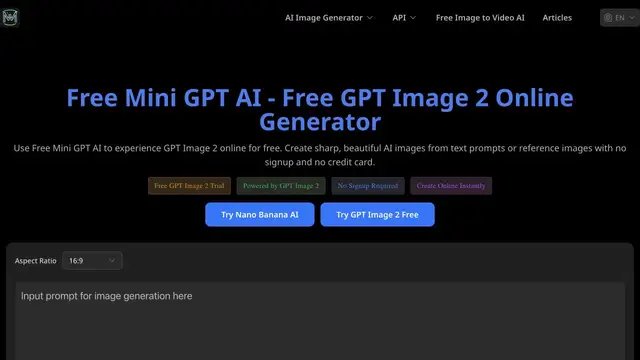
  • Free Mini GPT AI: Image generation & design

    minigpt.org

    Free Mini GPT AI

    Explore GPT Image 2 with text prompts or a reference image, and choose an aspect ratio that fits your idea. Free Mini GPT AI suits independent creators testing poster layouts, product mockups, character concepts, and social artwork before committing to a larger design project.

    Explore Free Mini GPT AI
  • Hailuo AI Image Generator: Image generation & design

    hailuoai.app

    Hailuo AI Image Generator

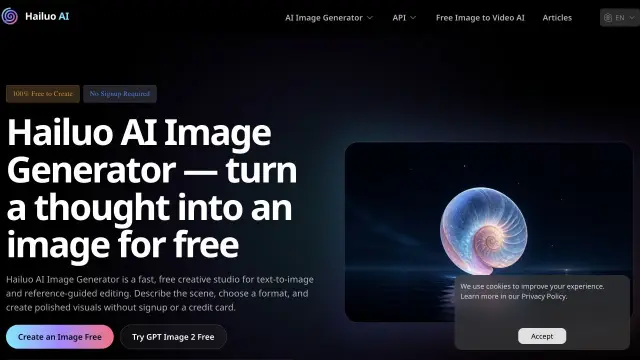
    Shape a scene from words or refresh a reference photo in Hailuo AI's browser-based image studio. Its generation and editing workflows suit designers and small brands exploring fashion visuals, product settings, portraits, and campaign concepts without a complicated creative setup.

    Explore Hailuo AI Image Generator
  • Free Tiny PNG: Image generation & design

    freetinypng.com

    Free Tiny PNG

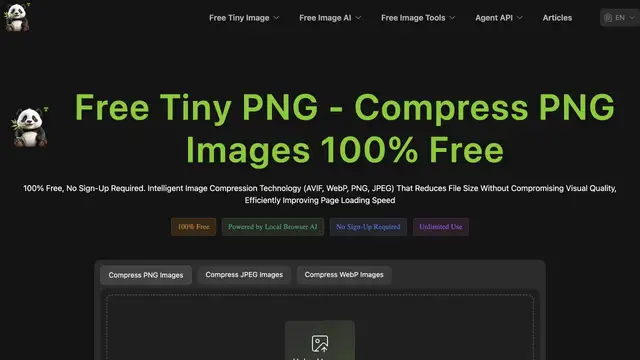
    Compress and prepare image files for web publishing with a focused image utility. Free Tiny PNG complements AI generators: bloggers, designers and site owners can reduce asset weight after creating visuals and check the finished image before uploading it.

    Explore Free Tiny PNG
  • 4o Image Generator: Image generation & design

    chat4o.ai

    4o Image Generator

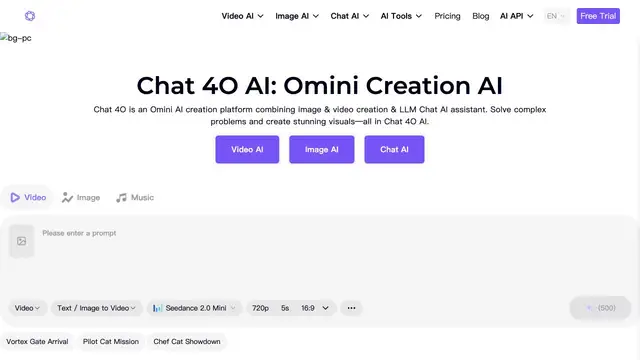
    Create visual concepts through the 4o image-generation workflow on Chat4o. Designers and everyday creators can explore prompt-led illustrations, character ideas and social artwork, then refine their brief based on the composition, style and details in each result.

    Explore 4o Image Generator
  • fluxia.pro

    Flux IA

    Explore AI image and video creation through the Flux IA playground. It offers another entry point for visual creators testing prompts, comparing artistic directions and developing still or moving concepts before selecting a final production workflow.

    Explore Flux IA
  • canva.com

    Canva

    Combine AI-assisted creation with templates and visual layout tools. Canva suits marketers, educators and small teams turning an idea into presentations, social graphics and branded materials, especially when editing and arranging the final design matters as much as generation.

    Explore Canva

Video creation & storytelling

Explore motion from text, animate an existing image or connect scenes into a story. Start with a clear subject and action, then choose a tool that matches the amount of visual control you need.

Who it is for
Video creators, filmmakers, educators, marketers and independent storytellers.
Where it helps
TikTok and YouTube Shorts concepts, animated product shots, storyboards, social clips and memorable photo animations.
  • AI VideoWeb: Video creation & storytelling

    aivideoweb.com

    AI VideoWeb

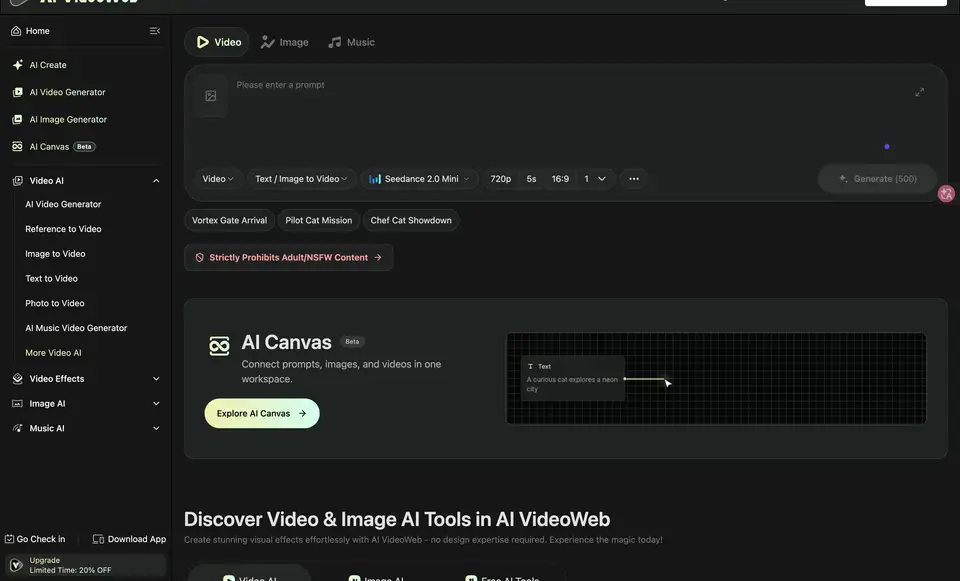
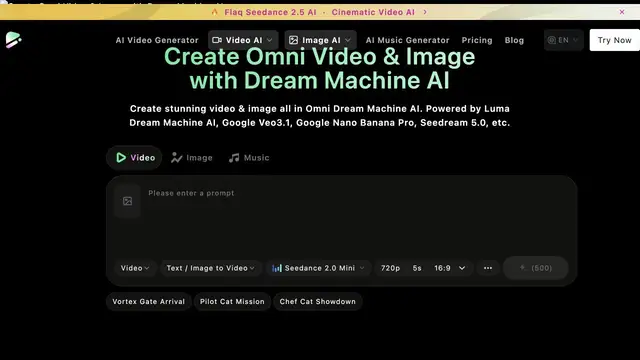
    Develop a visual story from text and reference images, then explore video, image, and music creation in one platform. AI VideoWeb's Canvas connects prompts and visual assets, helping marketers, educators, and social creators organize scene ideas, product clips, and creative variations.

    Explore AI VideoWeb
  • VideoWeb AI: Video creation & storytelling

    videoweb.ai

    VideoWeb AI

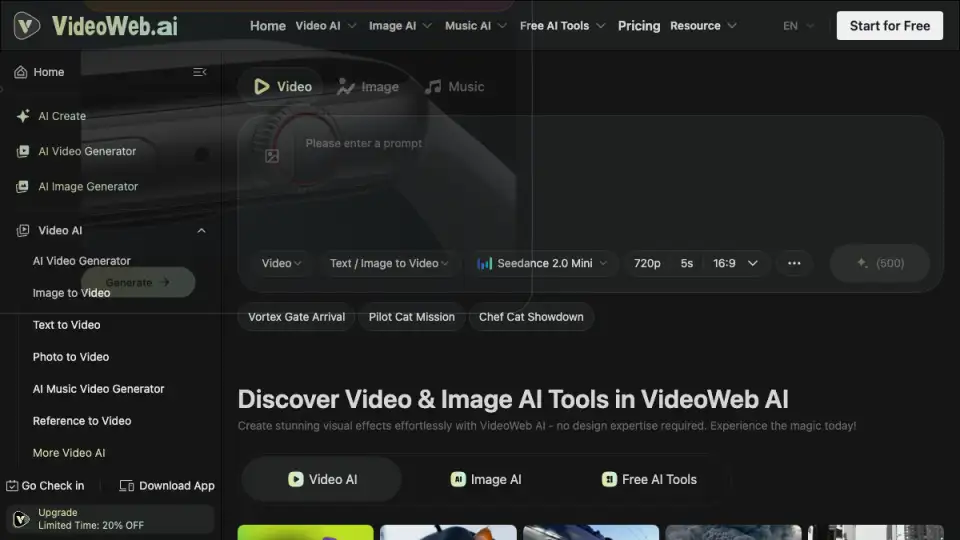
    Animate a source image with a motion prompt rather than starting every scene from scratch. VideoWeb AI's image-to-video workflow suits creators turning portraits, product photos and storyboard frames into short visual stories for social media or campaign concepts.

    Explore VideoWeb AI
  • Fylia AI: Video creation & storytelling

    fylia.ai

    Fylia AI

    Bring image and video generation into a connected creative workflow. Fylia AI offers tools for working from prompts and visual references, making it useful for marketers and storytellers developing scene directions, animated products and several versions of an idea.

    Explore Fylia AI
  • Pixverse AI Creative Tools: Video creation & storytelling

    pixverseai.net

    Pixverse AI Creative Tools

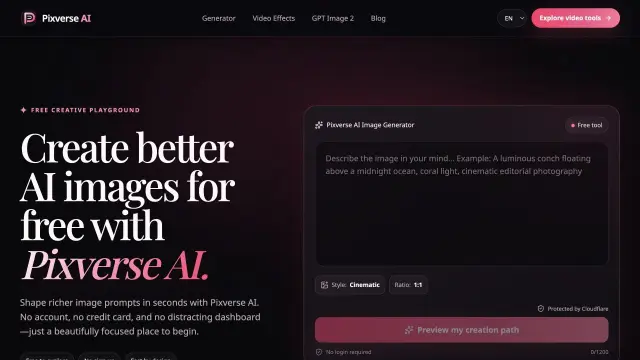
    Move from a still-image idea to a short motion experiment. Pixverse AI offers ChatGPT Images 2.5 generation and editing, plus MiniMax H3 video from text or start-and-end frames. Useful for social storyboards and visual comparisons; its video outputs are for evaluation, not commercial use.

    Explore Pixverse AI Creative Tools
  • SeeVido AI: Video creation & storytelling

    seevido.com

    SeeVido AI

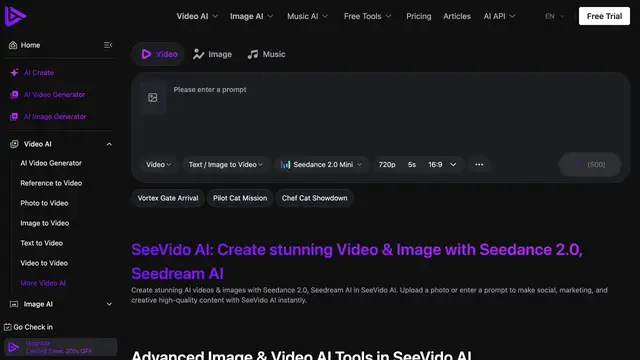
    Explore AI video and image creation for short-form visual projects. SeeVido AI suits social creators and marketers developing scenes, experimenting with image animation and producing creative drafts for content planning rather than filming every initial idea.

    Explore SeeVido AI
  • Free Video AI: Video creation & storytelling

    freevideoai.org

    Free Video AI

    Explore text-to-video and image-to-video creation alongside browser-based video utilities. Free Video AI helps beginners and content creators test a scene, animate a reference and prepare short clips while learning which inputs make their ideas work on screen.

    Explore Free Video AI

Music & audio workflows

Develop musical ideas, prepare audio and explore AI detection tools. Separate creative generation from audio analysis so you can choose the right tool for composing, editing or checking a recording.

Who it is for
Musicians, podcasters, video editors, songwriters and creators experimenting with sound.
Where it helps
Song demos, background tracks, podcast audio preparation and music analysis before editorial review.
  • MusicMaker AI: Music & audio workflows

    musicmaker.im

    MusicMaker AI

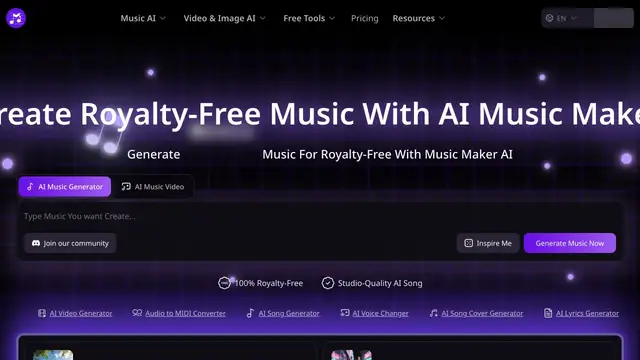
    Develop song ideas and music from text or lyrics in an AI music creation workflow. Songwriters and video creators can explore moods, themes and demo directions, then evaluate the result against their project's editing needs and intended usage rights.

    Explore MusicMaker AI
  • AI Music Checker: Music & audio workflows

    aimusicchecker.org

    AI Music Checker

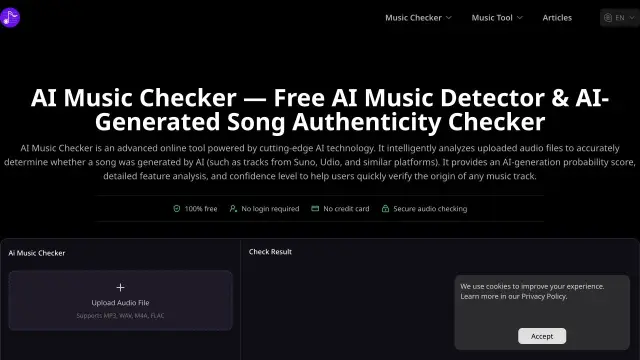
    Preview an MP3, WAV, M4A, or FLAC recording and screen for signals of AI-generated music. AI Music Checker gives musicians, editors, and reviewers a probability estimate to investigate alongside production records. Audio is uploaded for analysis; results do not prove authorship or licensing.

    Explore AI Music Checker
  • Free Music AI: Music & audio workflows

    freemusicai.org

    Free Music AI

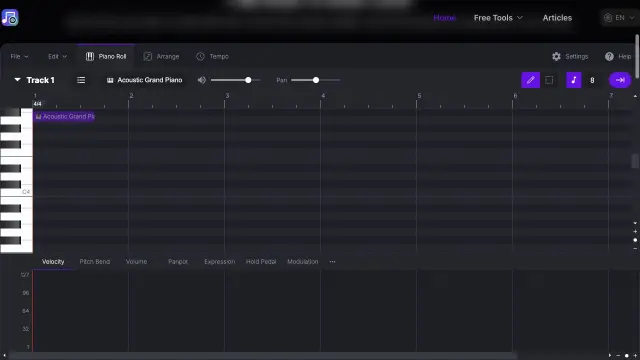
    Prepare recordings with online music and audio tools, including editing, music analysis and music-to-MIDI workflows. Free Music AI suits musicians, podcasters and editors who need a practical companion for working with audio after the initial creative idea.

    Explore Free Music AI

Product marketing, fashion & 3D

Make product concepts easier to see. Explore virtual outfits, generated 3D assets and UGC-style creative ideas before committing to a full photo shoot, production pipeline or advertising campaign.

Who it is for
E-commerce teams, fashion sellers, product designers, game artists and performance marketers.
Where it helps
Outfit visualization, product presentation concepts, 3D prototypes and short-form creative variations for social ads.
  • See 3D AI: Product marketing, fashion & 3D

    see3d.art

    See 3D AI

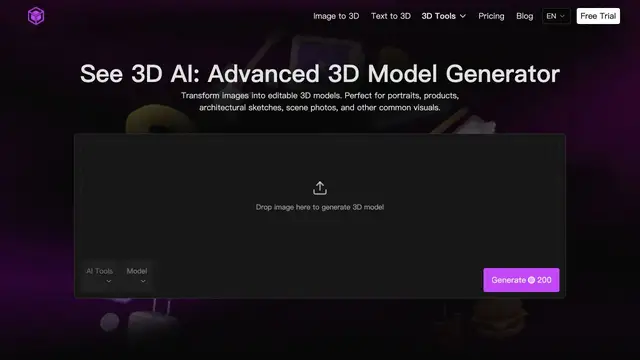
    Explore AI-assisted 3D asset creation from visual or written ideas. See 3D AI is relevant to designers, game artists and makers looking to develop an early object concept or prototype before refining geometry, materials and production requirements in their usual tools.

    Explore See 3D AI
  • Virtual Try On AI: Product marketing, fashion & 3D

    aitryon.art

    Virtual Try On AI

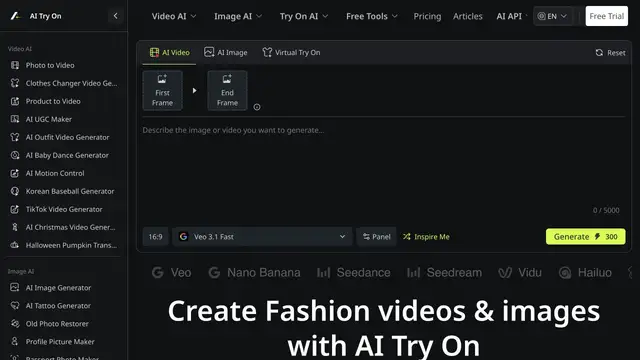
    Preview clothing ideas with a virtual try-on workflow. Fashion sellers, stylists and shoppers can explore outfit presentation without organizing every concept as a photo shoot; generated previews are visual references rather than measurements or a guarantee of physical fit.

    Explore Virtual Try On AI
  • UGC Maker AI: Product marketing, fashion & 3D

    ugcmaker.org

    UGC Maker AI

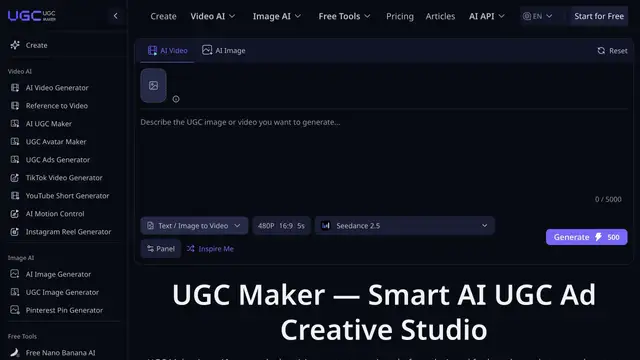
    Develop UGC-style image and video ad concepts around a product. UGC Maker AI is aimed at marketers and e-commerce teams exploring social-first creative variations, product storytelling and campaign drafts that can be reviewed and refined before publication.

    Explore UGC Maker AI

Research, writing & productivity

Move from scattered information to a clear next step. Use conversational assistants for drafting and explanation, research tools for source discovery, and directories to explore more specialized AI workflows.

Who it is for
Students, teachers, researchers, writers, founders and teams organizing everyday knowledge work.
Where it helps
Study notes, lesson outlines, market research, first drafts, document summaries and finding a task-specific assistant.
  • AI Scholar GPT: Research, writing & productivity

    scholargpt.ai

    AI Scholar GPT

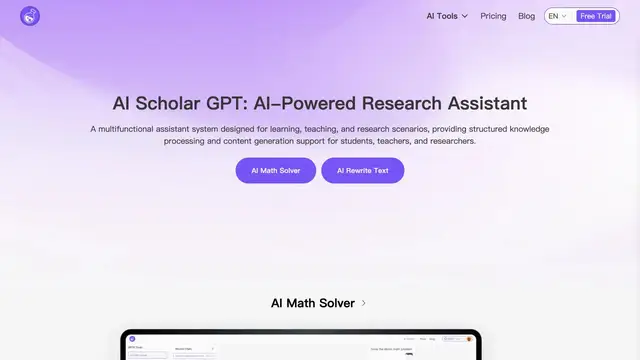
    Ask questions, work through math explanations, rewrite text and turn scripts into speech. AI Scholar GPT suits students, teachers and writers looking for a practical learning assistant; review explanations and check original sources when using its output in academic work.

    Explore AI Scholar GPT
  • AgentHunt: Research, writing & productivity

    agenthunt.io

    AgentHunt

    Discover AI agents and specialized tools by exploring a dedicated directory. AgentHunt is a starting point for founders, operators and curious users searching for assistance with a particular task, then comparing the candidate tools on their own websites.

    Explore AgentHunt
  • chatgpt.com

    ChatGPT

    Brainstorm ideas, draft and refine text, discuss documents and work through questions with a conversational assistant. ChatGPT suits students, writers and teams who want an adaptable starting point for everyday work and creative planning across several types of content.

    Explore ChatGPT
  • claude.ai

    Claude

    Develop writing, analyze supplied material and iterate on code or documents through conversation. Claude suits writers, analysts and developers who want to discuss a brief in detail, refine an explanation and develop a draft through several rounds of feedback.

    Explore Claude
  • perplexity.ai

    Perplexity

    Explore questions with an AI search and research workflow that provides links to sources. Perplexity suits researchers, students and professionals gathering context, comparing perspectives and building an initial reading list before checking the original material.

    Explore Perplexity

Coding & AI APIs

Bring AI into the tools you build. Coding assistants support implementation inside your development workflow, while media APIs make image and video generation available to your own applications.

Who it is for
Software developers, technical founders, product teams and agencies building AI-powered experiences.
Where it helps
Code exploration, implementation assistance, media-generation prototypes and integrating creative features into a product.
  • Best Image AI API: Coding & AI APIs

    bestimage.ai

    Best Image AI API

    Compare image and video models online, adjust generation parameters, then integrate your chosen workflows through a unified API. Best Image AI helps developers and product teams turn model experiments into app features, campaign assets, and repeatable content pipelines.

    Explore Best Image AI API
  • github.com

    GitHub Copilot

    Get coding assistance within supported development workflows, including code suggestions and conversational help. GitHub Copilot suits developers exploring an unfamiliar codebase, implementing a feature or drafting changes, with code review and verification as part of the process.

    Explore GitHub Copilot

How to choose the best AI tools for you

A great toolkit fits your real workload. Compare tools using the same small brief so you can see the differences in quality, control and effort instead of choosing from a polished showcase alone.

Start with one outcome

Name the deliverable first: a thumbnail, a product clip, a song demo, a research outline or an API feature. Choose the tool built for that task, then check whether it accepts your starting material and exports the format you need.

Look for useful creative control

Test how well a tool follows your brief, handles references and supports revision. For images inspect composition and text; for video review motion and continuity; for writing check meaning and sources. The best result is one you can confidently refine.

Compare the cost of a finished result

Consider credits, retries, export limits, watermarks and the time you spend editing. Try the available free access or a small project first. Check the provider's current plans rather than assuming every feature is included because a tool offers a free entry point.

Check the terms for your project

Before publishing client work, advertising or music, review commercial-use rights, asset permissions and data handling. Confirm the terms of both the service and the model you use. A generation tool does not automatically grant rights to third-party material in your input.

Build a workflow, not another collection of tabs

  1. Shape the idea

    Use a writing or research assistant to turn a rough idea into a clear brief. Define your audience, message, visual references and the format you want to publish before opening a generator.

  2. Create and compare

    Choose an image, video, music or product tool for the core asset. Try a few focused variations, keep the strongest direction and refine it against your brief rather than generating endlessly.

  3. Prepare for publishing

    Bring the result into your editing or design workflow. Check facts, rights and visual details, then adjust the layout, compress images or prepare audio and video exports for the destination platform.

Best AI tools: common questions

Which AI tool is best for beginners?

Start with the task you already understand. A conversational assistant is useful for drafting and explanation; a simple image generator works for visual experiments; a focused image-to-video tool helps animate an existing photo. Try one tool and one small project before adding more.

Are all the recommended AI tools free?

No. This directory includes tools with different access models, including free utilities, trials, credits and subscriptions. Names that include 'Free' do not guarantee every feature is unlimited. Open the provider's website to check current access, download limits and paid features.

Can I use AI-generated images, video and music commercially?

It depends on the provider, model, plan and input material. Read the current license and commercial-use terms before publishing or delivering client work. Also check permissions for faces, trademarks, music samples and any reference assets used in the project.

Should I use one AI platform or several specialist tools?

An all-in-one platform can simplify your early workflow, while a specialist tool may offer more relevant controls for a particular task. Start with the smallest toolkit that gets the job done, then add a tool when it solves a clear gap in quality, format or integration.

Ready to turn an idea into a visual?

Start with Flux AI for your next image, then explore the directory as your creative needs grow.

Create with Flux AI