Neon Shadows: Hacker's Haven - Flux.1 schnell
prompt
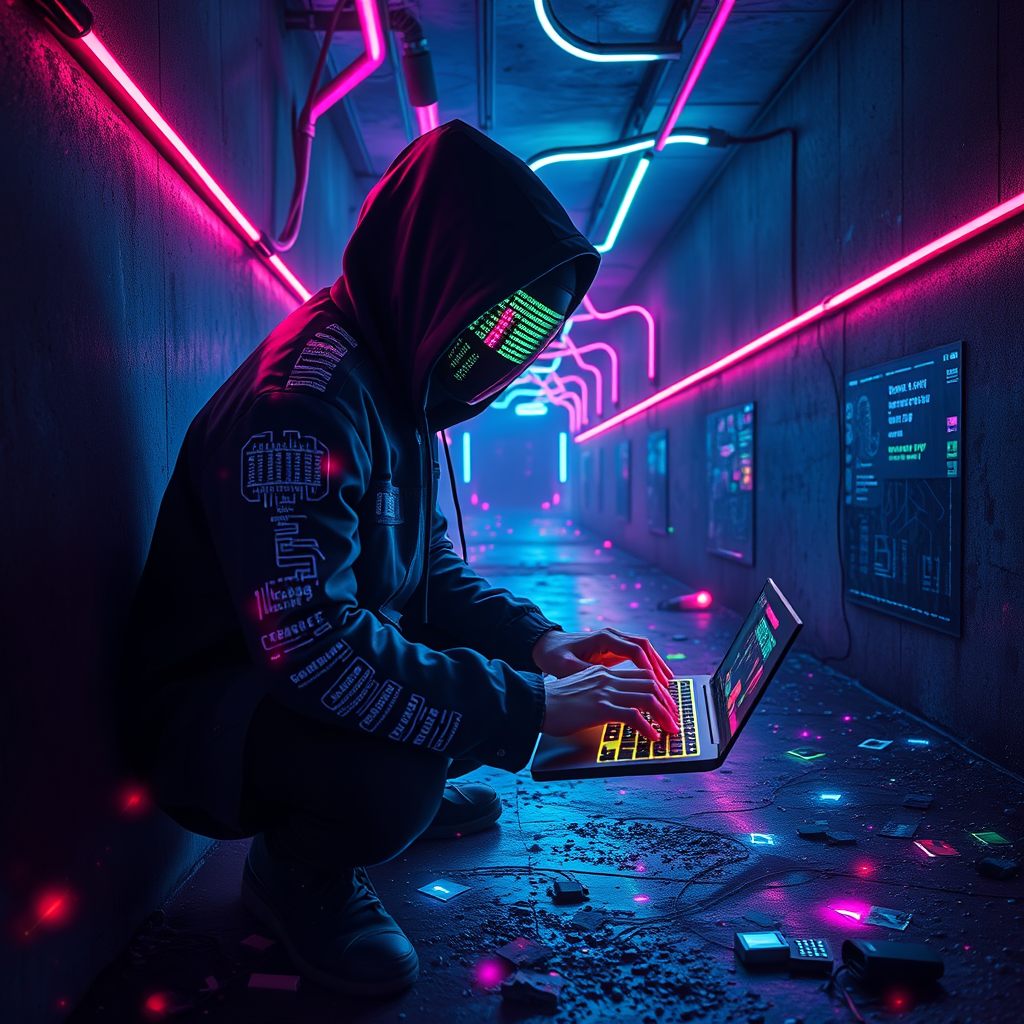
In a dimly lit neon labyrinth, a rogue hacker crouches amidst a chaos of flickering data shards, their iridescent glow casting a kaleidoscope of colors—electric blues, vivid pinks, and sharp greens—across the damp, gritty concrete walls. The air hums with the static of digital whispers, illuminated by pulsating LED strips that snake through the maze, creating a surreal atmosphere. The hacker, clad in a sleek, black hooded jacket adorned with glowing circuit patterns, types furiously on a holographic keyboard, their face obscured by a reflective visor displaying scrolling code. Around them, fragmented screens flicker with stolen identities, while swirling motes of data drift like fireflies in the shadows. The distant sound of digital rain patters against the ground, enhancing the sense of urgency and secrecy in this high-tech underworld, where every corner hides a new secret waiting to be unearthed.
Detailed Analysis of the Flux AI Image Prompt
Analyze the detailed prompt used to generate the image with Flux AI Image Generator.
Explore Flux Prompts for the Flux AI Image Generator
How to generate image by Flux.1 schnell
Follow these four simple steps to create your desired image.
Step 1: Enter Your Text (Feel free to refine your prompt for better results)
Step 2: Choose Image Aspect Ratio
Step 3: Select Your Flux Model:
Step 4: Click the Generate Button and Wait a Few Seconds for Your Image
Related Flux AI tools for prompts about Flux.1 schnell
Discover advanced tools from Flux AI to boost your creative workflow.