Joyful Curves in Bloom - Flux.1.1 pro
prompt
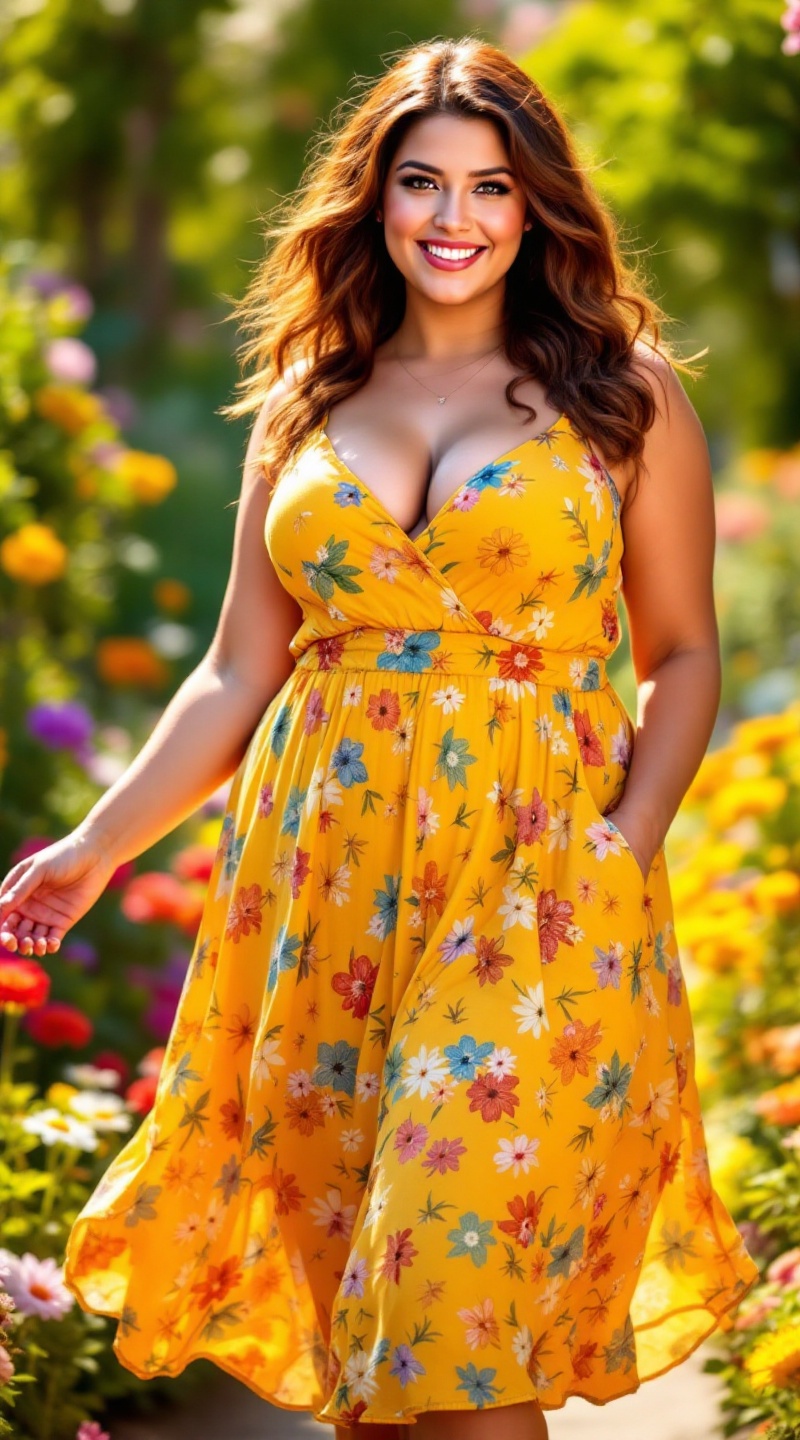
A curvy woman stands confidently in a sunlit garden, her wavy chestnut hair cascading down her shoulders, catching glimmers of sunlight. Her warm, olive skin glows with a natural radiance. She has soft, rounded facial features, with bright hazel eyes that sparkle with joy and a gentle smile that reveals a hint of playfulness. Her body is voluptuous, with an hourglass figure accentuated by the vibrant sundress she wears. The sundress is a lively mix of bright yellows and floral patterns, flowing loosely to her knees and cinched at the waist, highlighting her curves. She is playfully twirling, arms outstretched, exuding a sense of freedom and joy. The garden around her is lush and colorful, filled with blooming flowers and green foliage, enhancing the vibrant atmosphere of the scene.
Detailed Analysis of the Flux AI Image Prompt
Analyze the detailed prompt used to generate the image with Flux AI Image Generator.
Explore Flux Prompts for the Flux AI Image Generator
How to generate image by Flux.1.1 pro
Follow these four simple steps to create your desired image.
Step 1: Enter Your Text (Feel free to refine your prompt for better results)
Step 2: Choose Image Aspect Ratio
Step 3: Select Your Flux Model:
Step 4: Click the Generate Button and Wait a Few Seconds for Your Image
Related Flux AI tools for prompts about Flux.1.1 pro
Discover advanced tools from Flux AI to boost your creative workflow.