Kenshin Himura - Flux.1 dev
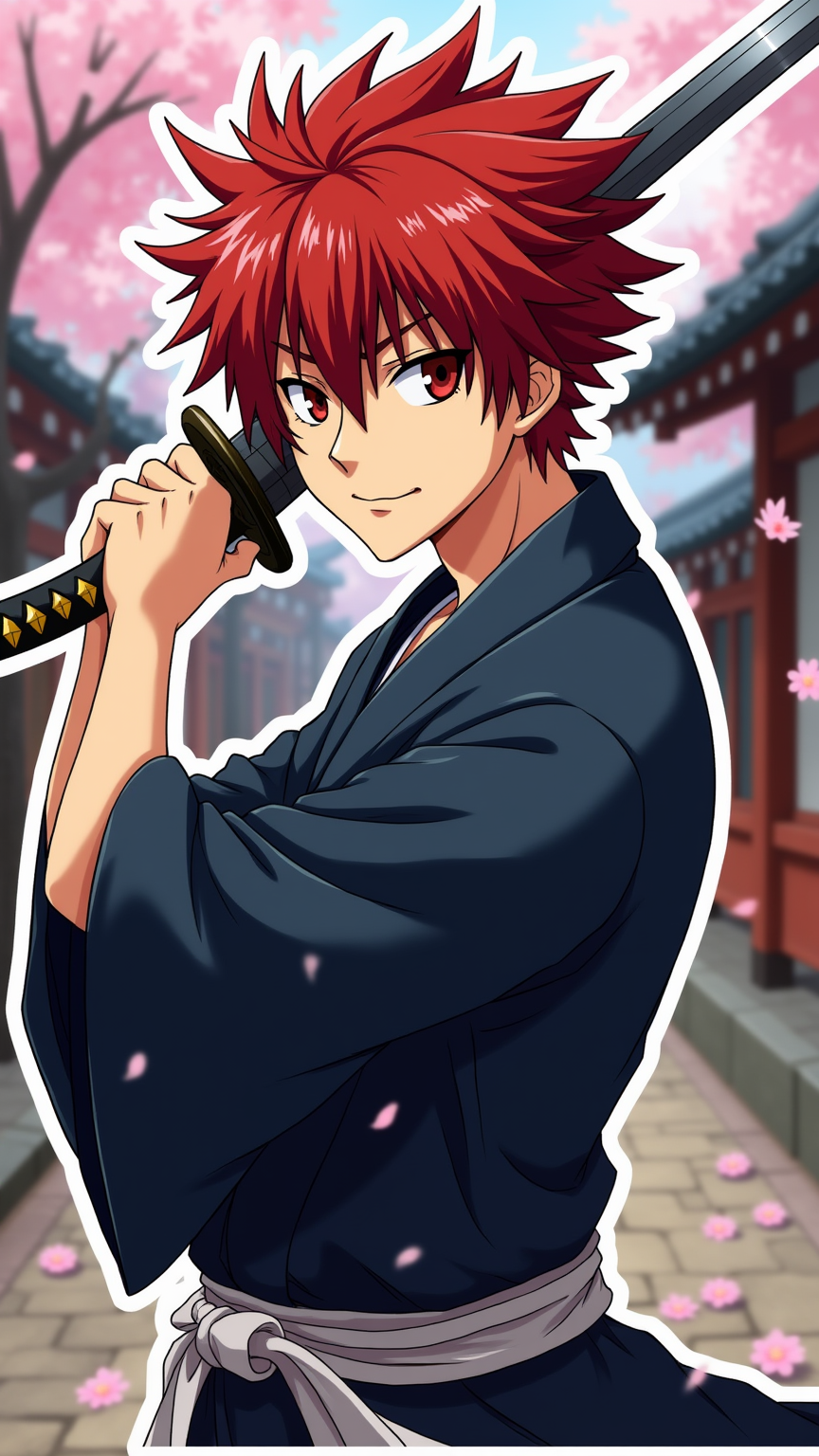
prompt
Create an image of Kenshin Himura from "Rurouni Kenshin" in a vibrant anime sticker style. Focus on his striking red hair, styled in a spiky manner, and his distinctive cross-shaped scar on the left side of his face. He should be wearing his traditional dark blue kimono, cinched with a white obi, and carrying his iconic reverse-blade sword, which is partially drawn. Capture his determined yet gentle expression, with a slight smile that reflects his compassionate nature. Position him in a dynamic pose, mid-action, as if he’s ready to defend someone. Set the background in a serene Japanese village with cherry blossoms gently falling, creating a contrast between his fierce demeanor and the peaceful setting. Use bold outlines and bright colors characteristic of anime sticker art, emphasizing his unique traits and the signature elements of the series, like the flowing fabric of his attire and the vibrant cherry blossoms.
Detailed Analysis of the Flux AI Image Prompt
Analyze the detailed prompt used to generate the image with Flux AI Image Generator.
Explore Flux Prompts for the Flux AI Image Generator
How to generate image by Flux.1 dev
Follow these four simple steps to create your desired image.
Step 1: Enter Your Text (Feel free to refine your prompt for better results)
Step 2: Choose Image Aspect Ratio
Step 3: Select Your Flux Model:
Step 4: Click the Generate Button and Wait a Few Seconds for Your Image
Related Flux AI tools for prompts about Flux.1 dev
Discover advanced tools from Flux AI to boost your creative workflow.