Biryani - Flux.1.1 pro
prompt
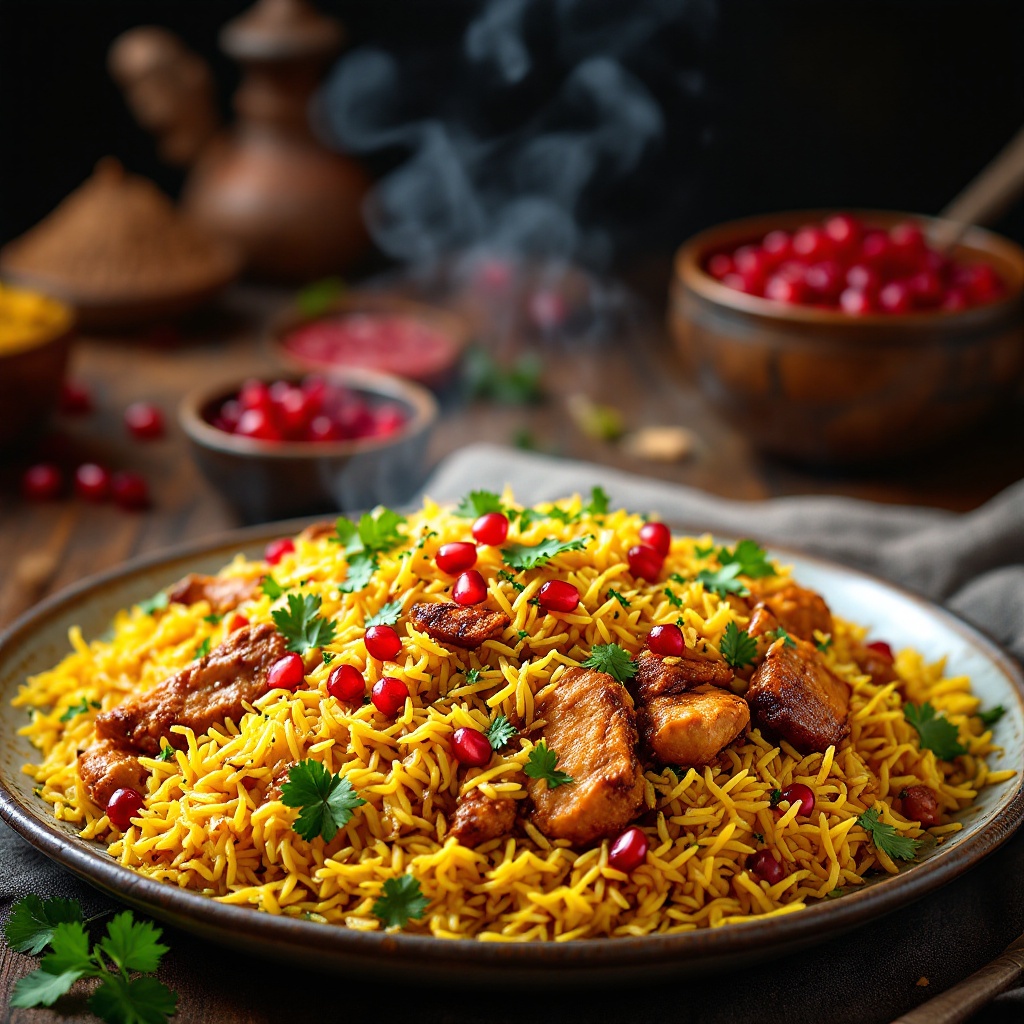
A vibrant plate of Biryani, showcasing layers of saffron-infused basmati rice, glistening with golden hues and flecks of green cilantro. Tender marinated chicken pieces and aromatic spices peek through, their rich, earthy tones contrasting beautifully with the rice. The dish is garnished with caramelized onions and a sprinkle of pomegranate seeds, adding a pop of ruby red. Set against a rustic wooden table adorned with traditional Indian textiles, the scene is enhanced by warm, ambient lighting that casts a soft glow, highlighting the steam rising from the hot Biryani, creating an inviting atmosphere. Framed in a close-up macro style, the textures of the grains and spices are accentuated, while the enticing aroma seems almost tangible, promising a symphony of flavors that tantalize the senses.
Detailed Analysis of the Flux AI Image Prompt
Analyze the detailed prompt used to generate the image with Flux AI Image Generator.
Explore Flux Prompts for the Flux AI Image Generator
How to generate image by Flux.1.1 pro
Follow these four simple steps to create your desired image.
Step 1: Enter Your Text (Feel free to refine your prompt for better results)
Step 2: Choose Image Aspect Ratio
Step 3: Select Your Flux Model:
Step 4: Click the Generate Button and Wait a Few Seconds for Your Image
Related Flux AI tools for prompts about Flux.1.1 pro
Discover advanced tools from Flux AI to boost your creative workflow.