Master bubble wrap artist - Flux.1 dev
prompt
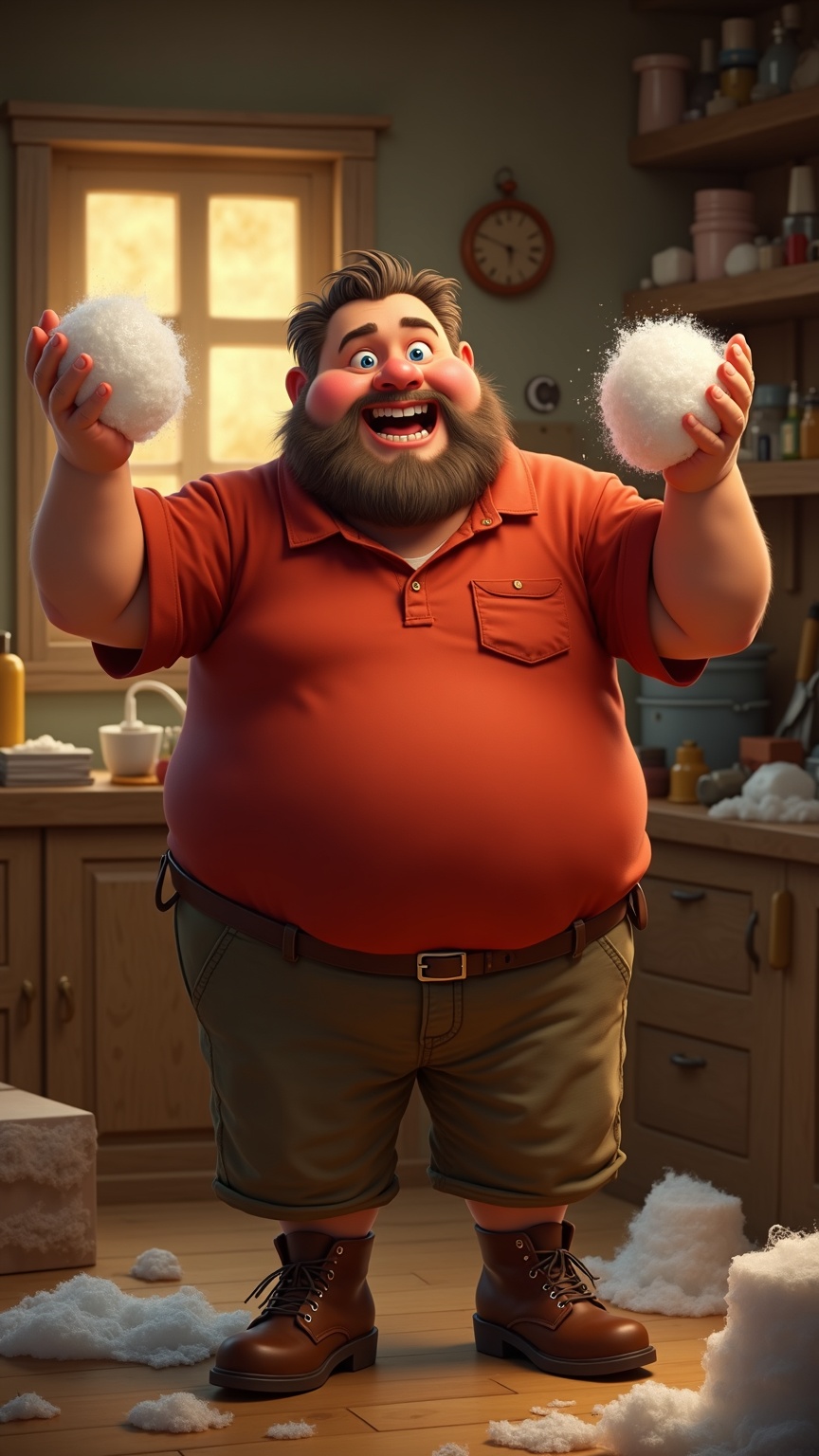
**Prompt:** A cheerful, middle-aged man with a round face, rosy cheeks, and a short, scruffy salt-and-pepper beard. His bright blue eyes sparkle with playful energy, and his short, wavy hair is slightly tousled. He has a stocky, sturdy build with broad shoulders and a slightly protruding belly. He wears a vibrant red polo shirt with the sleeves rolled up, tucked into worn-in khaki pants, and scuffed brown work boots. His hands are raised mid-clap, fingers pressing down on a large sheet of bubble wrap, his expression gleeful as he pops the bubbles with childlike enthusiasm. The background is a cluttered, cozy workshop with wooden shelves filled with tools, rolls of bubble wrap, and scattered packing materials, lit by warm, golden sunlight streaming through a dusty window.
Detailed Analysis of the Flux AI Image Prompt
Analyze the detailed prompt used to generate the image with Flux AI Image Generator.
Explore Flux Prompts for the Flux AI Image Generator
How to generate image by Flux.1 dev
Follow these four simple steps to create your desired image.
Step 1: Enter Your Text (Feel free to refine your prompt for better results)
Step 2: Choose Image Aspect Ratio
Step 3: Select Your Flux Model:
Step 4: Click the Generate Button and Wait a Few Seconds for Your Image
Related Flux AI tools for prompts about Flux.1 dev
Discover advanced tools from Flux AI to boost your creative workflow.