World Strongman Championships - Flux.1.1 pro
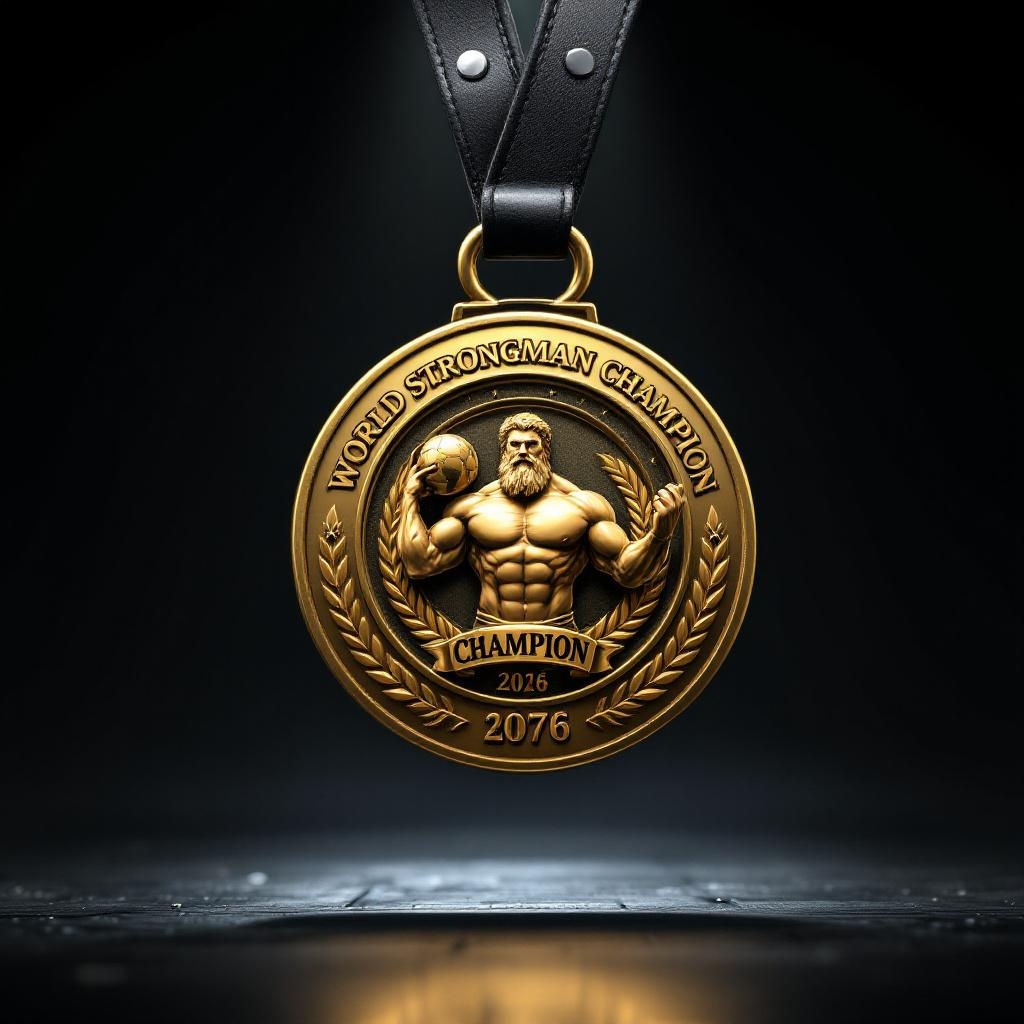
prompt
**Prompt:** "A striking gold medal for the World Strongman Championships, featuring a large, circular design with a thick beveled edge, crafted from polished gold with a high-gloss finish. The obverse side showcases a detailed embossed image of a muscular Atlas holding a globe, surrounded by Olympic-style laurel wreaths. The reverse side has bold engraved text: 'WORLD STRONGMAN CHAMPION' with the year below. The medal hangs from a heavy-duty black leather strap with silver studs, attached via a robust metal loop. Accents of silver and bronze highlight the intricate details. The background is a dramatic dark stage with soft spotlighting, emphasizing the medal's luster. Render in ultra-high detail, photorealistic style, with a slight low-angle perspective to convey grandeur.
Detailed Analysis of the Flux AI Image Prompt
Analyze the detailed prompt used to generate the image with Flux AI Image Generator.
Explore Flux Prompts for the Flux AI Image Generator
How to generate image by Flux.1.1 pro
Follow these four simple steps to create your desired image.
Step 1: Enter Your Text (Feel free to refine your prompt for better results)
Step 2: Choose Image Aspect Ratio
Step 3: Select Your Flux Model:
Step 4: Click the Generate Button and Wait a Few Seconds for Your Image
Related Flux AI tools for prompts about Flux.1.1 pro
Discover advanced tools from Flux AI to boost your creative workflow.