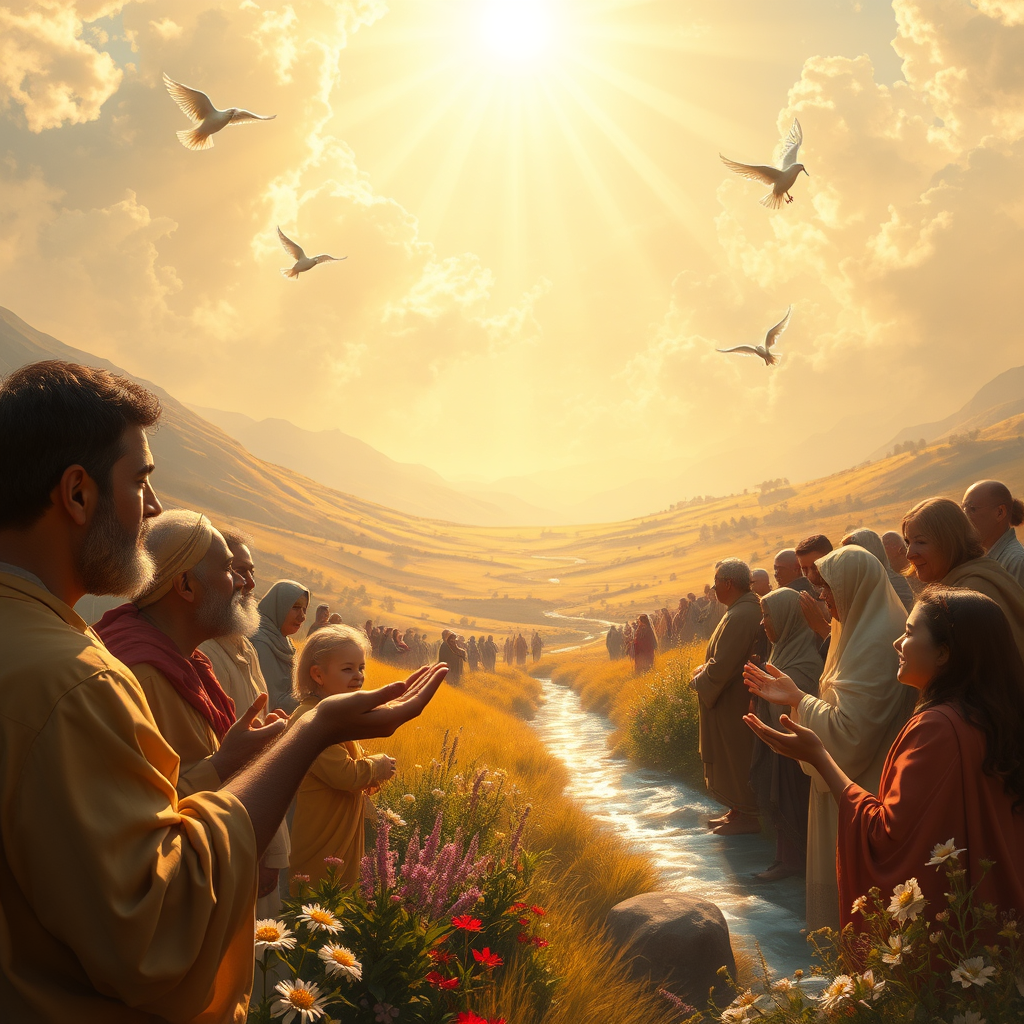
The Lord is good to all. - Flux.1 schnell
prompt
**Prompt:** "A serene, sunlit valley bathed in golden light, where diverse people of all ages and backgrounds gather peacefully under a vast, radiant sky. A warm, divine glow emanates from above, symbolizing divine benevolence, while gentle hands—some weathered, some young—extend in kindness, offering bread, water, and comfort. Lush fields, blooming flowers, and a flowing river reflect abundance and grace. The style is soft yet vivid, reminiscent of Renaissance chiaroscuro with a touch of impressionist warmth. The mood is uplifting, hopeful, and inclusive, with soft-focus edges and ethereal light filtering through clouds. Subtle halos and doves enhance the sacred atmosphere, reinforcing 'The Lord is good to all.'" (984 characters)
Detailed Analysis of the Flux AI Image Prompt
Analyze the detailed prompt used to generate the image with Flux AI Image Generator.
Explore Flux Prompts for the Flux AI Image Generator
How to generate image by Flux.1 schnell
Follow these four simple steps to create your desired image.
Step 1: Enter Your Text (Feel free to refine your prompt for better results)
Step 2: Choose Image Aspect Ratio
Step 3: Select Your Flux Model:
Step 4: Click the Generate Button and Wait a Few Seconds for Your Image
Related Flux AI tools for prompts about Flux.1 schnell
Discover advanced tools from Flux AI to boost your creative workflow.