Jollof Rice - Flux.1 dev
prompt
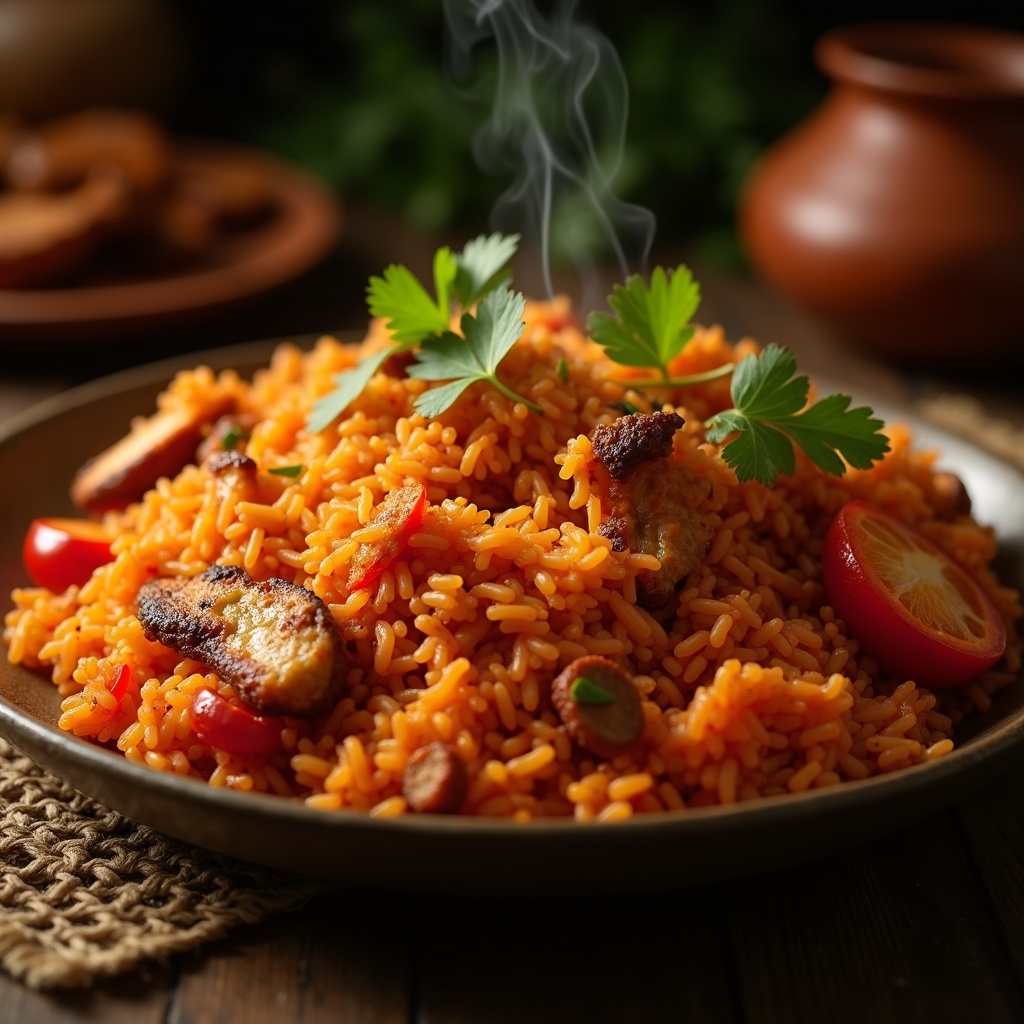
**Prompt:** *"A vibrant plate of West African Jollof Rice, rich with deep orange-red hues from the tomato base, flecked with golden fried onions and aromatic spices. The grains glisten under warm, diffused lighting, steam curling gently above the dish. Scattered around are charred edges of roasted chicken, fresh cilantro, and sliced red peppers for contrast. Shot in a rustic, textured setting—a weathered wooden table with a woven mat, a clay pot nearby—evoking homely authenticity. Close-up, shallow depth of field highlights the rice's fluffy texture and glossy sauce, with a hint of smoky aroma lingering in the air. Style: rustic food photography with earthy tones and natural warmth."* (999 characters)
Detailed Analysis of the Flux AI Image Prompt
Analyze the detailed prompt used to generate the image with Flux AI Image Generator.
Explore Flux Prompts for the Flux AI Image Generator
How to generate image by Flux.1 dev
Follow these four simple steps to create your desired image.
Step 1: Enter Your Text (Feel free to refine your prompt for better results)
Step 2: Choose Image Aspect Ratio
Step 3: Select Your Flux Model:
Step 4: Click the Generate Button and Wait a Few Seconds for Your Image
Related Flux AI tools for prompts about Flux.1 dev
Discover advanced tools from Flux AI to boost your creative workflow.