Antique compass adjuster - Flux.1 dev
prompt
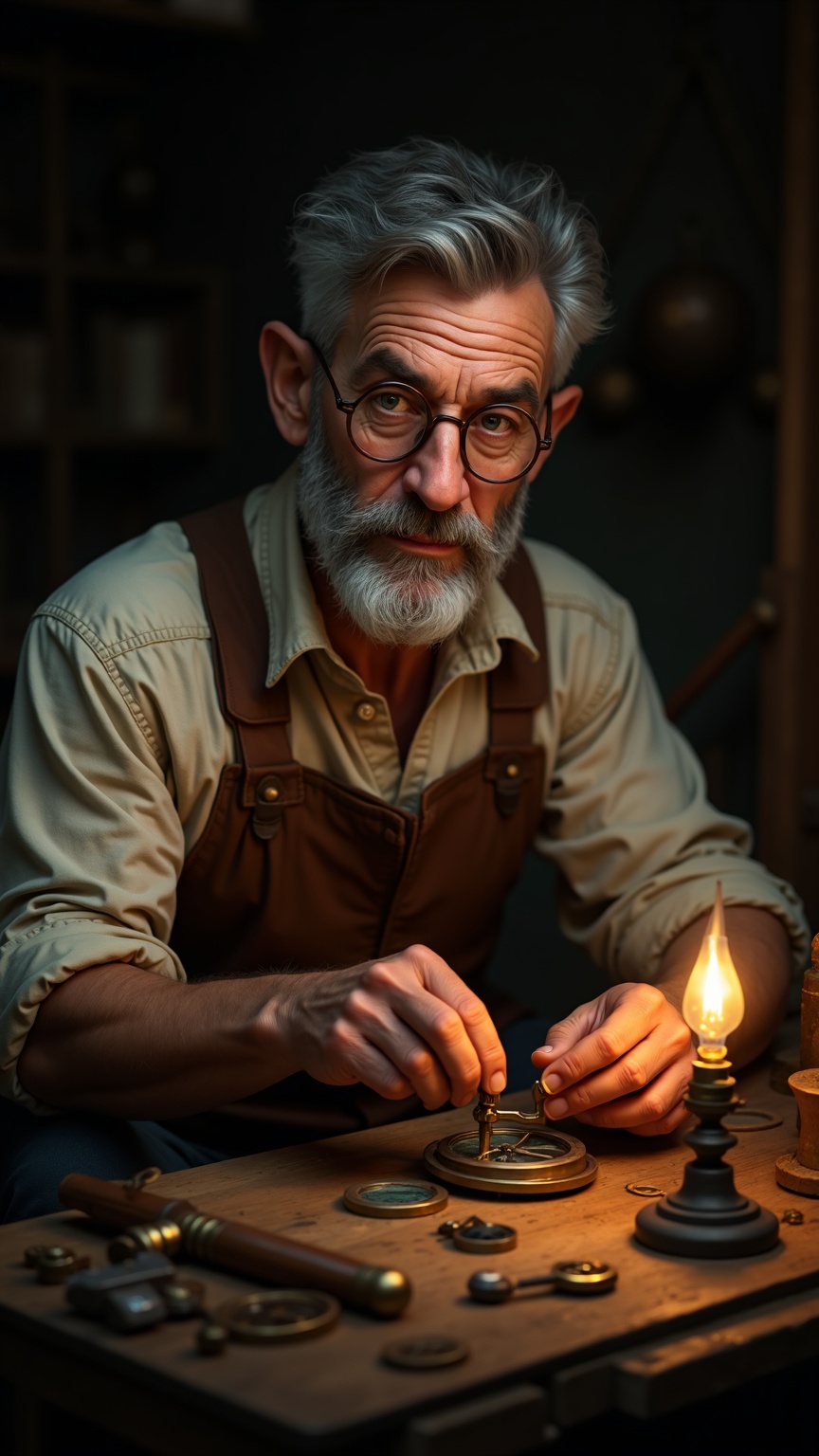
**Prompt:** A middle-aged man with a weathered face, deep-set wrinkles around his piercing blue eyes, and a neatly trimmed salt-and-pepper beard. His short, wavy hair is streaked with gray, and his tanned skin suggests years of outdoor work. He has a lean, wiry build with strong, calloused hands. He wears a faded brown leather apron over a rolled-up white linen shirt, its sleeves slightly stained with oil. A pair of round, wire-rimmed glasses perch on his nose as he carefully adjusts an antique brass compass with delicate tools. His expression is focused and meticulous, lips pressed in concentration. The dim glow of an oil lamp casts warm light on the wooden workbench cluttered with gears, magnifiers, and old maps. The background reveals a cozy workshop with shelves of antique instruments and dusty books.
Detailed Analysis of the Flux AI Image Prompt
Analyze the detailed prompt used to generate the image with Flux AI Image Generator.
Explore Flux Prompts for the Flux AI Image Generator
How to generate image by Flux.1 dev
Follow these four simple steps to create your desired image.
Step 1: Enter Your Text (Feel free to refine your prompt for better results)
Step 2: Choose Image Aspect Ratio
Step 3: Select Your Flux Model:
Step 4: Click the Generate Button and Wait a Few Seconds for Your Image
Related Flux AI tools for prompts about Flux.1 dev
Discover advanced tools from Flux AI to boost your creative workflow.