Free GPT Image 2 AI Image Generator & Editor
Bring product scenes, posters, and illustrations to life with Free GPT Image 2 on Flux AI. Create from a prompt or guide an edit with reference images, then choose your aspect ratio. Enjoy 100% free generation, no signup required, and unlimited generations as you compare and download your ideas.
GPT Image Tools and API Access
Choose a free GPT Image page for browser-based creation, or follow the Flaq API entry for OpenAI GPT Image model access. API usage is priced separately from the free browser tool.
Explore the 2.5 Image Update
OpenAI describes improved detail, edit precision, and preservation of subjects across changes in 2.5. Try the free 2.5 generator with a prompt or one reference to explore those changes for your own visual brief.
Read OpenAI’s Images 2.5 introductionExplore Product Scenes and Compositions with Free GPT Image 2 AI Image Generator
Review product and scene examples for composition ideas. Describe your own subject, lighting, and layout in the image form.
Example 1
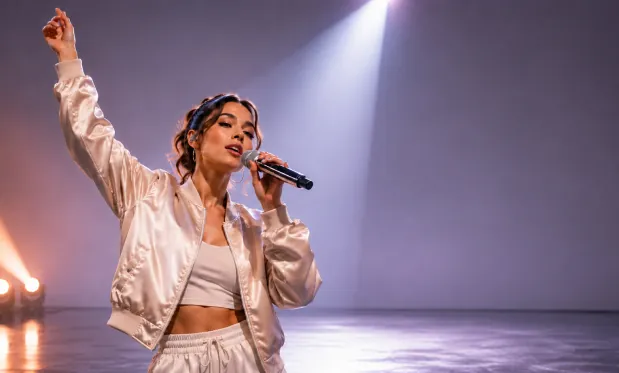
4K Product Showcase
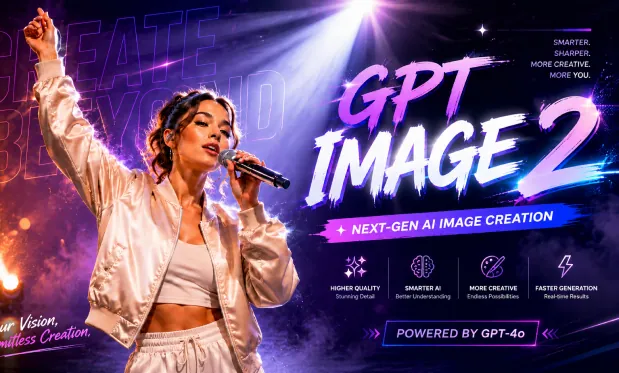
4K Product Showcase
Example 2
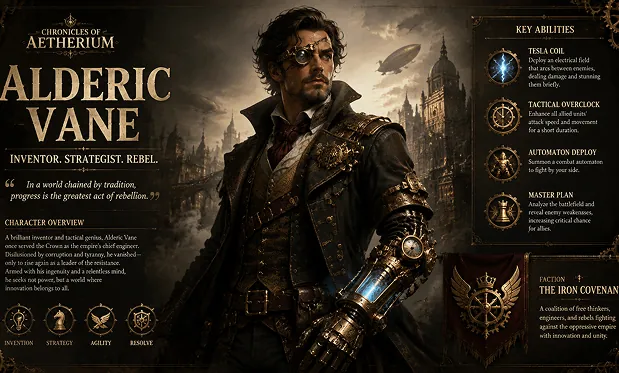
Cinematic AI Scene
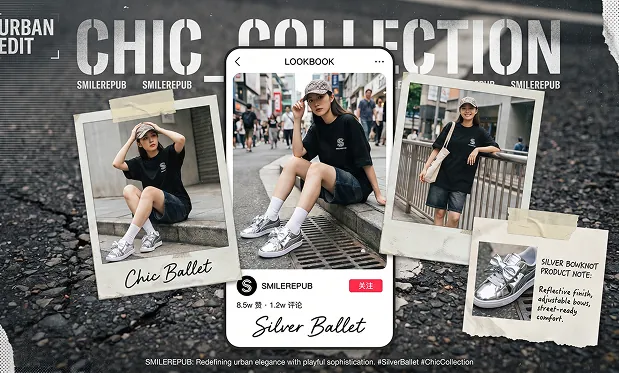
Cinematic AI Scene
Create and Edit Images with Free GPT Image 2
Experience free GPT Image 2 features on Flux AI. Turn a written brief into a new image, use references to guide an edit, and choose a frame shape for product visuals, posters, or social graphics.
No Signup AI Image Generation
Start creating images online without registration. Enter a prompt, choose your creative direction, and generate AI images in a browser-based workflow without account setup.
Text to Image with GPT Image 2
Describe the subject, setting, lighting, camera angle, style, color palette, mood, typography, and composition, then create detailed images that follow your prompt.
Reference Image Editing
Upload reference images to guide image-to-image generation, redesign existing visuals, test new styles, refine product shots, restyle portraits, or preserve key visual direction.
Flexible Aspect Ratio Options
Create square posts, portraits, banners, thumbnails, posters, widescreen scenes, and mobile-ready visuals with ratios such as 1:1, 4:5, 9:16, 16:9, and 21:9.
Explore More Creative Directions with Free GPT Image 2
Create 100% free on Flux AI with no signup required and unlimited generations. Refine one prompt detail at a time, compare your previews, and download the strongest draft; verification and free queues still apply.
Start without an Account
Enter a prompt and generate for free without signing up. Try a visual direction before deciding which image to develop further.
Give Changes in Plain Language
Describe the background, lighting, or style you want in the prompt. Name the subject details you want the generated image to retain.
Compare One Change at a Time
Revise one prompt detail between generations, such as the background color or camera angle. Compare the resulting images to choose a direction.
Save a Draft to Develop
Preview the generated composition and download the version you want to keep. Check text, edges, and subject details before using it in a finished design.
Create Campaign and Lesson Visuals with Free GPT Image 2 AI Image Generator
Generate drafts for social graphics, product scenes, photo variations, or lessons. Describe the intended layout and review each output before use.
Create posts, thumbnails, profile visuals, short-form video covers, Pinterest-style graphics, campaign images, and platform-ready assets for social publishing.
Social Media and Creator Content
Generate product scenes, lifestyle mockups, promotional posters, packaging concepts, ecommerce visuals, and ad variations before investing in full production.
Advertising and Product Concepts
Upload reference images to adjust style, redesign scenes, change visual direction, create image variations, test new backgrounds, or reinterpret existing visuals.
Photo Editing and Visual Remixing
Turn abstract ideas into clear illustrations, slide graphics, diagrams, lesson visuals, learning resources, and explanatory images for teaching and communication.
Education and Presentation Design
Free GPT Image 2 AI Image Generator on Twitter
Join our Free GPT Image 2 AI Image Generator community on Twitter to stay updated on the latest features and creative trends.
How to Use Free GPT Image 2 AI Image Generator on Flux AI
Write a prompt and add a reference image when guiding an edit. Choose an aspect ratio, complete verification, and generate. Review the image before downloading it.
Describe your image or the change you want
Add a reference when needed and choose an aspect ratio
Complete verification, generate, and review your download


