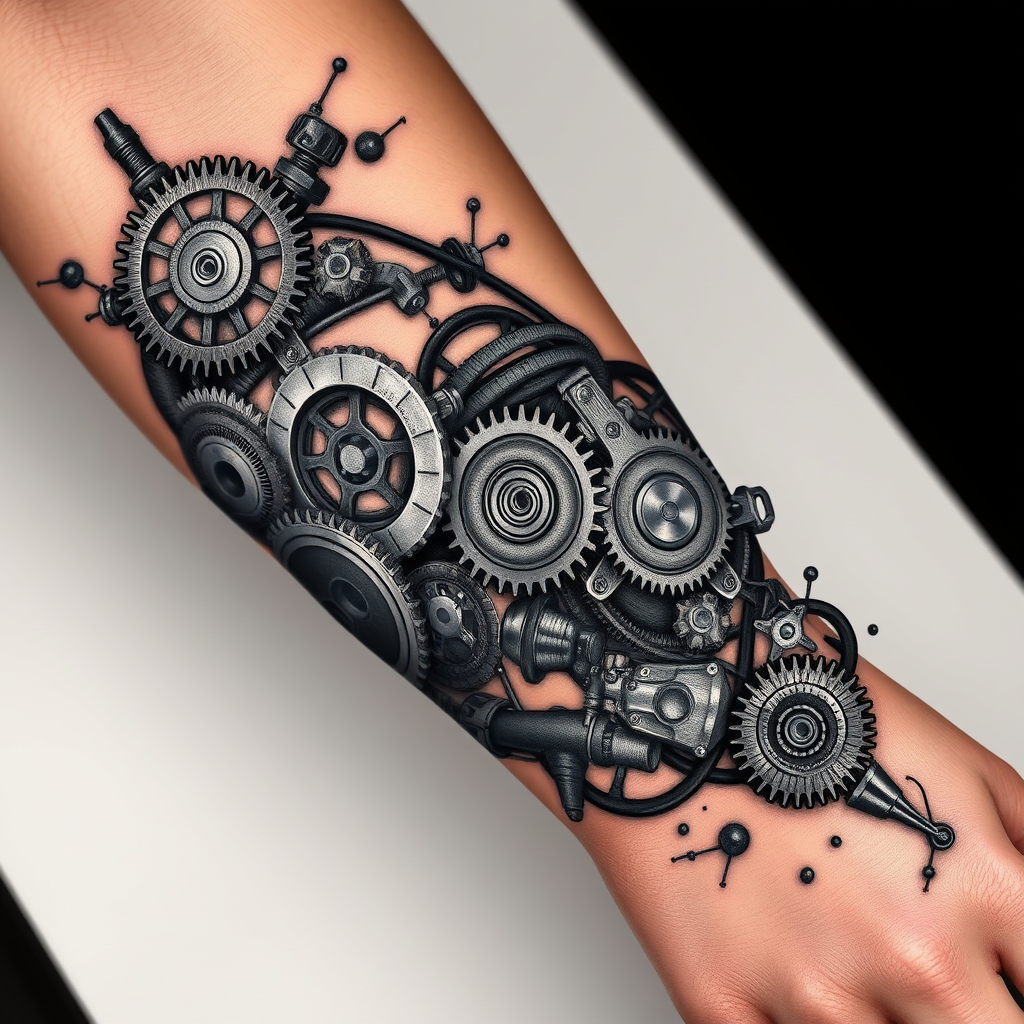
Forearm-BioMechanical Gears - Flux.1 schnell
Indicador
**Prompt:** "Design a highly detailed **bio-mechanical forearm tattoo** featuring intricate interlocking **gears, pistons, and mechanical components** that appear to emerge from beneath the skin. Use a **realistic 3D style** with precise shading to create depth, as if the inner machinery is visible through torn flesh. Place the design along the **outer forearm**, wrapping slightly around the arm for a dynamic flow. Opt for a **black and gray palette** with subtle metallic highlights to enhance realism. Include fine **etchings, bolts, and hydraulic lines** for texture, blending organic tissue with mechanical elements. The mood should be **futuristic yet organic**, evoking a sense of hidden power and precision. Scale should cover **2/3 of the forearm**, balancing complexity with wearability." (999 characters)
Análisis Detallado del Prompt de Imagen de Flux IA
Analiza el prompt detallado utilizado para generar la imagen con Flux IA Image Generator.
Explorar Mensajes para Flux IA
Cómo generar una imagen por Flux.1 schnell
Sigue estos cuatro sencillos pasos para crear la imagen que deseas.
Paso 1: Ingresa tu texto (No dudes en refinar tu prompt para mejores resultados)
Paso 2: Elige la relación de aspecto de la imagen
Paso 3: Selecciona tu modelo Flux:
Paso 4: Haz clic en el botón Generar y espera unos segundos para tu imagen
Herramientas Flux IA relacionadas para prompts sobre Flux.1 schnell
Descubre herramientas avanzadas de Flux IA para potenciar tu flujo de trabajo creativo.