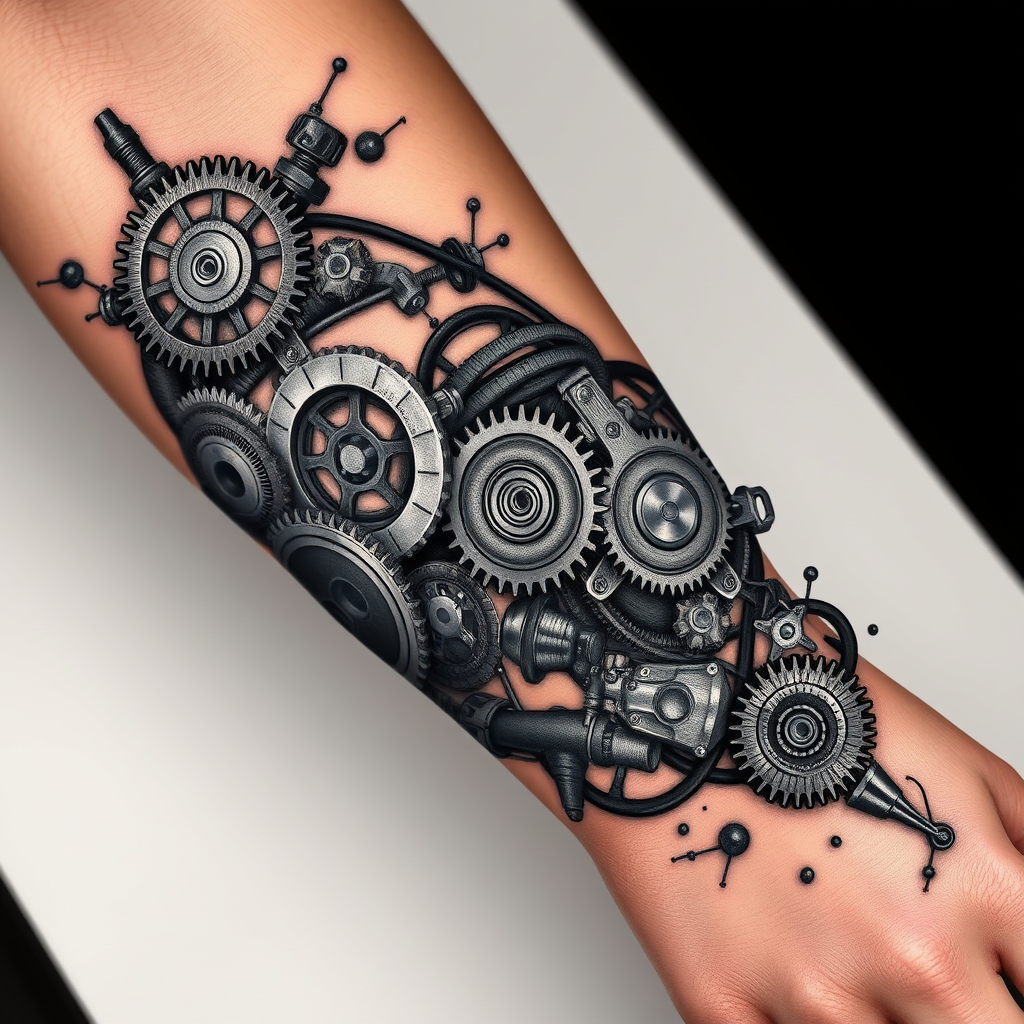
Forearm-BioMechanical Gears - Flux.1 schnell
プロンプト
**Prompt:** "Design a highly detailed **bio-mechanical forearm tattoo** featuring intricate interlocking **gears, pistons, and mechanical components** that appear to emerge from beneath the skin. Use a **realistic 3D style** with precise shading to create depth, as if the inner machinery is visible through torn flesh. Place the design along the **outer forearm**, wrapping slightly around the arm for a dynamic flow. Opt for a **black and gray palette** with subtle metallic highlights to enhance realism. Include fine **etchings, bolts, and hydraulic lines** for texture, blending organic tissue with mechanical elements. The mood should be **futuristic yet organic**, evoking a sense of hidden power and precision. Scale should cover **2/3 of the forearm**, balancing complexity with wearability." (999 characters)
Flux AI Image Promptの詳細分析
Flux AI Image Generatorを使用して画像を生成するために使用された詳細なプロンプトを分析します。
Flux AI画像生成のプロンプトを探索
で画像を生成する方法 Flux.1 schnell
以下の4つの簡単なステップに従って、希望する画像を作成してください。
ステップ 1: テキストを入力 (より良い結果のためにプロンプトを調整してください)
ステップ 2: 画像のアスペクト比を選択
ステップ 3: Fluxモデルを選択:
ステップ 4: 生成ボタンをクリックして数秒待ち、画像を取得
プロンプトに関連するFlux AIツール Flux.1 schnell
Flux AIの高度なツールを発見して、クリエイティブな作業フローを強化しましょう。