Forearm-BioMechanical Gears - Flux.1 schnell
prompt
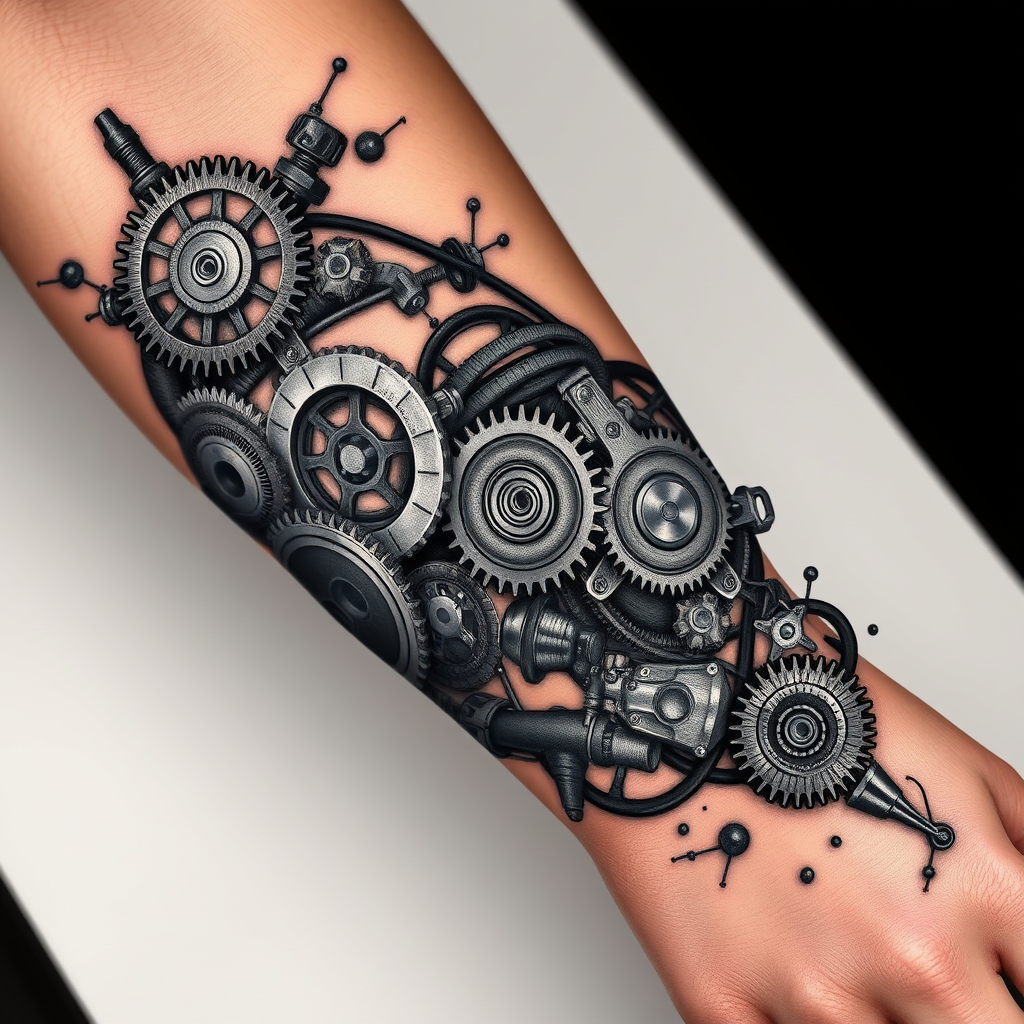
**Prompt:** "Design a highly detailed **bio-mechanical forearm tattoo** featuring intricate interlocking **gears, pistons, and mechanical components** that appear to emerge from beneath the skin. Use a **realistic 3D style** with precise shading to create depth, as if the inner machinery is visible through torn flesh. Place the design along the **outer forearm**, wrapping slightly around the arm for a dynamic flow. Opt for a **black and gray palette** with subtle metallic highlights to enhance realism. Include fine **etchings, bolts, and hydraulic lines** for texture, blending organic tissue with mechanical elements. The mood should be **futuristic yet organic**, evoking a sense of hidden power and precision. Scale should cover **2/3 of the forearm**, balancing complexity with wearability." (999 characters)
Analisi Dettagliata del Prompt Immagine Flux AI
Analizza il prompt dettagliato utilizzato per generare l'immagine con il Generatore Immagini Flux AI.
Esplora i Prompt Flux per il Generatore Immagini Flux AI
Come generare immagini con Flux.1 schnell
Segui questi quattro semplici passaggi per creare l'immagine desiderata.
Passaggio 1: Inserisci il Tuo Testo (Sentiti libero di perfezionare il prompt per risultati migliori)
Passaggio 2: Scegli le Proporzioni dell'Immagine
Passaggio 3: Seleziona il Tuo Modello Flux:
Passaggio 4: Clicca il Pulsante Genera e Attendi Alcuni Secondi per la Tua Immagine
Strumenti Flux AI correlati per prompt su Flux.1 schnell
Scopri strumenti avanzati di Flux AI per potenziare il tuo flusso di lavoro creativo.