Nunlet - Flux.1 dev
Indicador
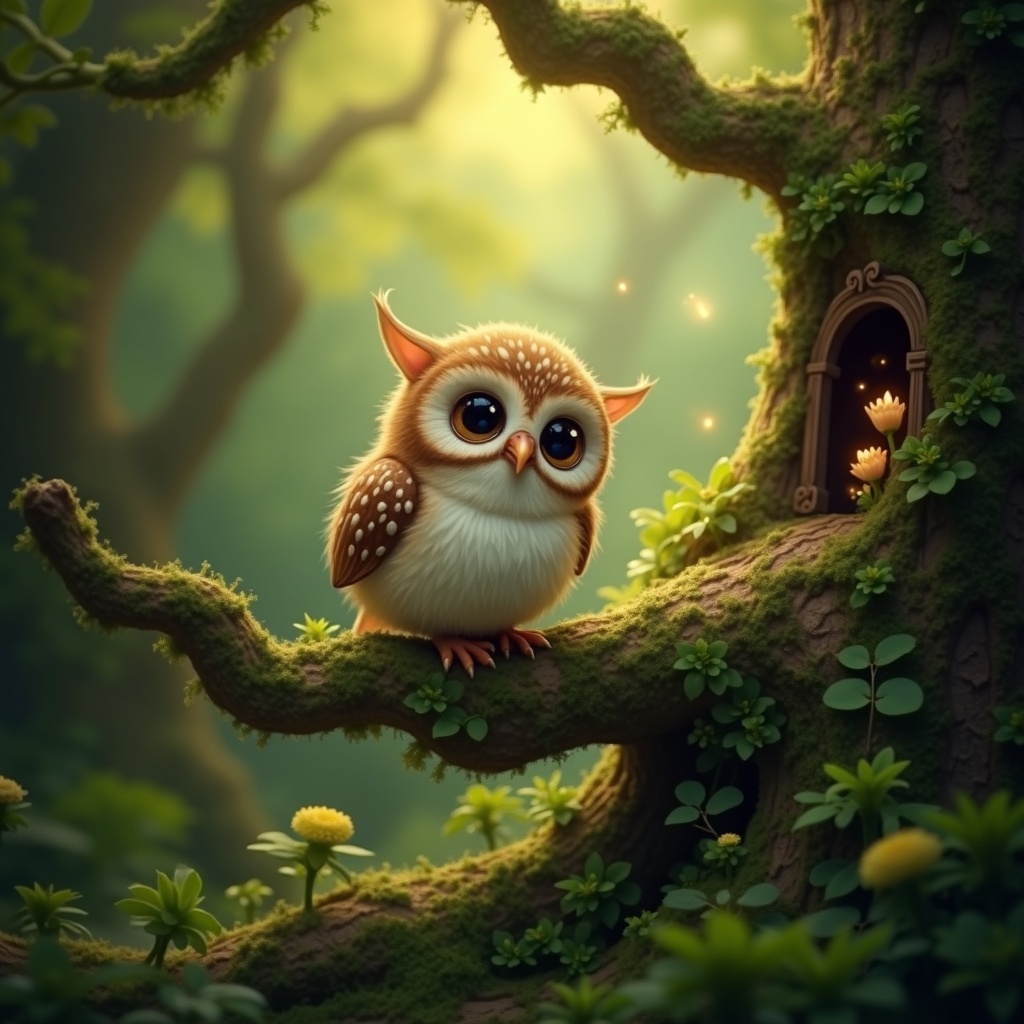
**Image Prompt:** A whimsical **Nunlet**, a tiny, owl-like bird with oversized, expressive eyes and soft, speckled plumage in earthy browns and creams, perches delicately on a gnarled, moss-covered branch. Its head tilts curiously, wings slightly spread as if caught mid-murmur. The background is a lush, enchanted forest—dappled sunlight filters through emerald-green leaves, casting golden flecks on velvety ferns and twisted roots below. **Style:** A blend of **fantasy realism and storybook illustration**, with intricate textures and subtle magical glow. **Lighting:** Warm, diffused, and ethereal, with soft shadows. **Color palette:** Rich forest greens, warm amber, and muted browns, accented by hints of bioluminescent blues. **Mood:** Peaceful yet mysterious, evoking quiet curiosity. **Composition:** Close-up, slightly low angle to emphasize the Nunlet’s innocent gaze, with shallow depth of field blurring the lush backdrop. **Extras:** A faint trail of glowing pollen drifts nearby, and a hidden fairy door peeks from the tree trunk, suggesting hidden woodland magic.
Análisis Detallado del Prompt de Imagen de Flux IA
Analiza el prompt detallado utilizado para generar la imagen con Flux IA Image Generator.
Explorar Mensajes para Flux IA
Cómo generar una imagen por Flux.1 dev
Sigue estos cuatro sencillos pasos para crear la imagen que deseas.
Paso 1: Ingresa tu texto (No dudes en refinar tu prompt para mejores resultados)
Paso 2: Elige la relación de aspecto de la imagen
Paso 3: Selecciona tu modelo Flux:
Paso 4: Haz clic en el botón Generar y espera unos segundos para tu imagen
Herramientas Flux IA relacionadas para prompts sobre Flux.1 dev
Descubre herramientas avanzadas de Flux IA para potenciar tu flujo de trabajo creativo.