Nunlet - Flux.1 dev
Invite
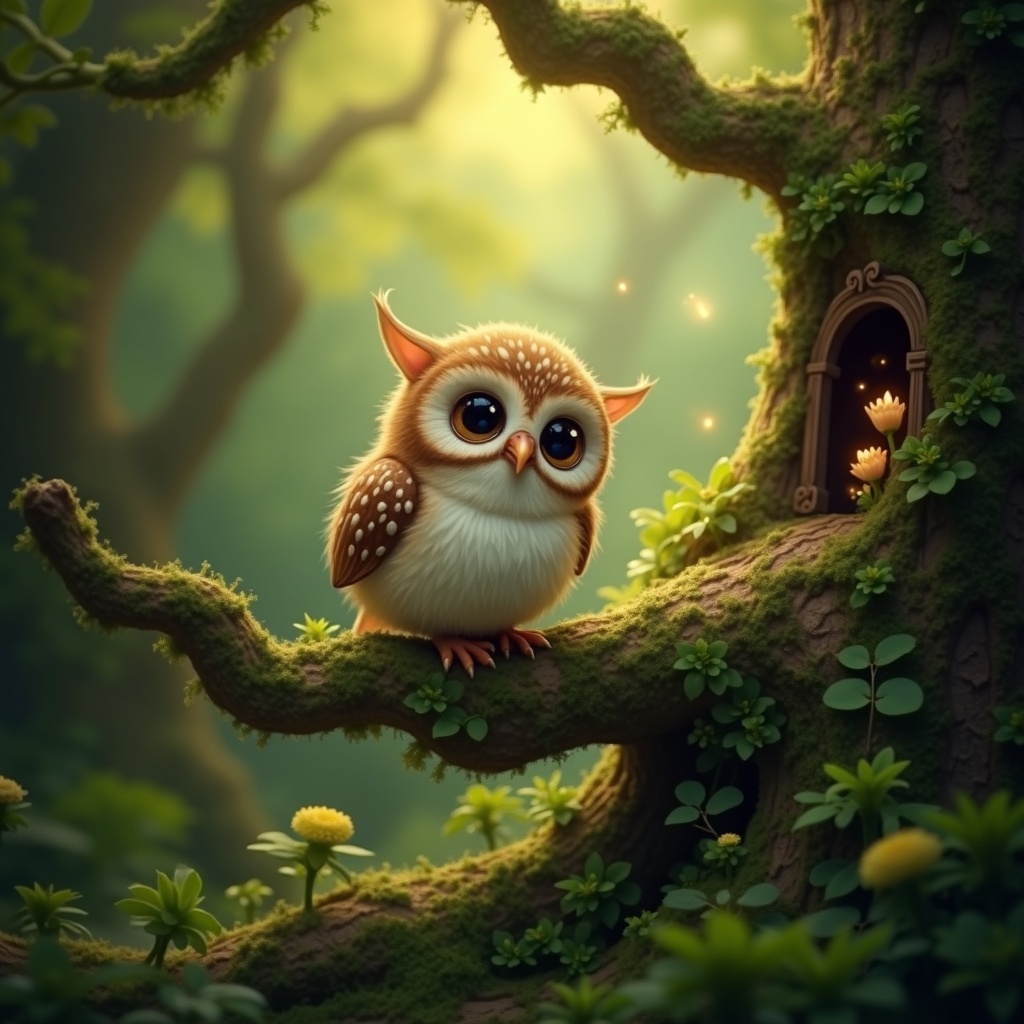
**Image Prompt:** A whimsical **Nunlet**, a tiny, owl-like bird with oversized, expressive eyes and soft, speckled plumage in earthy browns and creams, perches delicately on a gnarled, moss-covered branch. Its head tilts curiously, wings slightly spread as if caught mid-murmur. The background is a lush, enchanted forest—dappled sunlight filters through emerald-green leaves, casting golden flecks on velvety ferns and twisted roots below. **Style:** A blend of **fantasy realism and storybook illustration**, with intricate textures and subtle magical glow. **Lighting:** Warm, diffused, and ethereal, with soft shadows. **Color palette:** Rich forest greens, warm amber, and muted browns, accented by hints of bioluminescent blues. **Mood:** Peaceful yet mysterious, evoking quiet curiosity. **Composition:** Close-up, slightly low angle to emphasize the Nunlet’s innocent gaze, with shallow depth of field blurring the lush backdrop. **Extras:** A faint trail of glowing pollen drifts nearby, and a hidden fairy door peeks from the tree trunk, suggesting hidden woodland magic.
Analyse Détaillée du Prompt d'Image Flux IA
Analysez le prompt détaillé utilisé pour générer l'image avec Flux IA Image Generator.
Explorez les invites Flux IA
Comment générer une image par Flux.1 dev
Suivez ces quatre étapes simples pour créer l'image désirée.
Étape 1 : Entrez votre texte (N'hésitez pas à affiner votre prompt pour de meilleurs résultats)
Étape 2 : Choisissez le ratio d'aspect de l'image
Étape 3 : Sélectionnez votre modèle Flux :
Étape 4 : Cliquez sur le bouton Générer et attendez quelques secondes pour votre image
Outils Flux IA liés aux prompts sur Flux.1 dev
Découvrez des outils avancés de Flux IA pour booster votre flux de travail créatif.