Nunlet - Flux.1 dev
プロンプト
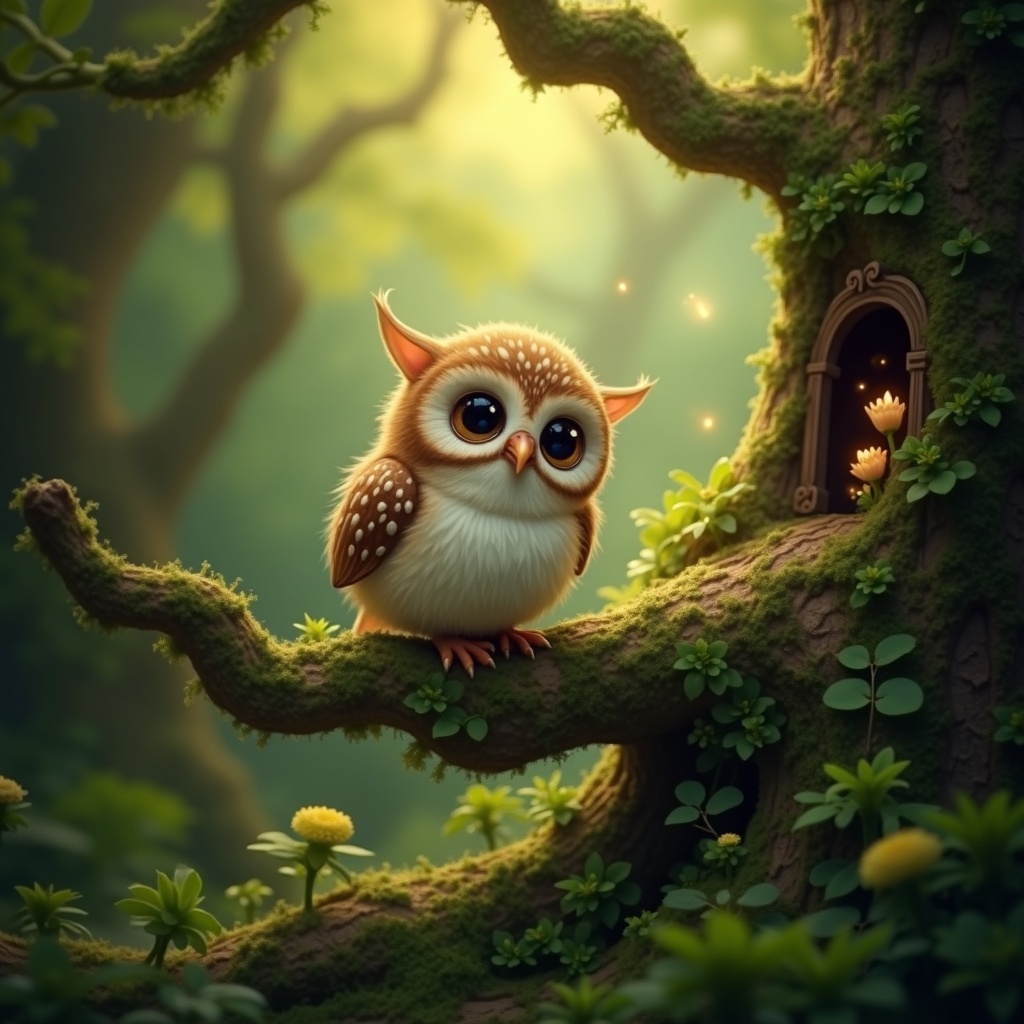
**Image Prompt:** A whimsical **Nunlet**, a tiny, owl-like bird with oversized, expressive eyes and soft, speckled plumage in earthy browns and creams, perches delicately on a gnarled, moss-covered branch. Its head tilts curiously, wings slightly spread as if caught mid-murmur. The background is a lush, enchanted forest—dappled sunlight filters through emerald-green leaves, casting golden flecks on velvety ferns and twisted roots below. **Style:** A blend of **fantasy realism and storybook illustration**, with intricate textures and subtle magical glow. **Lighting:** Warm, diffused, and ethereal, with soft shadows. **Color palette:** Rich forest greens, warm amber, and muted browns, accented by hints of bioluminescent blues. **Mood:** Peaceful yet mysterious, evoking quiet curiosity. **Composition:** Close-up, slightly low angle to emphasize the Nunlet’s innocent gaze, with shallow depth of field blurring the lush backdrop. **Extras:** A faint trail of glowing pollen drifts nearby, and a hidden fairy door peeks from the tree trunk, suggesting hidden woodland magic.
Flux AI Image Promptの詳細分析
Flux AI Image Generatorを使用して画像を生成するために使用された詳細なプロンプトを分析します。
Flux AI画像生成のプロンプトを探索
で画像を生成する方法 Flux.1 dev
以下の4つの簡単なステップに従って、希望する画像を作成してください。
ステップ 1: テキストを入力 (より良い結果のためにプロンプトを調整してください)
ステップ 2: 画像のアスペクト比を選択
ステップ 3: Fluxモデルを選択:
ステップ 4: 生成ボタンをクリックして数秒待ち、画像を取得
プロンプトに関連するFlux AIツール Flux.1 dev
Flux AIの高度なツールを発見して、クリエイティブな作業フローを強化しましょう。