Koel - Flux.1 dev
Indicador
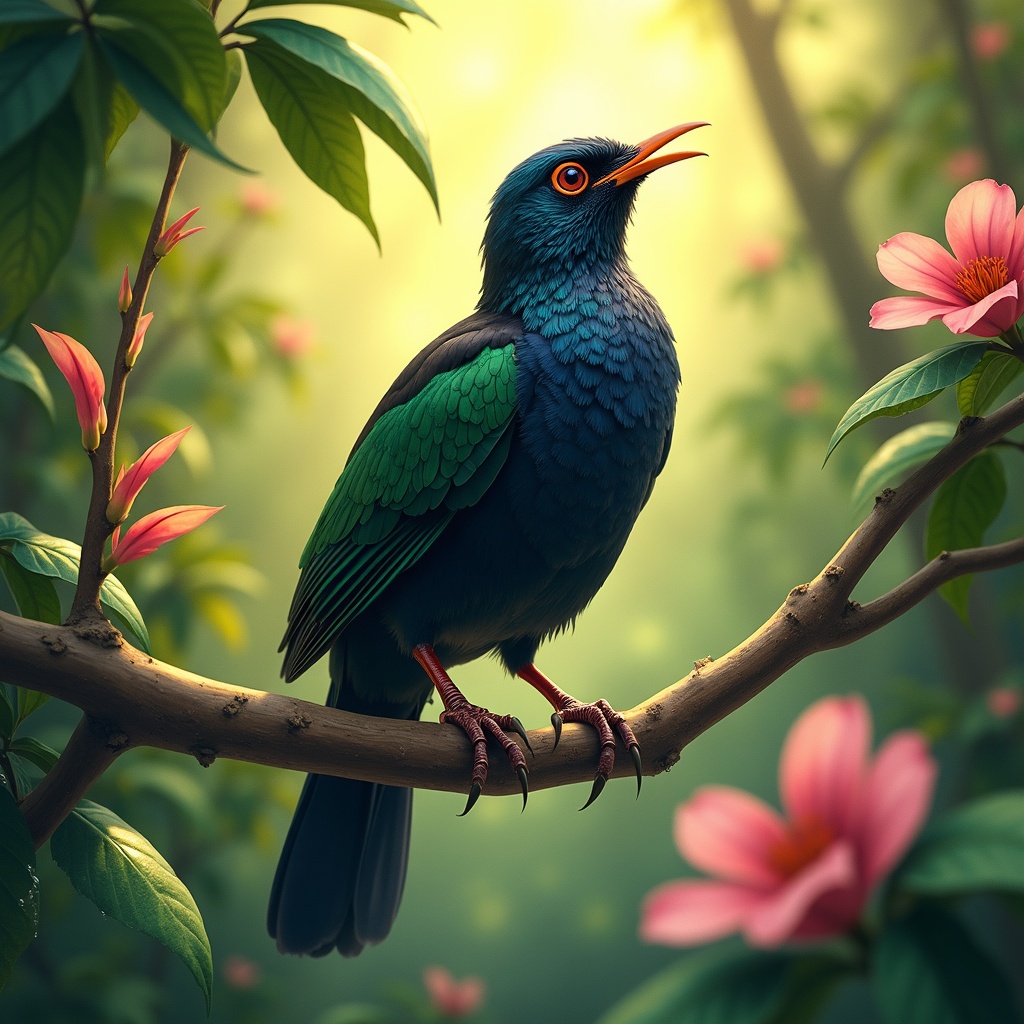
**Image Prompt:** A vibrant Koel bird perches gracefully on a slender, blossoming branch, its glossy black plumage shimmering with iridescent blues and greens under dappled sunlight. The bird's crimson eyes gleam with curiosity as it tilts its head, poised mid-song. Surrounding it are lush, tropical foliage—large, waxy leaves and delicate pink flowers that contrast with its dark feathers. **Style:** Realistic watercolor with soft, expressive brushstrokes, capturing fine feather details and organic textures. **Lighting & Colors:** Warm, golden sunlight filters through the canopy, casting soft shadows and highlighting the Koel’s sleek form. A palette of emerald greens, deep blacks, and muted pinks dominates, with subtle pops of crimson from its eyes. **Mood:** Serene yet lively, evoking the quiet magic of a hidden forest moment. **Composition:** Close-up, slightly angled from below to emphasize the bird’s elegance against the foliage. The background blurs gently, drawing focus to the Koel’s striking presence. **Extras:** A faint mist lingers in the air, and dewdrops glisten on nearby leaves, adding depth and atmosphere.
Análisis Detallado del Prompt de Imagen de Flux IA
Analiza el prompt detallado utilizado para generar la imagen con Flux IA Image Generator.
Explorar Mensajes para Flux IA
Cómo generar una imagen por Flux.1 dev
Sigue estos cuatro sencillos pasos para crear la imagen que deseas.
Paso 1: Ingresa tu texto (No dudes en refinar tu prompt para mejores resultados)
Paso 2: Elige la relación de aspecto de la imagen
Paso 3: Selecciona tu modelo Flux:
Paso 4: Haz clic en el botón Generar y espera unos segundos para tu imagen
Herramientas Flux IA relacionadas para prompts sobre Flux.1 dev
Descubre herramientas avanzadas de Flux IA para potenciar tu flujo de trabajo creativo.