Koel - Flux.1 dev
prompt
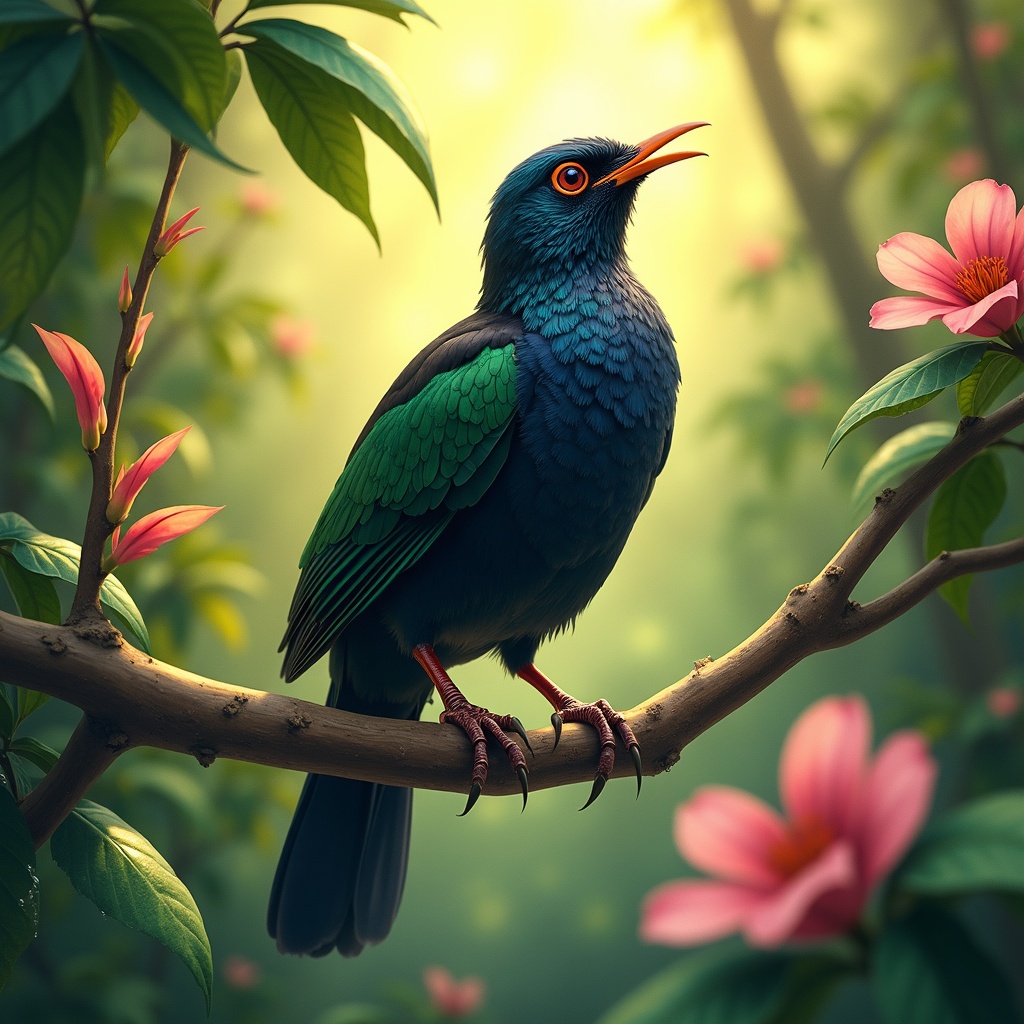
**Image Prompt:** A vibrant Koel bird perches gracefully on a slender, blossoming branch, its glossy black plumage shimmering with iridescent blues and greens under dappled sunlight. The bird's crimson eyes gleam with curiosity as it tilts its head, poised mid-song. Surrounding it are lush, tropical foliage—large, waxy leaves and delicate pink flowers that contrast with its dark feathers. **Style:** Realistic watercolor with soft, expressive brushstrokes, capturing fine feather details and organic textures. **Lighting & Colors:** Warm, golden sunlight filters through the canopy, casting soft shadows and highlighting the Koel’s sleek form. A palette of emerald greens, deep blacks, and muted pinks dominates, with subtle pops of crimson from its eyes. **Mood:** Serene yet lively, evoking the quiet magic of a hidden forest moment. **Composition:** Close-up, slightly angled from below to emphasize the bird’s elegance against the foliage. The background blurs gently, drawing focus to the Koel’s striking presence. **Extras:** A faint mist lingers in the air, and dewdrops glisten on nearby leaves, adding depth and atmosphere.
Analisis Terperinci Prompt Gambar Flux AI
Analisis prompt terperinci yang digunakan untuk menghasilkan gambar dengan Generator Gambar Flux AI.
Jelajahi Prompt Flux untuk Generator Gambar AI Flux
Cara menghasilkan gambar dengan Flux.1 dev
Ikuti empat langkah sederhana ini untuk membuat gambar yang Anda inginkan.
Langkah 1: Masukkan Teks Anda (Silakan sempurnakan prompt untuk hasil yang lebih baik)
Langkah 2: Pilih Rasio Aspek Gambar
Langkah 3: Pilih Model Flux Anda:
Langkah 4: Klik Tombol Buat dan Tunggu Beberapa Detik untuk Gambar Anda
Alat Flux AI terkait untuk prompt tentang Flux.1 dev
Temukan alat-alat canggih dari Flux AI untuk meningkatkan alur kerja kreatif Anda.