Koel - Flux.1 dev
prompt
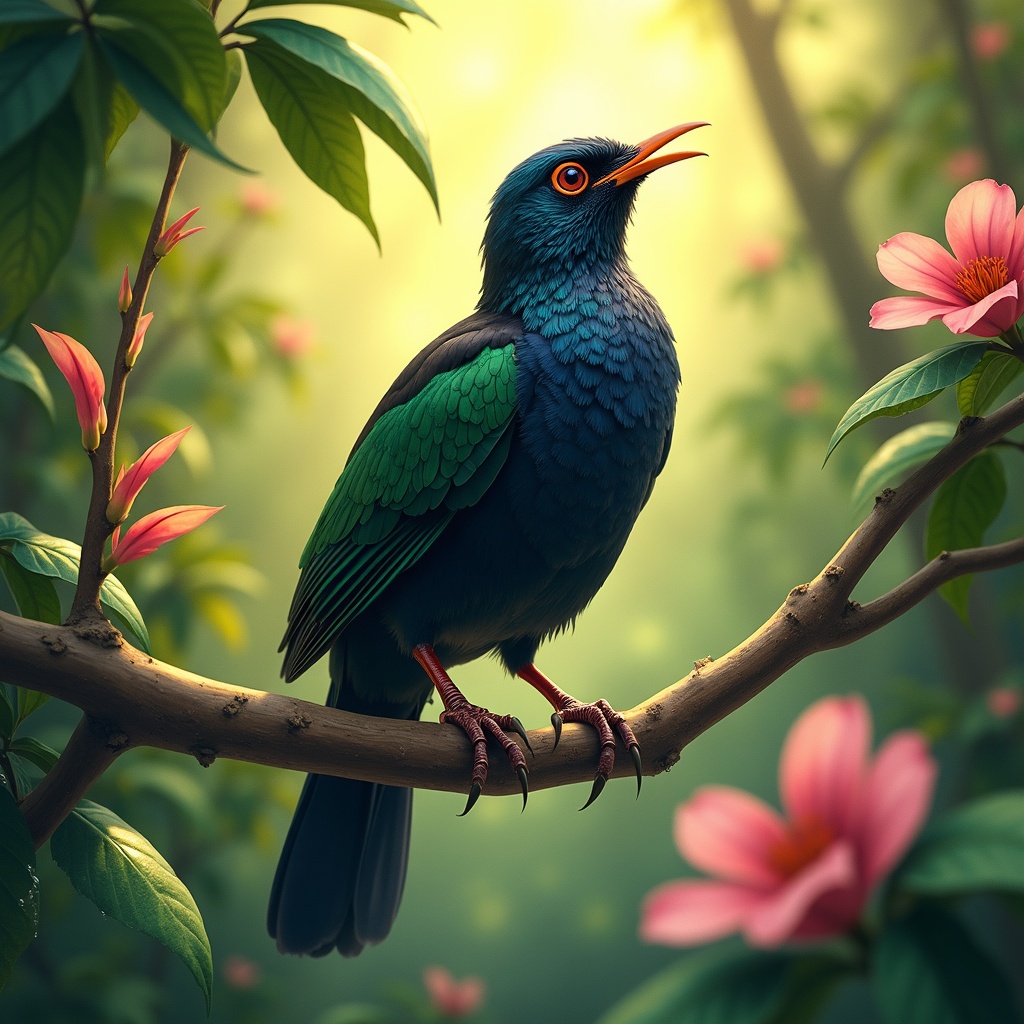
**Image Prompt:** A vibrant Koel bird perches gracefully on a slender, blossoming branch, its glossy black plumage shimmering with iridescent blues and greens under dappled sunlight. The bird's crimson eyes gleam with curiosity as it tilts its head, poised mid-song. Surrounding it are lush, tropical foliage—large, waxy leaves and delicate pink flowers that contrast with its dark feathers. **Style:** Realistic watercolor with soft, expressive brushstrokes, capturing fine feather details and organic textures. **Lighting & Colors:** Warm, golden sunlight filters through the canopy, casting soft shadows and highlighting the Koel’s sleek form. A palette of emerald greens, deep blacks, and muted pinks dominates, with subtle pops of crimson from its eyes. **Mood:** Serene yet lively, evoking the quiet magic of a hidden forest moment. **Composition:** Close-up, slightly angled from below to emphasize the bird’s elegance against the foliage. The background blurs gently, drawing focus to the Koel’s striking presence. **Extras:** A faint mist lingers in the air, and dewdrops glisten on nearby leaves, adding depth and atmosphere.
Analisi Dettagliata del Prompt Immagine Flux AI
Analizza il prompt dettagliato utilizzato per generare l'immagine con il Generatore Immagini Flux AI.
Esplora i Prompt Flux per il Generatore Immagini Flux AI
Come generare immagini con Flux.1 dev
Segui questi quattro semplici passaggi per creare l'immagine desiderata.
Passaggio 1: Inserisci il Tuo Testo (Sentiti libero di perfezionare il prompt per risultati migliori)
Passaggio 2: Scegli le Proporzioni dell'Immagine
Passaggio 3: Seleziona il Tuo Modello Flux:
Passaggio 4: Clicca il Pulsante Genera e Attendi Alcuni Secondi per la Tua Immagine
Strumenti Flux AI correlati per prompt su Flux.1 dev
Scopri strumenti avanzati di Flux AI per potenziare il tuo flusso di lavoro creativo.