Koel - Flux.1 dev
プロンプト
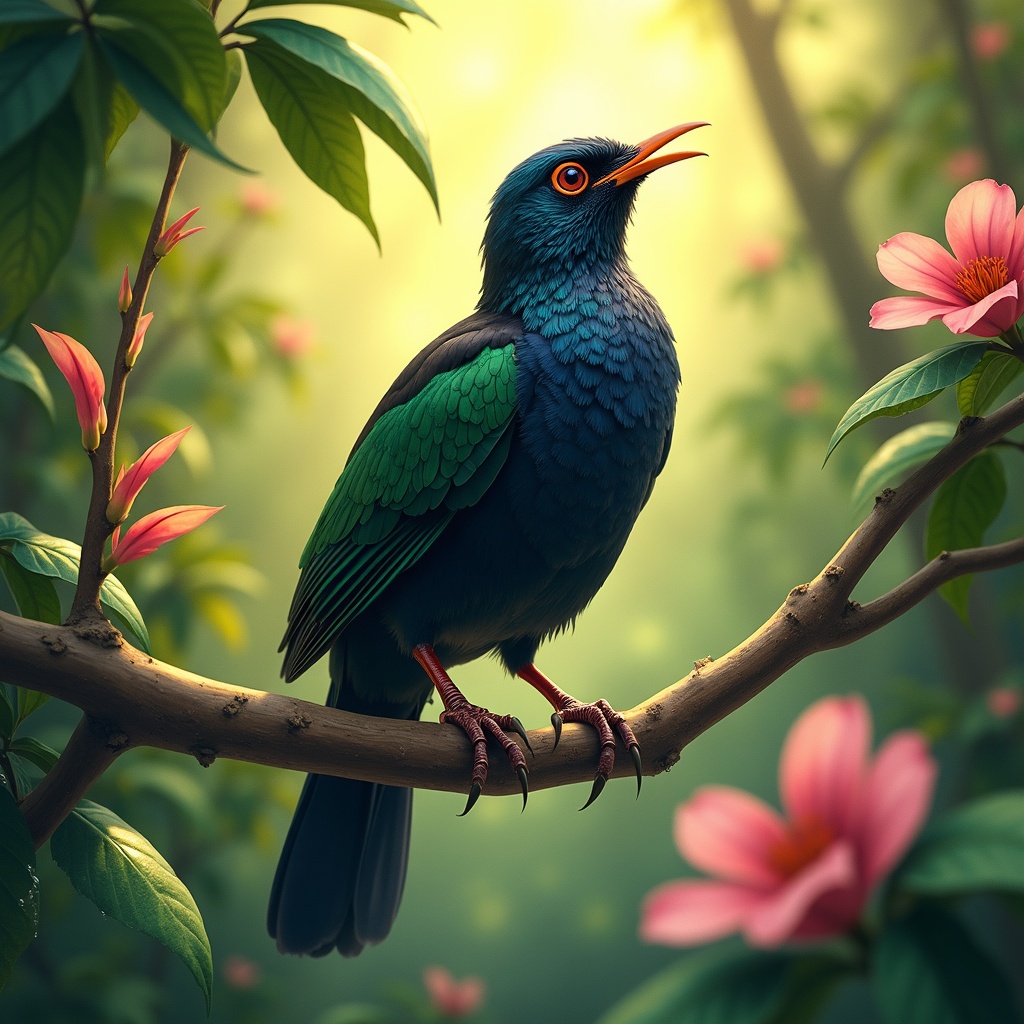
**Image Prompt:** A vibrant Koel bird perches gracefully on a slender, blossoming branch, its glossy black plumage shimmering with iridescent blues and greens under dappled sunlight. The bird's crimson eyes gleam with curiosity as it tilts its head, poised mid-song. Surrounding it are lush, tropical foliage—large, waxy leaves and delicate pink flowers that contrast with its dark feathers. **Style:** Realistic watercolor with soft, expressive brushstrokes, capturing fine feather details and organic textures. **Lighting & Colors:** Warm, golden sunlight filters through the canopy, casting soft shadows and highlighting the Koel’s sleek form. A palette of emerald greens, deep blacks, and muted pinks dominates, with subtle pops of crimson from its eyes. **Mood:** Serene yet lively, evoking the quiet magic of a hidden forest moment. **Composition:** Close-up, slightly angled from below to emphasize the bird’s elegance against the foliage. The background blurs gently, drawing focus to the Koel’s striking presence. **Extras:** A faint mist lingers in the air, and dewdrops glisten on nearby leaves, adding depth and atmosphere.
Flux AI Image Promptの詳細分析
Flux AI Image Generatorを使用して画像を生成するために使用された詳細なプロンプトを分析します。
Flux AI画像生成のプロンプトを探索
で画像を生成する方法 Flux.1 dev
以下の4つの簡単なステップに従って、希望する画像を作成してください。
ステップ 1: テキストを入力 (より良い結果のためにプロンプトを調整してください)
ステップ 2: 画像のアスペクト比を選択
ステップ 3: Fluxモデルを選択:
ステップ 4: 生成ボタンをクリックして数秒待ち、画像を取得
プロンプトに関連するFlux AIツール Flux.1 dev
Flux AIの高度なツールを発見して、クリエイティブな作業フローを強化しましょう。