Koel - Flux.1 dev
Invite
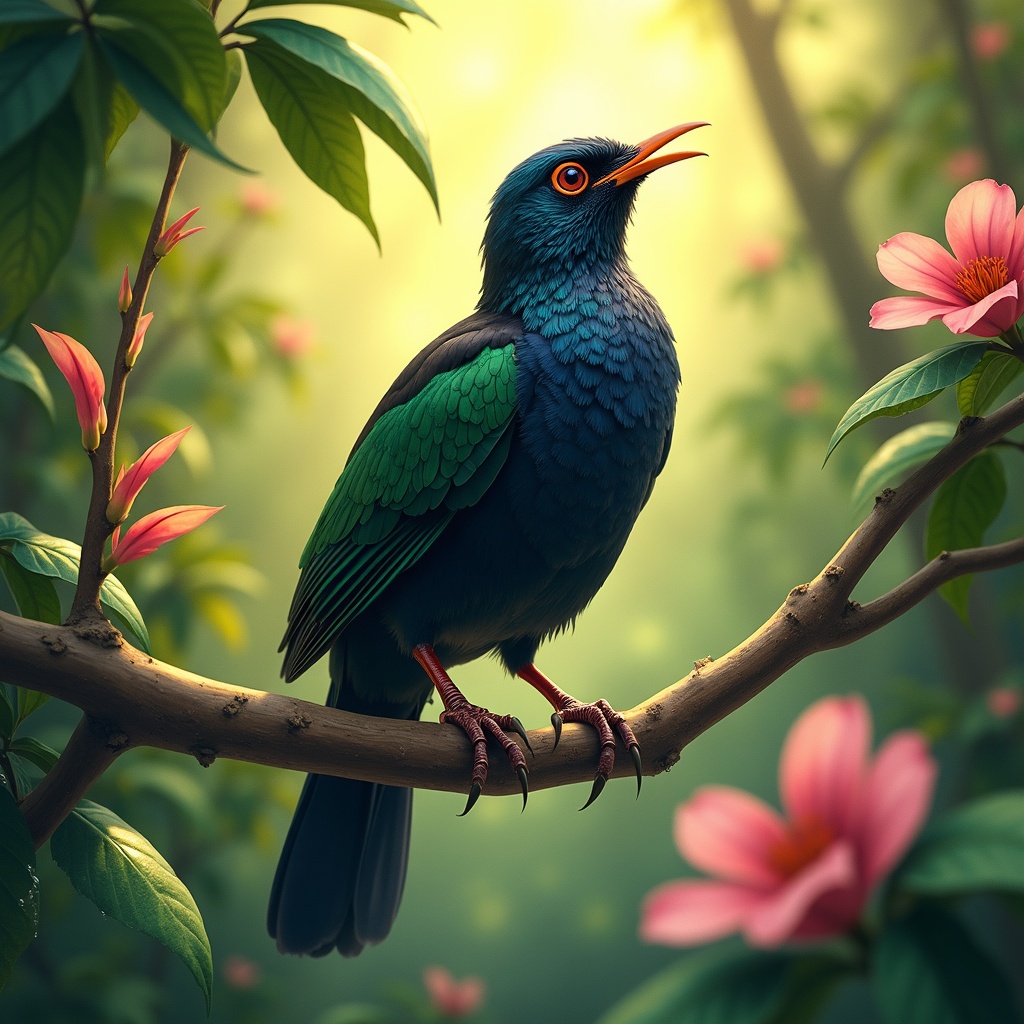
**Image Prompt:** A vibrant Koel bird perches gracefully on a slender, blossoming branch, its glossy black plumage shimmering with iridescent blues and greens under dappled sunlight. The bird's crimson eyes gleam with curiosity as it tilts its head, poised mid-song. Surrounding it are lush, tropical foliage—large, waxy leaves and delicate pink flowers that contrast with its dark feathers. **Style:** Realistic watercolor with soft, expressive brushstrokes, capturing fine feather details and organic textures. **Lighting & Colors:** Warm, golden sunlight filters through the canopy, casting soft shadows and highlighting the Koel’s sleek form. A palette of emerald greens, deep blacks, and muted pinks dominates, with subtle pops of crimson from its eyes. **Mood:** Serene yet lively, evoking the quiet magic of a hidden forest moment. **Composition:** Close-up, slightly angled from below to emphasize the bird’s elegance against the foliage. The background blurs gently, drawing focus to the Koel’s striking presence. **Extras:** A faint mist lingers in the air, and dewdrops glisten on nearby leaves, adding depth and atmosphere.
Analyse Détaillée du Prompt d'Image Flux IA
Analysez le prompt détaillé utilisé pour générer l'image avec Flux IA Image Generator.
Explorez les invites Flux IA
Comment générer une image par Flux.1 dev
Suivez ces quatre étapes simples pour créer l'image désirée.
Étape 1 : Entrez votre texte (N'hésitez pas à affiner votre prompt pour de meilleurs résultats)
Étape 2 : Choisissez le ratio d'aspect de l'image
Étape 3 : Sélectionnez votre modèle Flux :
Étape 4 : Cliquez sur le bouton Générer et attendez quelques secondes pour votre image
Outils Flux IA liés aux prompts sur Flux.1 dev
Découvrez des outils avancés de Flux IA pour booster votre flux de travail créatif.