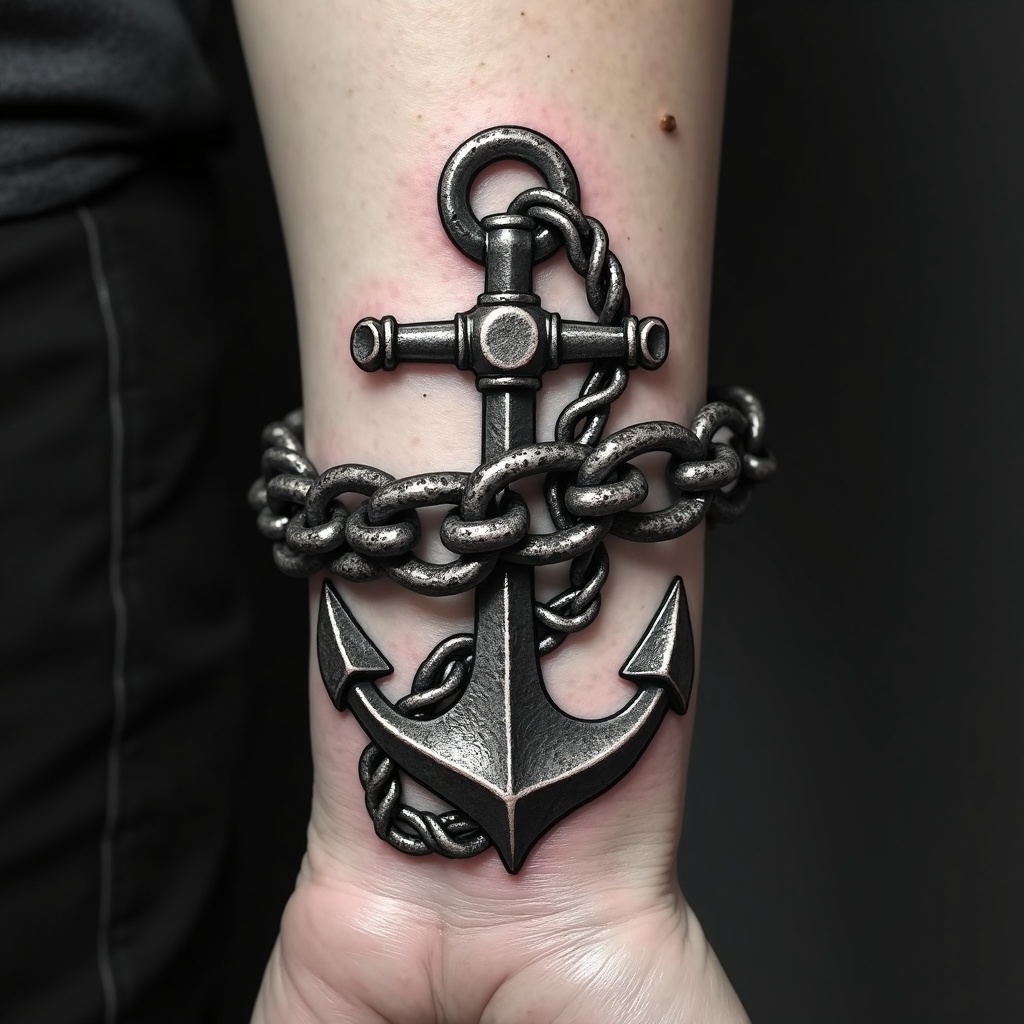
Wrist-Anchor Chain - Flux.1 dev
Indicador
**Prompt:** "Design a bold, realistic wrist tattoo featuring a detailed anchor intricately linked to a heavy, coiled chain. The anchor should have weathered textures, showcasing rust and wear for an aged, nautical feel. The chain wraps around the wrist like a bracelet, with precise, interlocking links for a 3D effect. Opt for a monochrome palette with deep black shading and subtle gray highlights to enhance depth. Incorporate subtle wave motifs or rope details for added maritime symbolism. The tattoo should convey strength and resilience, with a rugged yet polished aesthetic. Keep the size proportionate to the wrist, ensuring the design flows naturally with the body’s contours.
Análisis Detallado del Prompt de Imagen de Flux IA
Analiza el prompt detallado utilizado para generar la imagen con Flux IA Image Generator.
Explorar Mensajes para Flux IA
Cómo generar una imagen por Flux.1 dev
Sigue estos cuatro sencillos pasos para crear la imagen que deseas.
Paso 1: Ingresa tu texto (No dudes en refinar tu prompt para mejores resultados)
Paso 2: Elige la relación de aspecto de la imagen
Paso 3: Selecciona tu modelo Flux:
Paso 4: Haz clic en el botón Generar y espera unos segundos para tu imagen
Herramientas Flux IA relacionadas para prompts sobre Flux.1 dev
Descubre herramientas avanzadas de Flux IA para potenciar tu flujo de trabajo creativo.