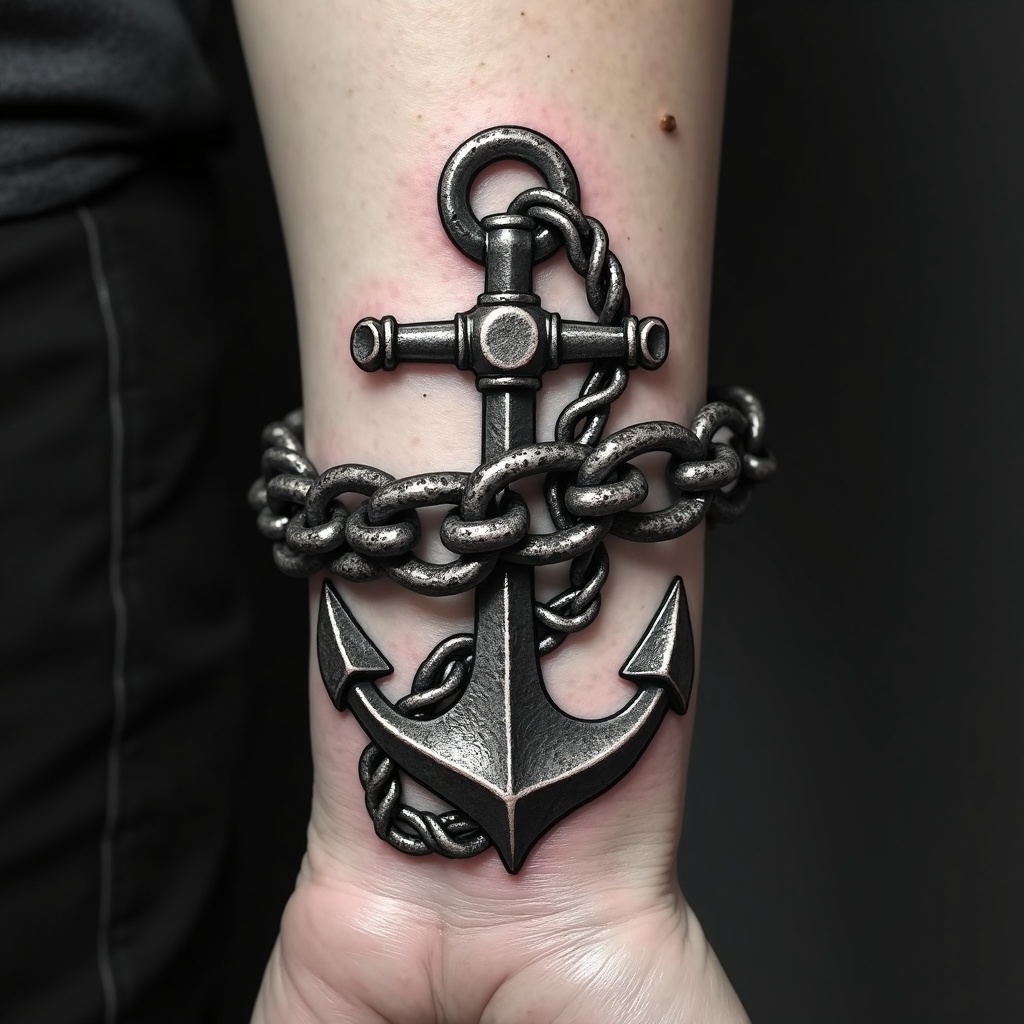
Wrist-Anchor Chain - Flux.1 dev
Invite
**Prompt:** "Design a bold, realistic wrist tattoo featuring a detailed anchor intricately linked to a heavy, coiled chain. The anchor should have weathered textures, showcasing rust and wear for an aged, nautical feel. The chain wraps around the wrist like a bracelet, with precise, interlocking links for a 3D effect. Opt for a monochrome palette with deep black shading and subtle gray highlights to enhance depth. Incorporate subtle wave motifs or rope details for added maritime symbolism. The tattoo should convey strength and resilience, with a rugged yet polished aesthetic. Keep the size proportionate to the wrist, ensuring the design flows naturally with the body’s contours.
Analyse Détaillée du Prompt d'Image Flux IA
Analysez le prompt détaillé utilisé pour générer l'image avec Flux IA Image Generator.
Explorez les invites Flux IA
Comment générer une image par Flux.1 dev
Suivez ces quatre étapes simples pour créer l'image désirée.
Étape 1 : Entrez votre texte (N'hésitez pas à affiner votre prompt pour de meilleurs résultats)
Étape 2 : Choisissez le ratio d'aspect de l'image
Étape 3 : Sélectionnez votre modèle Flux :
Étape 4 : Cliquez sur le bouton Générer et attendez quelques secondes pour votre image
Outils Flux IA liés aux prompts sur Flux.1 dev
Découvrez des outils avancés de Flux IA pour booster votre flux de travail créatif.