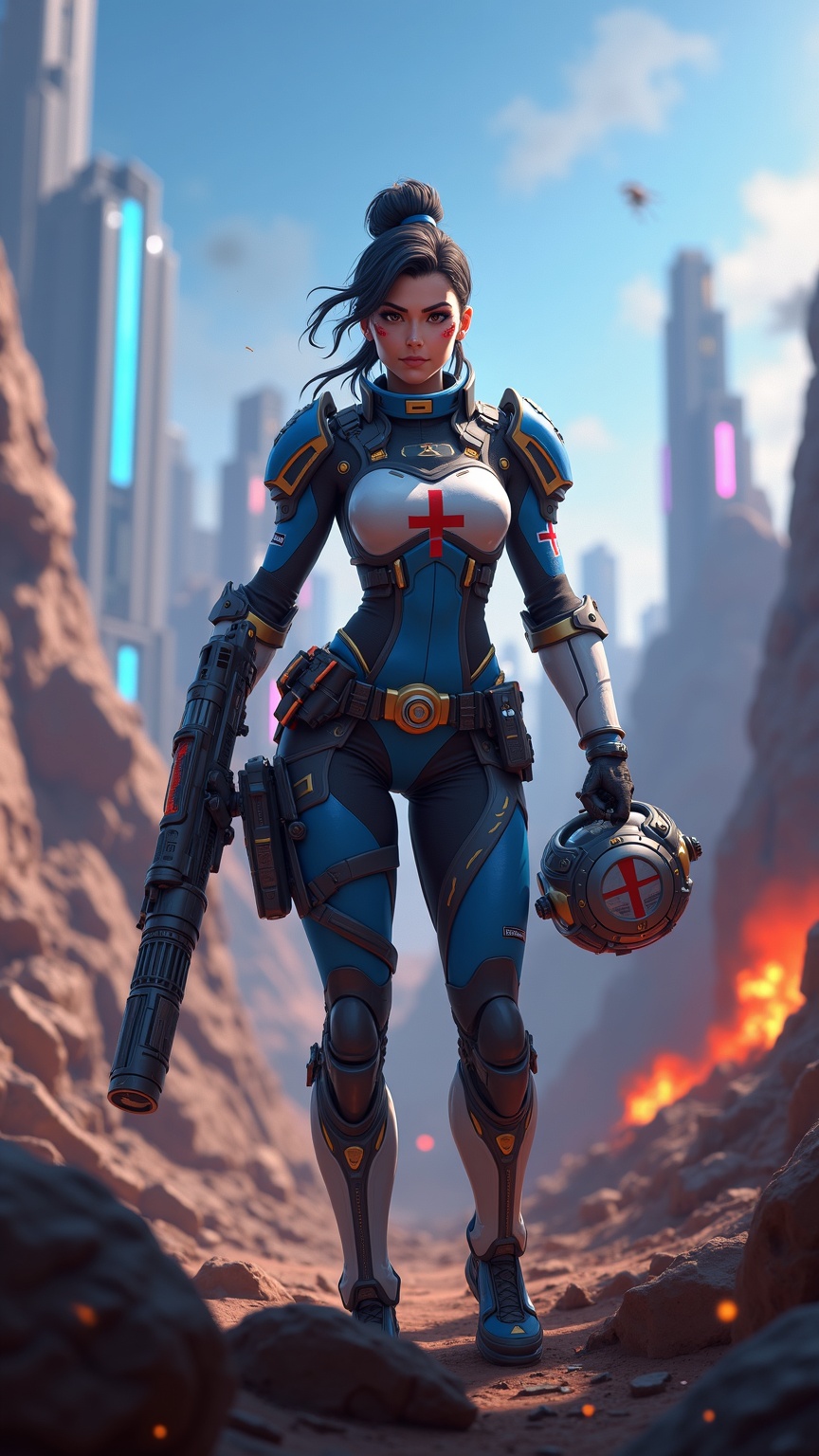
《Apex Legends》-Lifeline - Flux.1 dev
Indicador
**Prompt:** *"Dynamic action shot of Lifeline from *Apex Legends*, a battle-hardened combat medic in a futuristic hero shooter. She wears her signature blue and white armor with gold accents, a red cross emblem on her chest, and fingerless gloves. Her confident stance exudes readiness, holding her *D.O.C. Heal Drone* in one hand and her *Peacekeeper* shotgun in the other. The backdrop is a war-torn Kings Canyon battlefield—crumbling ruins, neon-lit skyscrapers in the distance, and smoke billowing from explosions. The scene is vibrant yet gritty, with dramatic lighting casting long shadows. The mood is intense yet hopeful, capturing Lifeline’s role as a resilient healer in the chaos of the Apex Games."* *(Characters: 999)*
Análisis Detallado del Prompt de Imagen de Flux IA
Analiza el prompt detallado utilizado para generar la imagen con Flux IA Image Generator.
Explorar Mensajes para Flux IA
Cómo generar una imagen por Flux.1 dev
Sigue estos cuatro sencillos pasos para crear la imagen que deseas.
Paso 1: Ingresa tu texto (No dudes en refinar tu prompt para mejores resultados)
Paso 2: Elige la relación de aspecto de la imagen
Paso 3: Selecciona tu modelo Flux:
Paso 4: Haz clic en el botón Generar y espera unos segundos para tu imagen
Herramientas Flux IA relacionadas para prompts sobre Flux.1 dev
Descubre herramientas avanzadas de Flux IA para potenciar tu flujo de trabajo creativo.