《Apex Legends》-Lifeline - Flux.1 dev
Lời nhắc
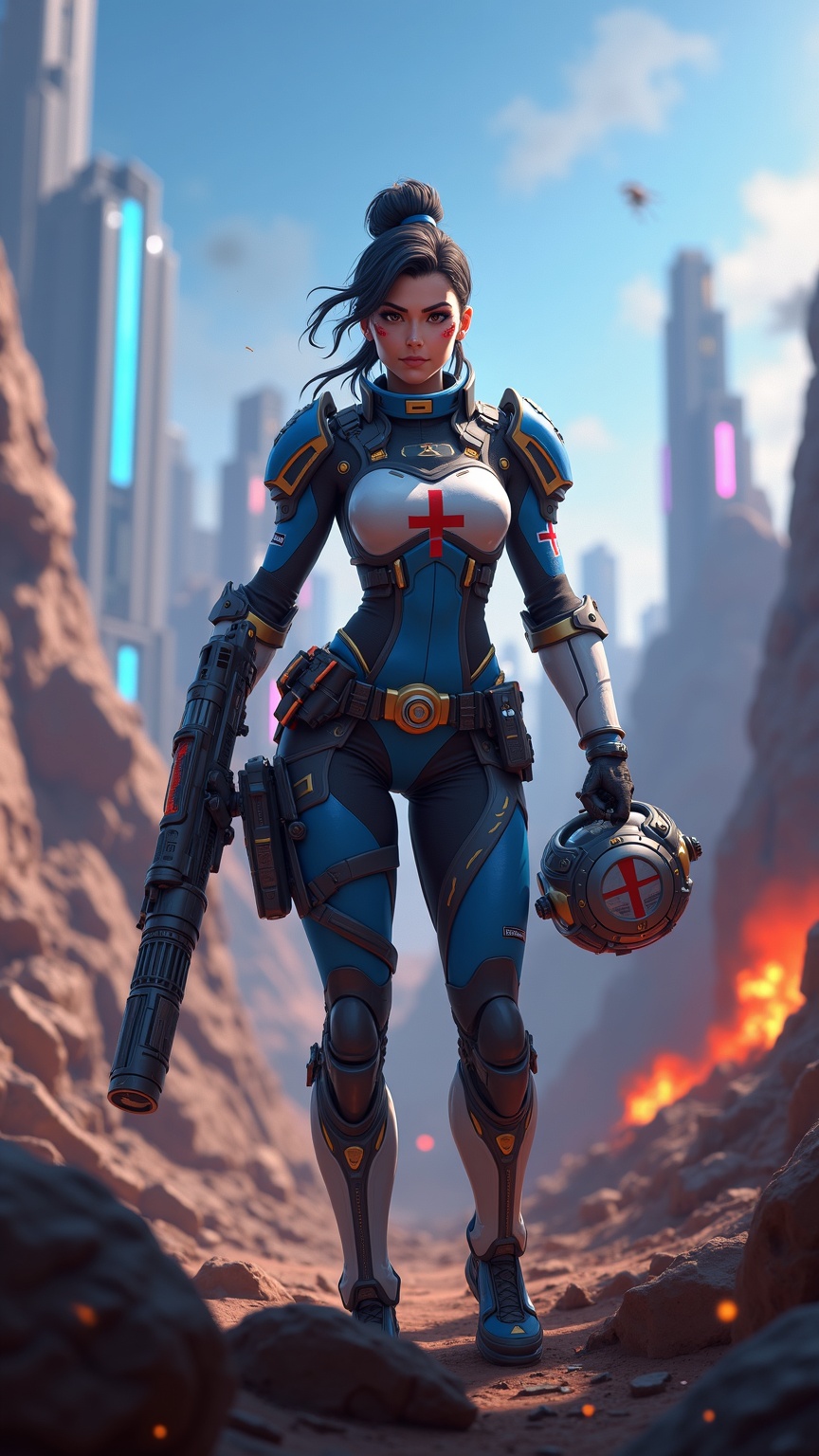
**Prompt:** *"Dynamic action shot of Lifeline from *Apex Legends*, a battle-hardened combat medic in a futuristic hero shooter. She wears her signature blue and white armor with gold accents, a red cross emblem on her chest, and fingerless gloves. Her confident stance exudes readiness, holding her *D.O.C. Heal Drone* in one hand and her *Peacekeeper* shotgun in the other. The backdrop is a war-torn Kings Canyon battlefield—crumbling ruins, neon-lit skyscrapers in the distance, and smoke billowing from explosions. The scene is vibrant yet gritty, with dramatic lighting casting long shadows. The mood is intense yet hopeful, capturing Lifeline’s role as a resilient healer in the chaos of the Apex Games."* *(Characters: 999)*
Phân tích Chi tiết về Prompt Hình ảnh Flux AI
Phân tích prompt chi tiết được sử dụng để tạo ra hình ảnh với Flux AI Image Generator.
Khám phá Flux Prompts cho Trình tạo hình ảnh Flux AI
Cách tạo hình ảnh bằng Flux.1 dev
Theo dõi bốn bước đơn giản dưới đây để tạo ra hình ảnh bạn mong muốn.
Bước 1: Nhập Văn bản của Bạn (Cảm thấy tự do tinh chỉnh prompt của bạn để có kết quả tốt hơn)
Bước 2: Chọn Tỷ lệ Khung Hình của Hình ảnh
Bước 3: Chọn Mô hình Flux của Bạn:
Bước 4: Nhấn Nút Tạo và Chờ vài Giây để Có Hình ảnh của Bạn
Công cụ Flux AI liên quan đến prompts về Flux.1 dev
Khám phá các công cụ nâng cao từ Flux AI để tăng cường quy trình làm việc sáng tạo của bạn.