《Apex Legends》-Lifeline - Flux.1 dev
Invite
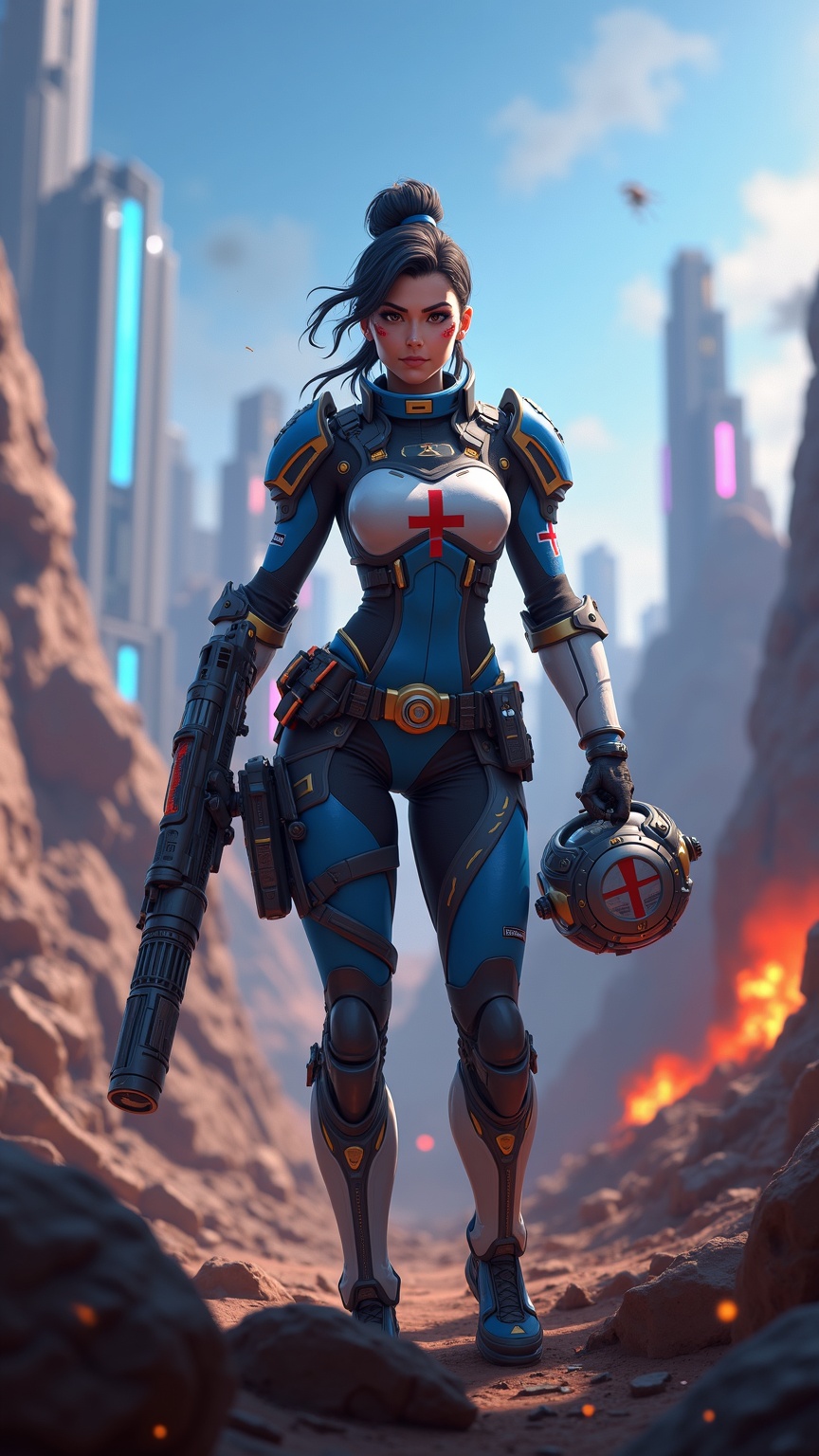
**Prompt:** *"Dynamic action shot of Lifeline from *Apex Legends*, a battle-hardened combat medic in a futuristic hero shooter. She wears her signature blue and white armor with gold accents, a red cross emblem on her chest, and fingerless gloves. Her confident stance exudes readiness, holding her *D.O.C. Heal Drone* in one hand and her *Peacekeeper* shotgun in the other. The backdrop is a war-torn Kings Canyon battlefield—crumbling ruins, neon-lit skyscrapers in the distance, and smoke billowing from explosions. The scene is vibrant yet gritty, with dramatic lighting casting long shadows. The mood is intense yet hopeful, capturing Lifeline’s role as a resilient healer in the chaos of the Apex Games."* *(Characters: 999)*
Analyse Détaillée du Prompt d'Image Flux IA
Analysez le prompt détaillé utilisé pour générer l'image avec Flux IA Image Generator.
Explorez les invites Flux IA
Comment générer une image par Flux.1 dev
Suivez ces quatre étapes simples pour créer l'image désirée.
Étape 1 : Entrez votre texte (N'hésitez pas à affiner votre prompt pour de meilleurs résultats)
Étape 2 : Choisissez le ratio d'aspect de l'image
Étape 3 : Sélectionnez votre modèle Flux :
Étape 4 : Cliquez sur le bouton Générer et attendez quelques secondes pour votre image
Outils Flux IA liés aux prompts sur Flux.1 dev
Découvrez des outils avancés de Flux IA pour booster votre flux de travail créatif.