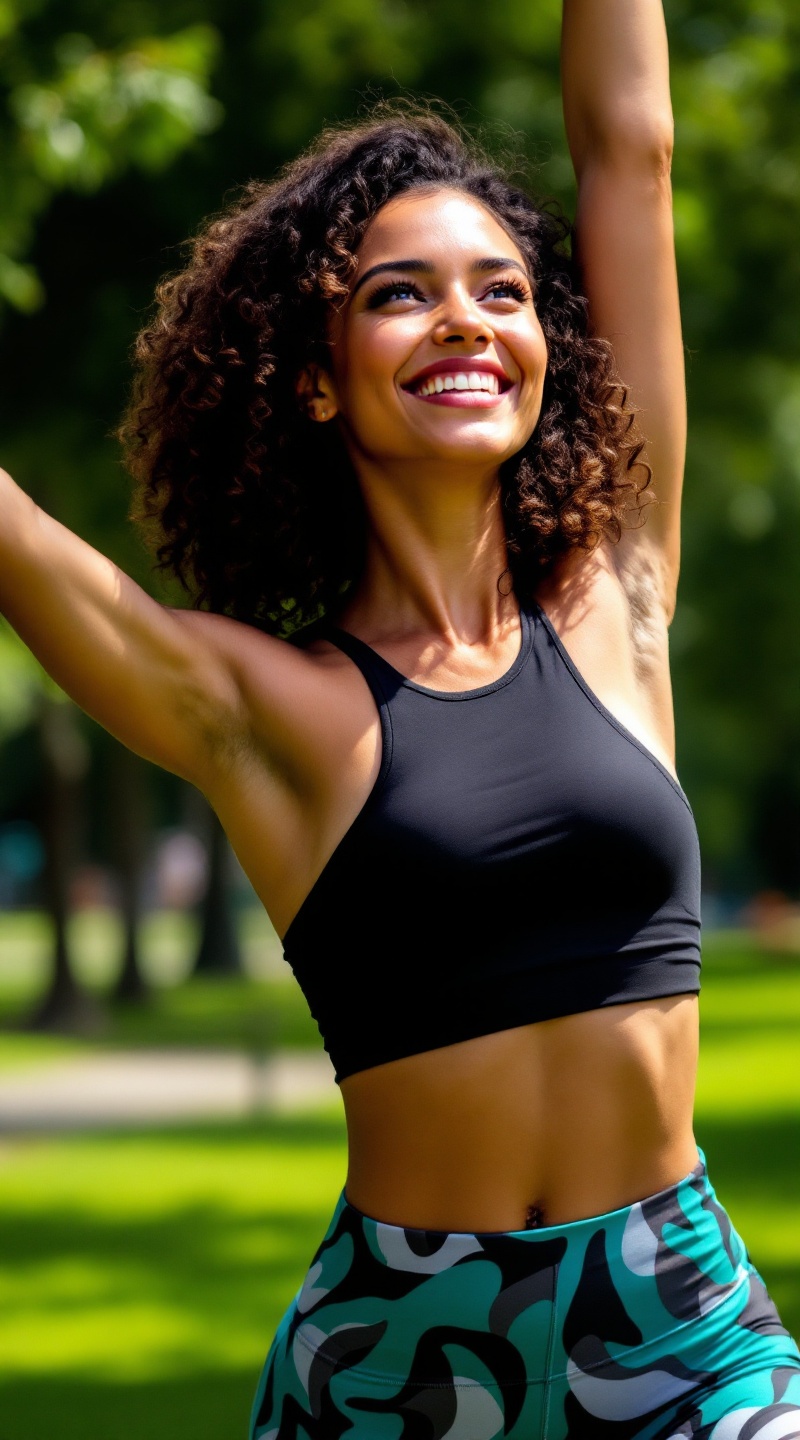
Radiant Strength in Motion - Flux.1.1 pro
prompt
Athletic woman with a radiant smile, her shoulder-length curly hair bouncing with energy. She has a sun-kissed, warm skin tone that glows with vitality. Her body is toned and fit, showcasing strong arms and defined legs, reflecting an active lifestyle. She wears vibrant, high-waisted workout leggings in a bold teal pattern, paired with a fitted, sleeveless black tank top that accentuates her athletic build. Her demeanor is confident and focused, with bright eyes sparkling with determination. She is mid-stretch, reaching towards the sky, her posture exuding strength and grace. The background features a sunlit park with green grass and trees, enhancing the sense of movement and vitality in her workout routine.
Detailed Analysis of the Flux AI Image Prompt
Analyze the detailed prompt used to generate the image with Flux AI Image Generator.
Explore Flux Prompts for the Flux AI Image Generator
How to generate image by Flux.1.1 pro
Follow these four simple steps to create your desired image.
Step 1: Enter Your Text (Feel free to refine your prompt for better results)
Step 2: Choose Image Aspect Ratio
Step 3: Select Your Flux Model:
Step 4: Click the Generate Button and Wait a Few Seconds for Your Image
Related Flux AI tools for prompts about Flux.1.1 pro
Discover advanced tools from Flux AI to boost your creative workflow.