Olympic Games - Flux.1 schnell
prompt
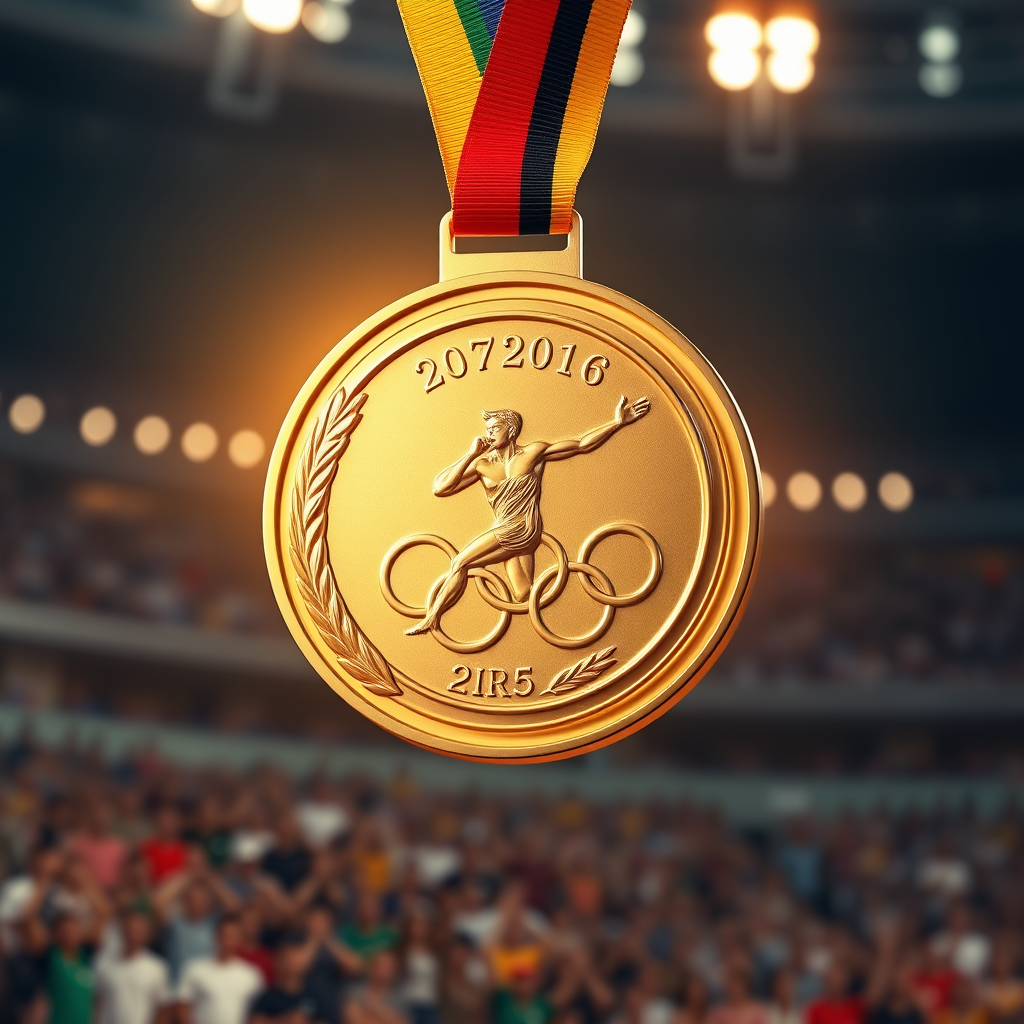
Create a high-resolution image of an Olympic medal, showcasing a circular design with a diameter of 5 inches, crafted from polished gold with intricate engravings. The front features a dynamic depiction of an athlete in motion, framed by laurel leaves, symbolizing victory. The reverse side displays the Olympic rings, elegantly embossed. The medal is suspended from a vibrant ribbon, 2 inches wide, adorned with the colors of the Olympic flag: blue, yellow, black, green, and red, seamlessly blending into a gradient. Illuminate the scene with soft, warm lighting to enhance the medal's shine, set against a blurred background of a cheering crowd in a stadium. Capture the medal from a slightly elevated angle, emphasizing its grandeur and the intricate details of both the medal and ribbon.
Detailed Analysis of the Flux AI Image Prompt
Analyze the detailed prompt used to generate the image with Flux AI Image Generator.
Explore Flux Prompts for the Flux AI Image Generator
How to generate image by Flux.1 schnell
Follow these four simple steps to create your desired image.
Step 1: Enter Your Text (Feel free to refine your prompt for better results)
Step 2: Choose Image Aspect Ratio
Step 3: Select Your Flux Model:
Step 4: Click the Generate Button and Wait a Few Seconds for Your Image
Related Flux AI tools for prompts about Flux.1 schnell
Discover advanced tools from Flux AI to boost your creative workflow.