Tandoori Chicken - Flux.1 schnell
prompt
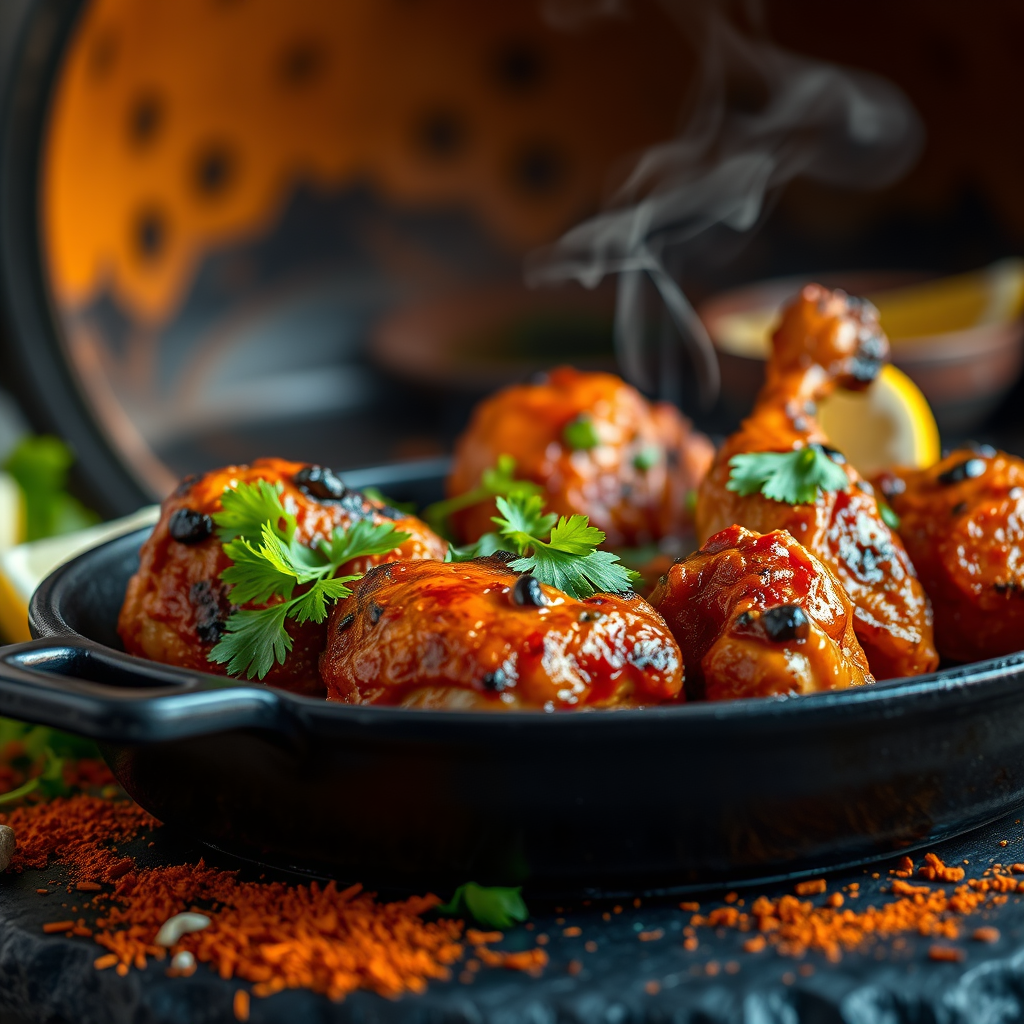
Close-up macro shot of sizzling Tandoori Chicken, its vibrant red-orange marinade charred at the edges from the tandoor, with juicy, tender meat glistening under warm golden-hour lighting. The dish is artfully arranged on a rustic, blackened cast-iron skillet, garnished with fresh cilantro and lemon wedges, their bright green and yellow hues popping against the smoky hues. A wisp of aromatic steam rises from the chicken, hinting at the bold spices—cumin, coriander, and smoky paprika—while the crisp, slightly charred skin contrasts with the succulent interior. The background is softly blurred, featuring a traditional clay tandoor oven and scattered spices, evoking an authentic Indian street food vibe. Style: rich, high-detail food photography with a touch of rustic warmth." (999 characters)
Detailed Analysis of the Flux AI Image Prompt
Analyze the detailed prompt used to generate the image with Flux AI Image Generator.
Explore Flux Prompts for the Flux AI Image Generator
How to generate image by Flux.1 schnell
Follow these four simple steps to create your desired image.
Step 1: Enter Your Text (Feel free to refine your prompt for better results)
Step 2: Choose Image Aspect Ratio
Step 3: Select Your Flux Model:
Step 4: Click the Generate Button and Wait a Few Seconds for Your Image
Related Flux AI tools for prompts about Flux.1 schnell
Discover advanced tools from Flux AI to boost your creative workflow.