Rembrandt - Flux.1 dev
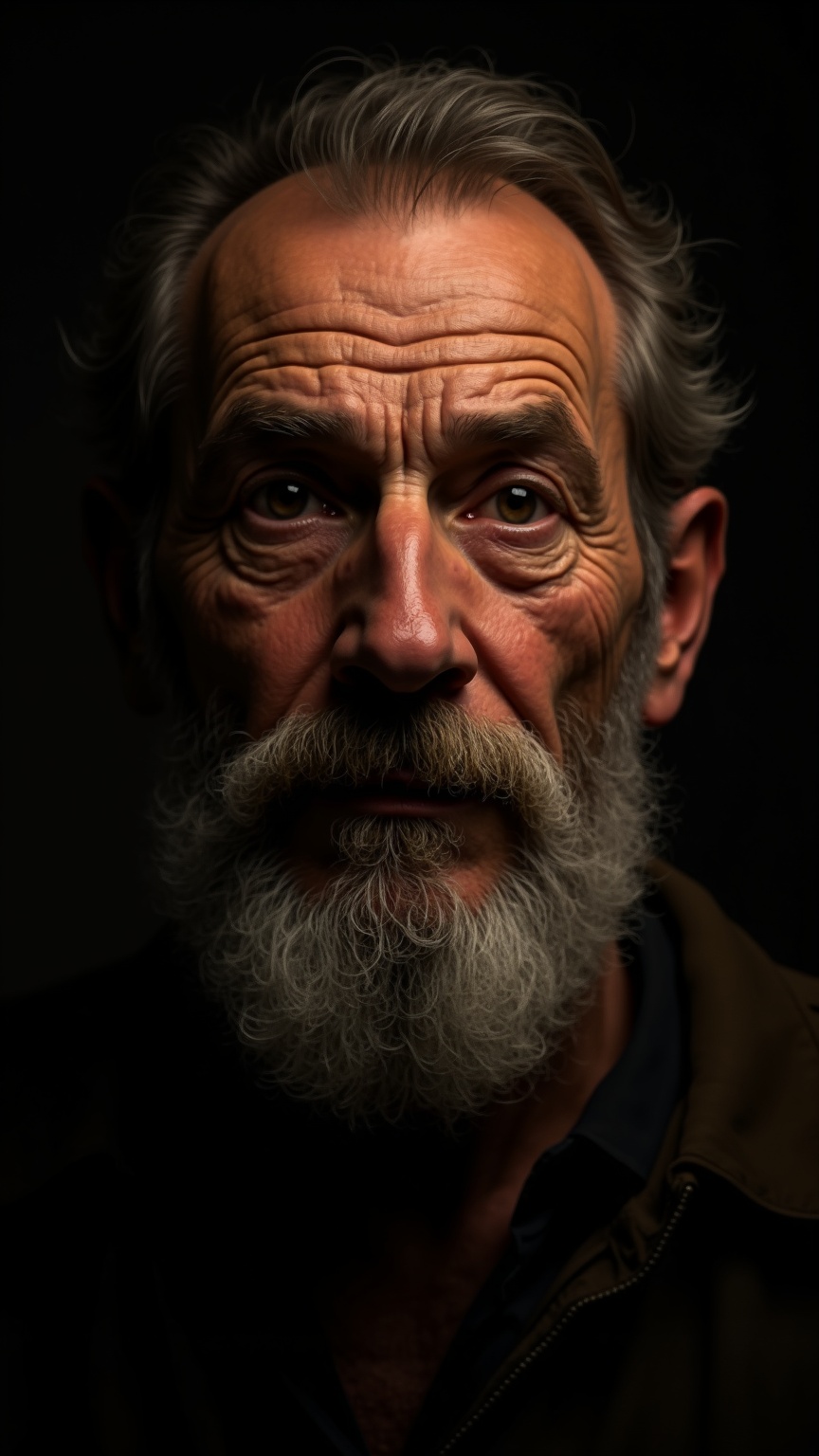
prompt
**Prompt:** "Create a highly detailed, photorealistic portrait in the style of Rembrandt, featuring a middle-aged man with a strong, expressive face. Capture deep-set, soulful eyes with subtle wrinkles, a prominent nose, and a full, slightly unkempt beard with fine texture. Use dramatic chiaroscuro lighting to highlight the subject's weathered yet wise expression, casting soft shadows that enhance depth and emotion. The background should be dark and muted, with a faint golden glow reminiscent of 17th-century Dutch Baroque painting. Render the skin with lifelike imperfections—pores, faint blemishes, and natural oil highlights—to evoke authenticity. Frame the subject in a three-quarter pose, slightly turned toward the viewer, with a contemplative, introspective gaze. Use a soft-focus effect on the edges to draw attention to the face, and emulate the rich, warm color palette of aged oil paintings. Ultra-high resolution, 8K, cinematic lighting, photorealistic textures." (998 characters)
Detailed Analysis of the Flux AI Image Prompt
Analyze the detailed prompt used to generate the image with Flux AI Image Generator.
Explore Flux Prompts for the Flux AI Image Generator
How to generate image by Flux.1 dev
Follow these four simple steps to create your desired image.
Step 1: Enter Your Text (Feel free to refine your prompt for better results)
Step 2: Choose Image Aspect Ratio
Step 3: Select Your Flux Model:
Step 4: Click the Generate Button and Wait a Few Seconds for Your Image
Related Flux AI tools for prompts about Flux.1 dev
Discover advanced tools from Flux AI to boost your creative workflow.