Black Forest Cake - Flux.1 schnell
prompt
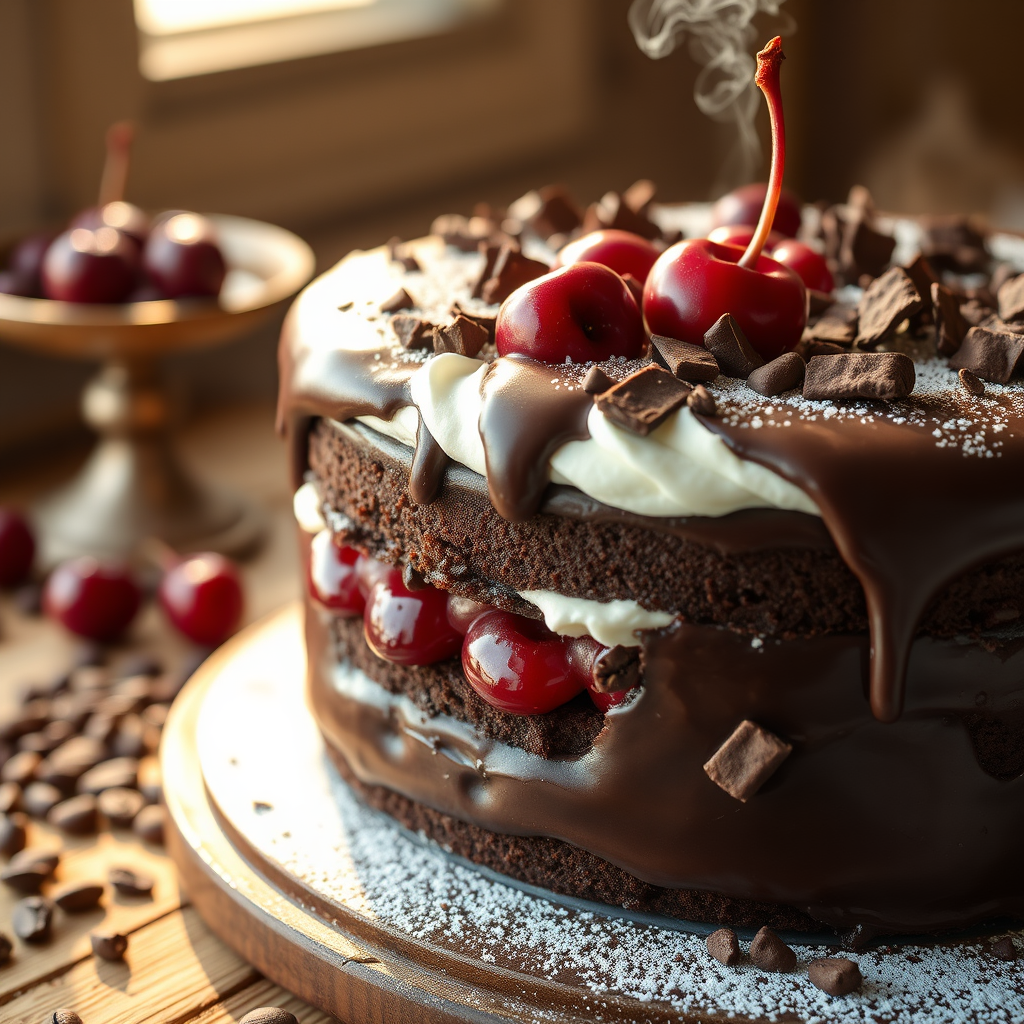
Capture a decadent Black Forest Cake in stunning detail: layers of rich, dark chocolate sponge soaked in cherry liqueur, sandwiched with glossy, tart cherries and billowy whipped cream. The cake is draped in a velvety chocolate ganache, with delicate chocolate shavings cascading down its sides. A single fresh cherry and a dusting of powdered sugar crown the top. Set against a rustic wooden table with scattered cocoa beans and a vintage cake stand, bathed in warm, golden sunlight streaming through a nearby window. Shoot in a close-up, macro style to highlight the intricate textures—glistening ganache, fluffy cream, and juicy cherries—evoking the aroma of dark chocolate and sweet cherries. Add a slight steam effect to suggest freshness, with a shallow depth of field to blur the background softly.
Detailed Analysis of the Flux AI Image Prompt
Analyze the detailed prompt used to generate the image with Flux AI Image Generator.
Explore Flux Prompts for the Flux AI Image Generator
How to generate image by Flux.1 schnell
Follow these four simple steps to create your desired image.
Step 1: Enter Your Text (Feel free to refine your prompt for better results)
Step 2: Choose Image Aspect Ratio
Step 3: Select Your Flux Model:
Step 4: Click the Generate Button and Wait a Few Seconds for Your Image
Related Flux AI tools for prompts about Flux.1 schnell
Discover advanced tools from Flux AI to boost your creative workflow.