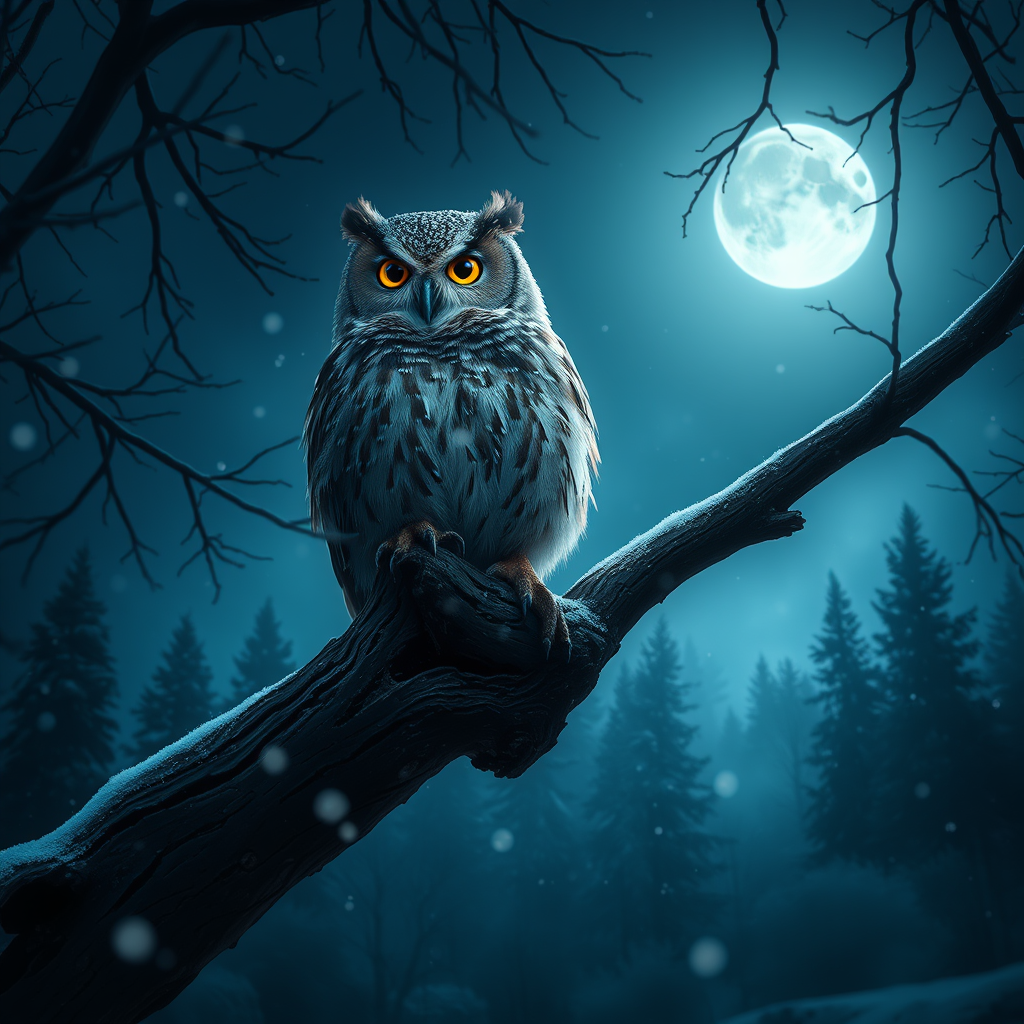
Screech Owl - Flux.1 schnell
prompt
**Prompt:** A majestic Eastern Screech Owl perched on a gnarled oak branch, its tufted ears raised and piercing yellow eyes glowing in the moonlight. The owl's mottled gray and rust-brown feathers blend seamlessly with the bark, while delicate snowflakes drift through the frosty air. The scene is rendered in a hyper-realistic style with soft, diffused lighting, casting ethereal shadows. A deep indigo and silver color palette evokes a serene, mystical mood. The composition uses a low-angle shot, emphasizing the owl's dominance over the misty forest floor below. In the background, distant evergreens fade into the twilight, and a single star twinkles through the branches. The atmosphere is quiet, magical, and slightly haunting.
Detailed Analysis of the Flux AI Image Prompt
Analyze the detailed prompt used to generate the image with Flux AI Image Generator.
Explore Flux Prompts for the Flux AI Image Generator
How to generate image by Flux.1 schnell
Follow these four simple steps to create your desired image.
Step 1: Enter Your Text (Feel free to refine your prompt for better results)
Step 2: Choose Image Aspect Ratio
Step 3: Select Your Flux Model:
Step 4: Click the Generate Button and Wait a Few Seconds for Your Image
Related Flux AI tools for prompts about Flux.1 schnell
Discover advanced tools from Flux AI to boost your creative workflow.