Tiramisu - Flux.1 dev
Invite
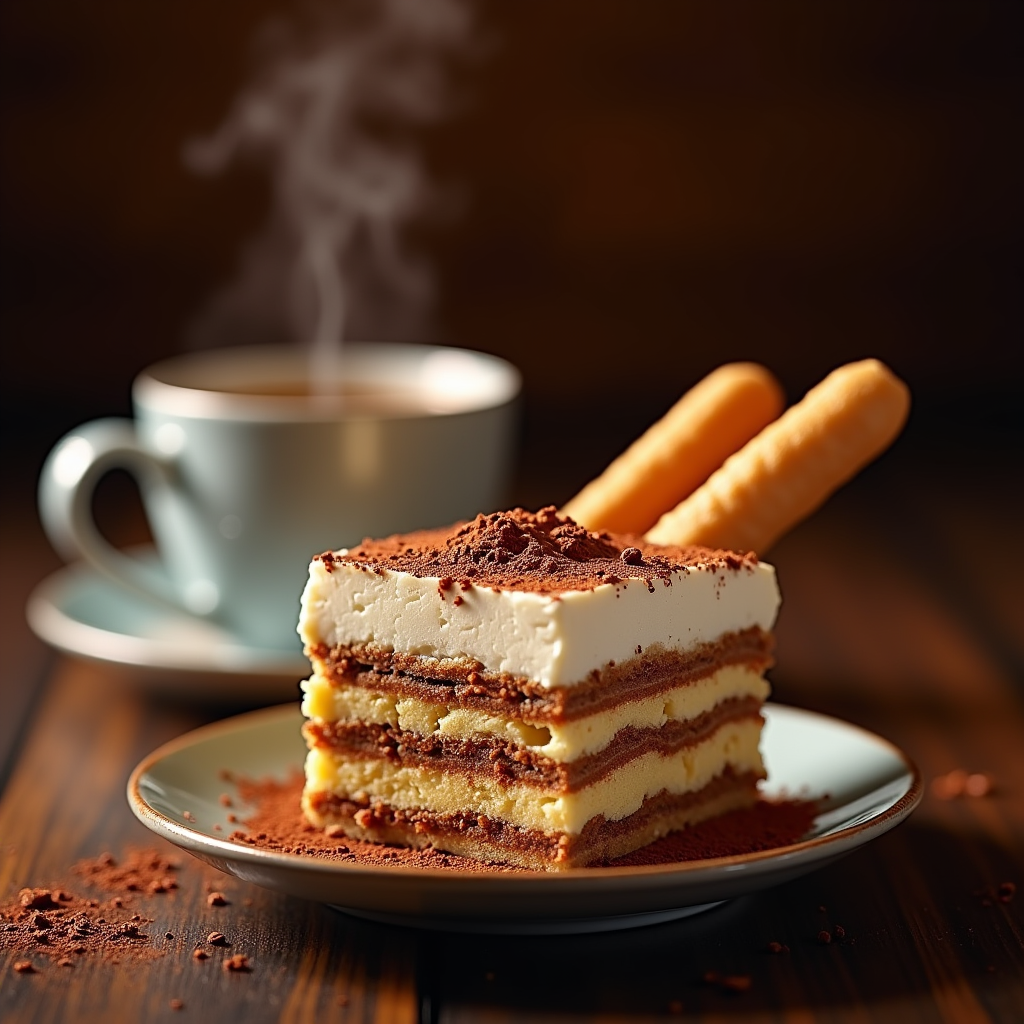
"Create a sumptuous image of Tiramisu: layers of creamy mascarpone, espresso-soaked ladyfingers, and cocoa powder, set against a warm, dark wood backdrop, reminiscent of an Italian trattoria. Soft, golden lighting casts a gentle glow, accentuating the dessert's textures. A shallow depth of field focuses attention on the delicate, whipped mascarpone peaks. A sprinkle of cocoa powder dusts the surface, as a few ladyfingers lean against the serving dish, inviting the viewer to take a bite. A steaming espresso cup sits in the background, releasing a wisp of aromatic steam. Style: rustic, yet elegant, food photography, with a warm, inviting color palette.
Analyse Détaillée du Prompt d'Image Flux IA
Analysez le prompt détaillé utilisé pour générer l'image avec Flux IA Image Generator.
Explorez les invites Flux IA
Comment générer une image par Flux.1 dev
Suivez ces quatre étapes simples pour créer l'image désirée.
Étape 1 : Entrez votre texte (N'hésitez pas à affiner votre prompt pour de meilleurs résultats)
Étape 2 : Choisissez le ratio d'aspect de l'image
Étape 3 : Sélectionnez votre modèle Flux :
Étape 4 : Cliquez sur le bouton Générer et attendez quelques secondes pour votre image
Outils Flux IA liés aux prompts sur Flux.1 dev
Découvrez des outils avancés de Flux IA pour booster votre flux de travail créatif.