Tiramisu - Flux.1 dev
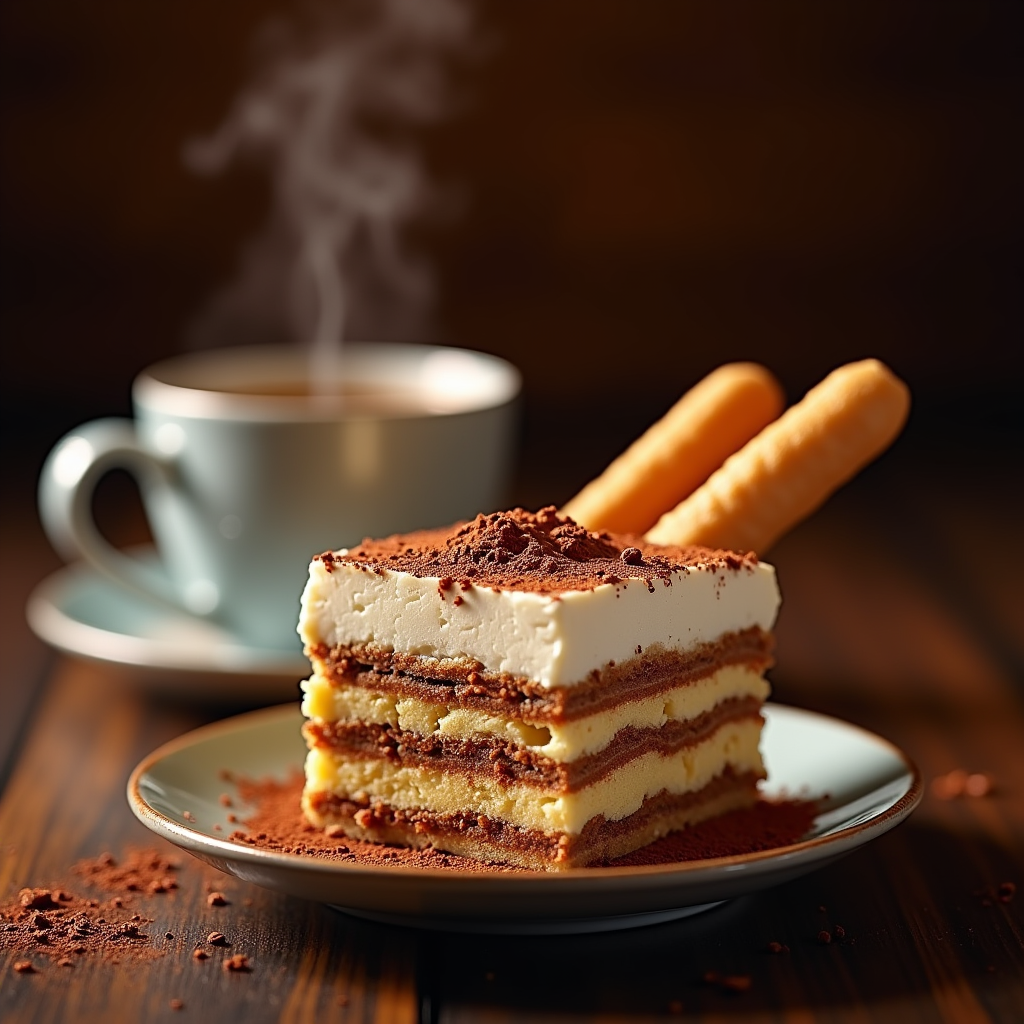
prompt
"Create a sumptuous image of Tiramisu: layers of creamy mascarpone, espresso-soaked ladyfingers, and cocoa powder, set against a warm, dark wood backdrop, reminiscent of an Italian trattoria. Soft, golden lighting casts a gentle glow, accentuating the dessert's textures. A shallow depth of field focuses attention on the delicate, whipped mascarpone peaks. A sprinkle of cocoa powder dusts the surface, as a few ladyfingers lean against the serving dish, inviting the viewer to take a bite. A steaming espresso cup sits in the background, releasing a wisp of aromatic steam. Style: rustic, yet elegant, food photography, with a warm, inviting color palette.
Analisis Terperinci Prompt Gambar Flux AI
Analisis prompt terperinci yang digunakan untuk menghasilkan gambar dengan Generator Gambar Flux AI.
Jelajahi Prompt Flux untuk Generator Gambar AI Flux
Cara menghasilkan gambar dengan Flux.1 dev
Ikuti empat langkah sederhana ini untuk membuat gambar yang Anda inginkan.
Langkah 1: Masukkan Teks Anda (Silakan sempurnakan prompt untuk hasil yang lebih baik)
Langkah 2: Pilih Rasio Aspek Gambar
Langkah 3: Pilih Model Flux Anda:
Langkah 4: Klik Tombol Buat dan Tunggu Beberapa Detik untuk Gambar Anda
Alat Flux AI terkait untuk prompt tentang Flux.1 dev
Temukan alat-alat canggih dari Flux AI untuk meningkatkan alur kerja kreatif Anda.