Tiramisu - Flux.1 dev
Prompt
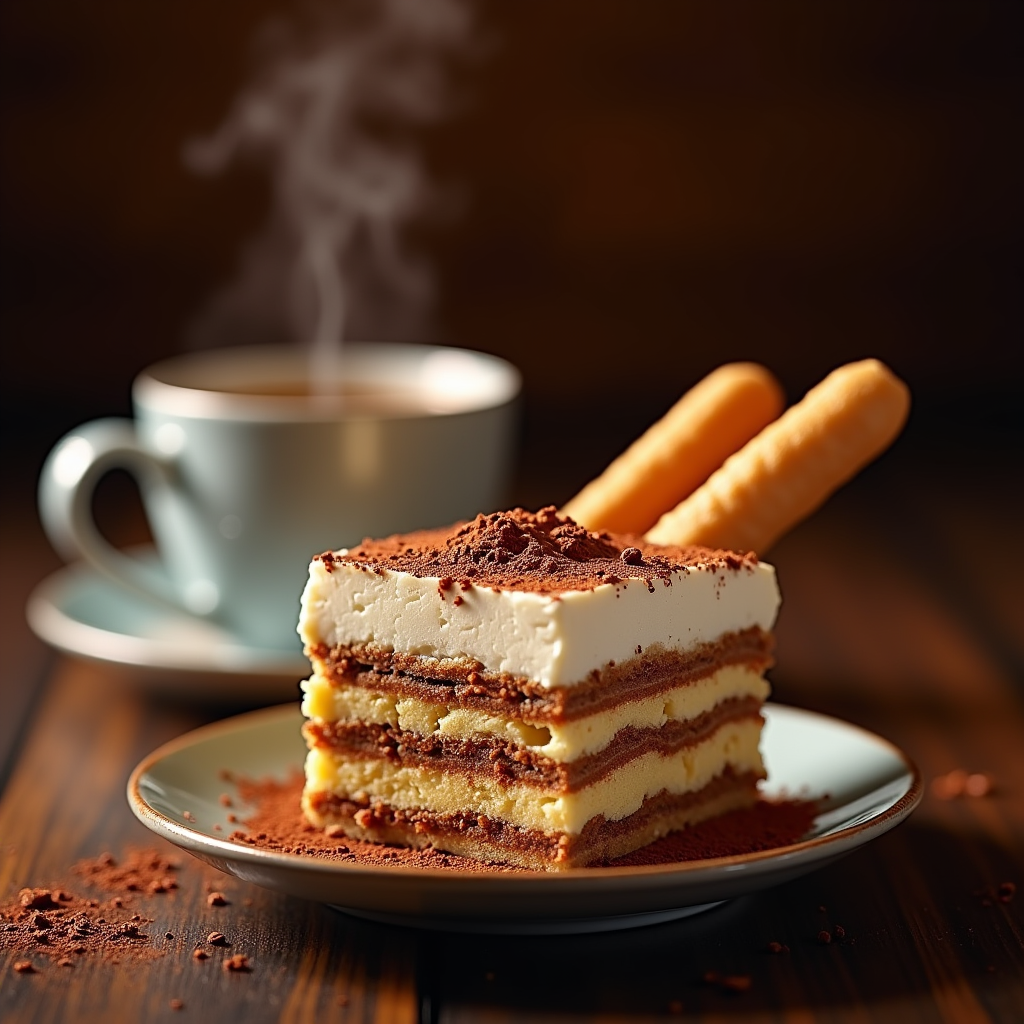
"Create a sumptuous image of Tiramisu: layers of creamy mascarpone, espresso-soaked ladyfingers, and cocoa powder, set against a warm, dark wood backdrop, reminiscent of an Italian trattoria. Soft, golden lighting casts a gentle glow, accentuating the dessert's textures. A shallow depth of field focuses attention on the delicate, whipped mascarpone peaks. A sprinkle of cocoa powder dusts the surface, as a few ladyfingers lean against the serving dish, inviting the viewer to take a bite. A steaming espresso cup sits in the background, releasing a wisp of aromatic steam. Style: rustic, yet elegant, food photography, with a warm, inviting color palette.
Análise Detalhada do Prompt de Imagem Flux IA
Analise o prompt detalhado usado para gerar a imagem com o Flux IA Image Generator.
Explore Prompts Flux para o Gerador de Imagens
Como gerar uma imagem por Flux.1 dev
Siga estes quatro passos simples para criar a imagem desejada.
Passo 1: Insira seu texto (Sinta-se à vontade para refinar seu prompt para melhores resultados)
Passo 2: Escolha a proporção da imagem
Passo 3: Selecione seu modelo Flux:
Passo 4: Clique no botão Gerar e aguarde alguns segundos para sua imagem
Ferramentas Flux IA relacionadas a prompts sobre Flux.1 dev
Descubra ferramentas avançadas da Flux IA para melhorar seu fluxo de trabalho criativo.