Tiramisu - Flux.1 dev
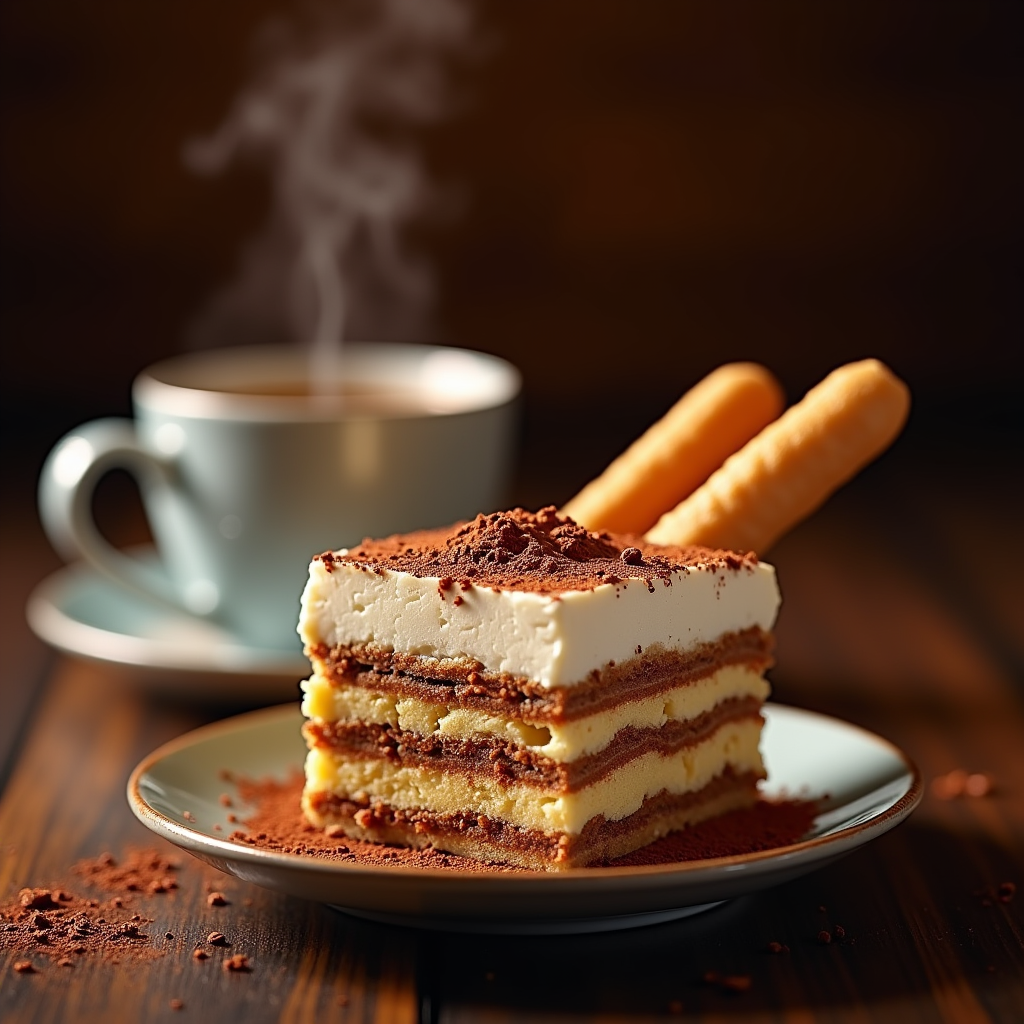
prompt
"Create a sumptuous image of Tiramisu: layers of creamy mascarpone, espresso-soaked ladyfingers, and cocoa powder, set against a warm, dark wood backdrop, reminiscent of an Italian trattoria. Soft, golden lighting casts a gentle glow, accentuating the dessert's textures. A shallow depth of field focuses attention on the delicate, whipped mascarpone peaks. A sprinkle of cocoa powder dusts the surface, as a few ladyfingers lean against the serving dish, inviting the viewer to take a bite. A steaming espresso cup sits in the background, releasing a wisp of aromatic steam. Style: rustic, yet elegant, food photography, with a warm, inviting color palette.
Analisi Dettagliata del Prompt Immagine Flux AI
Analizza il prompt dettagliato utilizzato per generare l'immagine con il Generatore Immagini Flux AI.
Esplora i Prompt Flux per il Generatore Immagini Flux AI
Come generare immagini con Flux.1 dev
Segui questi quattro semplici passaggi per creare l'immagine desiderata.
Passaggio 1: Inserisci il Tuo Testo (Sentiti libero di perfezionare il prompt per risultati migliori)
Passaggio 2: Scegli le Proporzioni dell'Immagine
Passaggio 3: Seleziona il Tuo Modello Flux:
Passaggio 4: Clicca il Pulsante Genera e Attendi Alcuni Secondi per la Tua Immagine
Strumenti Flux AI correlati per prompt su Flux.1 dev
Scopri strumenti avanzati di Flux AI per potenziare il tuo flusso di lavoro creativo.