《Sailor Moon》-Mamoru Chiba - Flux.1 dev
Invite
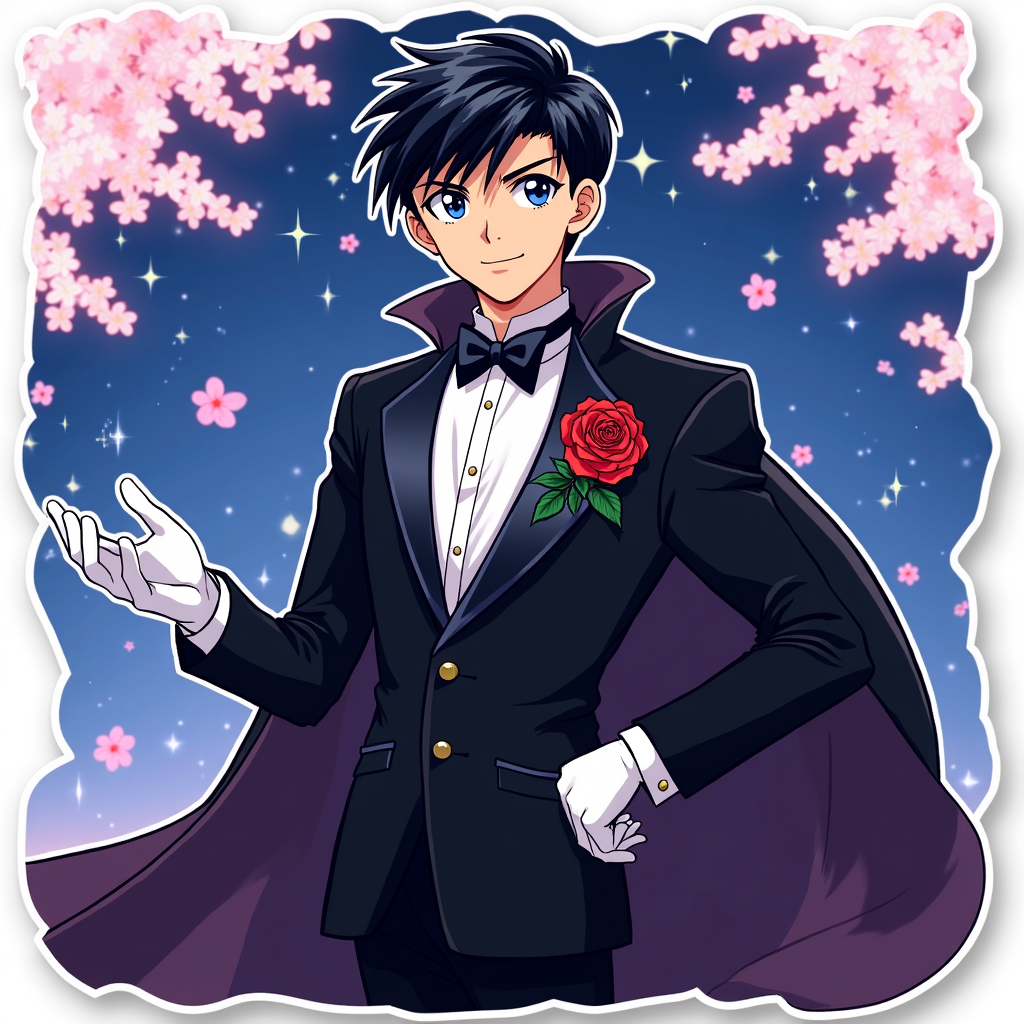
**Prompt:** *"Anime sticker style illustration of Mamoru Chiba (Tuxedo Mask) from 《Sailor Moon》, featuring his sharp, mature facial features, short dark hair, and piercing blue eyes. He wears his signature black tuxedo with a flowing cape, white gloves, and a red rose pinned to his lapel. His pose is confident—leaning slightly forward, one hand holding a rose, the other outstretched as if casting a spell. His expression is cool and composed, with a faint smirk. The background is a dreamy, starry night sky with cherry blossoms drifting by. Stylized with bold outlines, vibrant colors, and a semi-flat, glossy sticker effect. Include subtle sparkles and a soft glow around his cape for a magical touch."* (997 characters)
Analyse Détaillée du Prompt d'Image Flux IA
Analysez le prompt détaillé utilisé pour générer l'image avec Flux IA Image Generator.
Explorez les invites Flux IA
Comment générer une image par Flux.1 dev
Suivez ces quatre étapes simples pour créer l'image désirée.
Étape 1 : Entrez votre texte (N'hésitez pas à affiner votre prompt pour de meilleurs résultats)
Étape 2 : Choisissez le ratio d'aspect de l'image
Étape 3 : Sélectionnez votre modèle Flux :
Étape 4 : Cliquez sur le bouton Générer et attendez quelques secondes pour votre image
Outils Flux IA liés aux prompts sur Flux.1 dev
Découvrez des outils avancés de Flux IA pour booster votre flux de travail créatif.