《Pokemon》-Misty - Flux.1 schnell
Invite
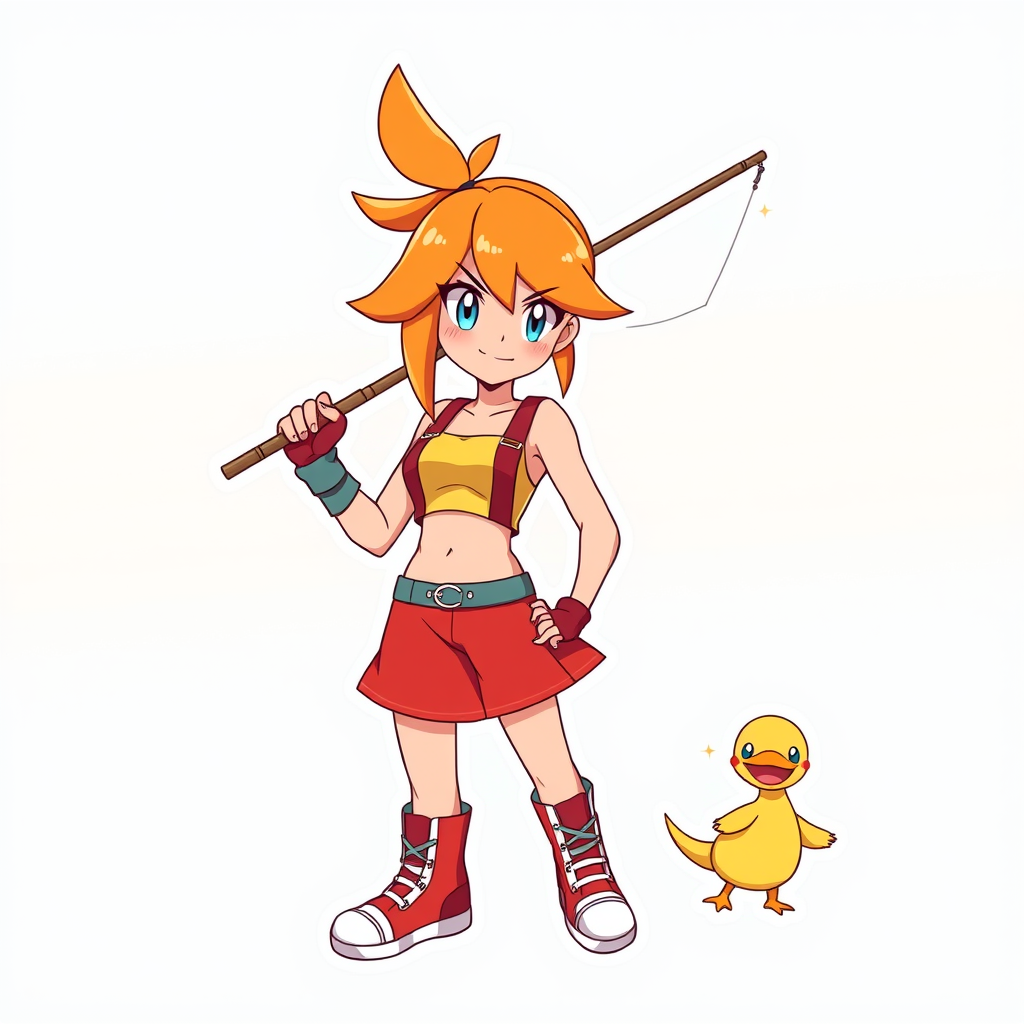
**Prompt:** *"Anime sticker style illustration of Misty from 《Pokemon》, featuring her iconic orange side-ponytail, bright blue eyes, and confident smirk. She wears her signature yellow crop top with a red suspender skirt, fingerless gloves, and high-top sneakers. Pose her dynamically, holding a fishing rod with a determined expression, as if ready to battle. Include her loyal Staryu or Psyduck nearby for a playful touch. Use bold, clean line art with vibrant cel-shaded colors and subtle highlights for a sticker-like aesthetic. Place her against a simple gradient background in aquatic blues or sunset oranges to emphasize her energetic personality. Add sparkle effects or motion lines for extra charm."* (998 characters)
Analyse Détaillée du Prompt d'Image Flux IA
Analysez le prompt détaillé utilisé pour générer l'image avec Flux IA Image Generator.
Explorez les invites Flux IA
Comment générer une image par Flux.1 schnell
Suivez ces quatre étapes simples pour créer l'image désirée.
Étape 1 : Entrez votre texte (N'hésitez pas à affiner votre prompt pour de meilleurs résultats)
Étape 2 : Choisissez le ratio d'aspect de l'image
Étape 3 : Sélectionnez votre modèle Flux :
Étape 4 : Cliquez sur le bouton Générer et attendez quelques secondes pour votre image
Outils Flux IA liés aux prompts sur Flux.1 schnell
Découvrez des outils avancés de Flux IA pour booster votre flux de travail créatif.