Bootleg emotion mods circulate in schoolyard markets - Flux.1 schnell
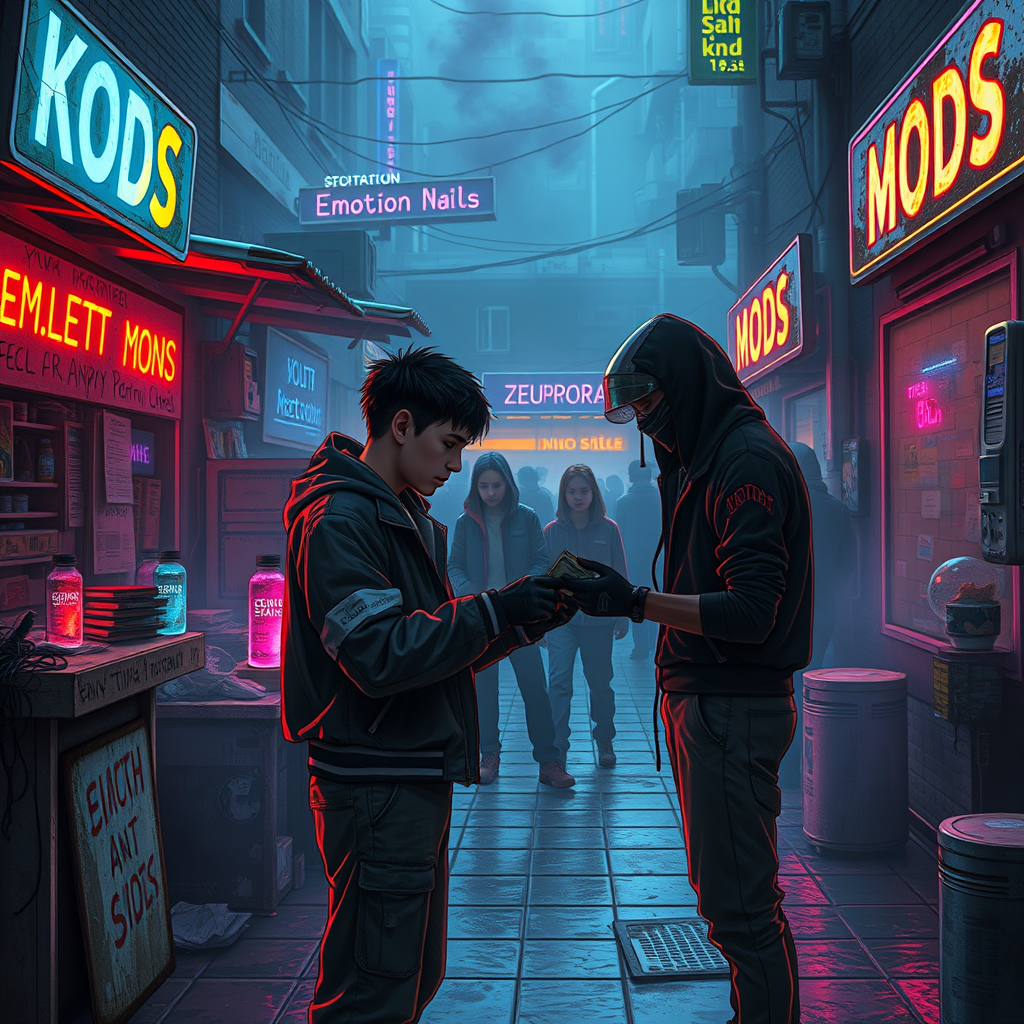
프롬프트
**Prompt:** In the neon-drenched alleyways of a sprawling cyberpunk schoolyard, makeshift stalls cobbled together from salvaged tech and scrap metal line the damp pavement, their flickering holographic signs advertising *"Emotion Mods – Cheap & Potent"* in jagged, glitching fonts. A haze of electric blue and violet smoke curls through the air, mingling with the scent of ozone and burnt circuitry as shadowy figures—students in patched-up uniforms and augmented street kids—huddle around dealers peddling bootleg emotion mods: tiny, glowing vials of illicit neuro-code, some pulsing with angry reds, others shimmering with melancholic blues. The focal point is a transaction in progress: a wiry teen with a rusted neural port at their temple hands over crumpled cred-sticks to a vendor whose face is obscured by a cracked data visor, their gloved fingers clutching a mod labeled *"Euphoria v.3.2 (Unstable)"*. Overhead, the sky is a smog-choked tapestry of towering megastructures, their windows blinking like sleepless eyes, while the distant hum of drones and the occasional burst of distorted laughter from a nearby VR arcade complete the scene of underground desire and danger.
Flux AI 이미지 프롬프트에 대한 상세 분석
Flux AI Image Generator를 사용하여 이미지를 생성하는 데 사용된 상세한 프롬프트를 분석합니다.
Flux AI 이미지 생성기 프롬프트 탐색
을 통해 이미지를 생성하는 방법 Flux.1 schnell
원하는 이미지를 만들기 위해 다음 네 가지 간단한 단계를 따르세요.
단계 1: 텍스트 입력 (더 나은 결과를 위해 프롬프트를 자유롭게 수정하세요)
단계 2: 이미지 종횡비 선택
단계 3: Flux 모델 선택:
단계 4: 생성 버튼을 클릭하고 몇 초간 기다려 이미지를 받으세요
프롬프트와 관련된 Flux AI 도구 Flux.1 schnell
Flux AI의 고급 도구를 발견하여 창의적인 작업 흐름을 향상시키세요.