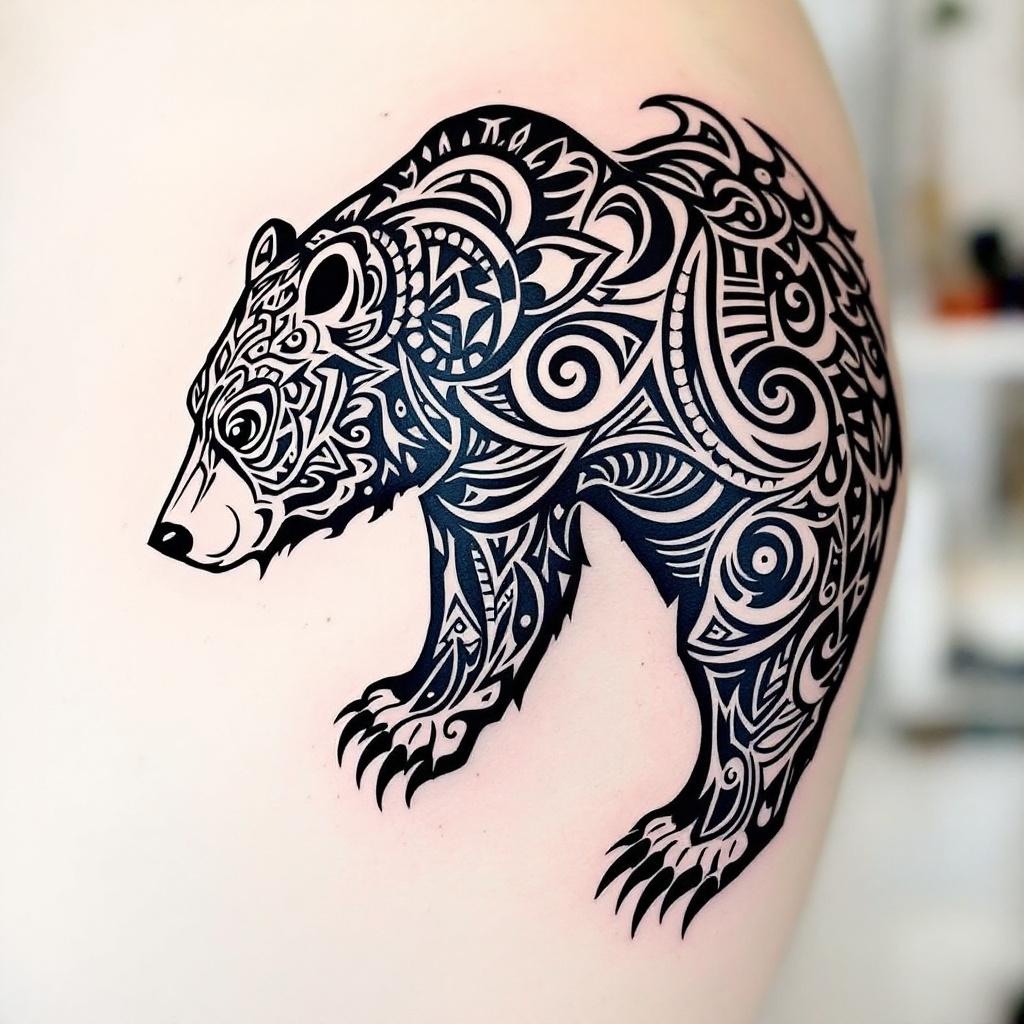
Shoulder Blade-Tribal Bear - Flux.1.1 pro
Prompt
**Prompt:** A bold **tribal bear tattoo** spanning the **shoulder blade**, featuring intricate **geometric patterns** and **flowing linework** that mimics the bear’s powerful form. **Black ink only**, with sharp contrasts and dynamic negative space for a striking silhouette. The design blends **traditional tribal motifs** with a **modern, stylized edge**, emphasizing the bear’s fierce yet graceful presence. **Medium to large scale**, tailored to contour the shoulder’s natural curvature. Incorporate **symbolic elements** like claws or crescent moons for added depth. The aesthetic is **mystical and primal**, evoking strength and connection to nature. Clean, crisp lines with subtle **dotwork shading** for texture.
Análise Detalhada do Prompt de Imagem Flux IA
Analise o prompt detalhado usado para gerar a imagem com o Flux IA Image Generator.
Explore Prompts Flux para o Gerador de Imagens
Como gerar uma imagem por Flux.1.1 pro
Siga estes quatro passos simples para criar a imagem desejada.
Passo 1: Insira seu texto (Sinta-se à vontade para refinar seu prompt para melhores resultados)
Passo 2: Escolha a proporção da imagem
Passo 3: Selecione seu modelo Flux:
Passo 4: Clique no botão Gerar e aguarde alguns segundos para sua imagem
Ferramentas Flux IA relacionadas a prompts sobre Flux.1.1 pro
Descubra ferramentas avançadas da Flux IA para melhorar seu fluxo de trabalho criativo.