Empowered in Motion: Radiant Strength - Flux.1.1 pro
prompt
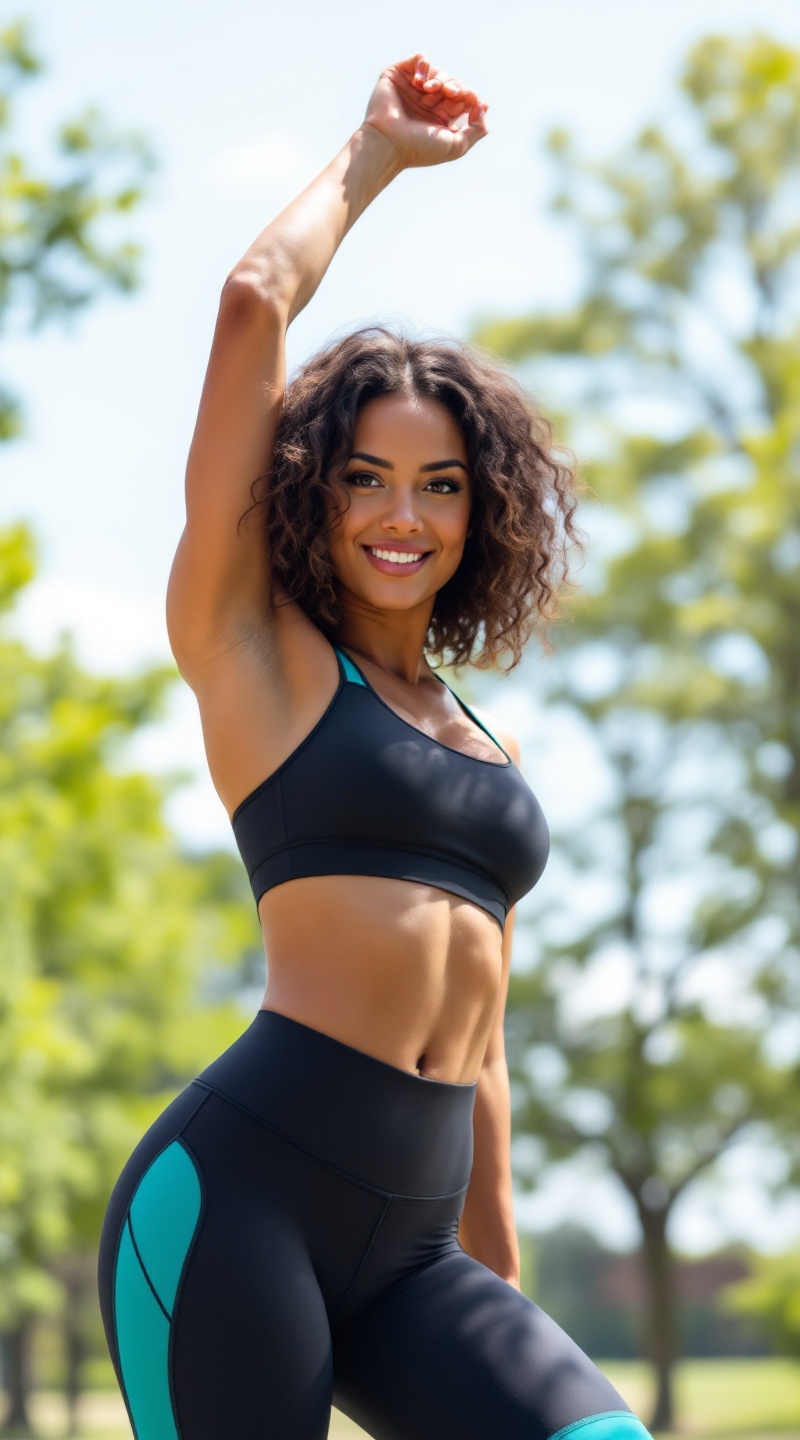
A fit woman stands confidently in a sunlit park, showcasing her athletic physique. She has curly, shoulder-length brown hair that frames her face, accentuating her high cheekbones and bright, expressive hazel eyes. Her skin is a warm olive tone, glowing with health. She wears stylish, form-fitting black athletic leggings with vibrant teal accents, paired with a matching short-sleeved crop top that highlights her toned midriff. Her expression is determined yet approachable, with a slight smile that radiates positivity. She is in a dynamic pose, mid-stretch, with one arm raised overhead and the other reaching toward her toes, exuding energy and focus. The background features lush green trees and a soft blue sky, adding to the vibrant, active atmosphere of the scene.
Detailed Analysis of the Flux AI Image Prompt
Analyze the detailed prompt used to generate the image with Flux AI Image Generator.
Explore Flux Prompts for the Flux AI Image Generator
How to generate image by Flux.1.1 pro
Follow these four simple steps to create your desired image.
Step 1: Enter Your Text (Feel free to refine your prompt for better results)
Step 2: Choose Image Aspect Ratio
Step 3: Select Your Flux Model:
Step 4: Click the Generate Button and Wait a Few Seconds for Your Image
Related Flux AI tools for prompts about Flux.1.1 pro
Discover advanced tools from Flux AI to boost your creative workflow.