Bánh Flan - Flux.1 dev
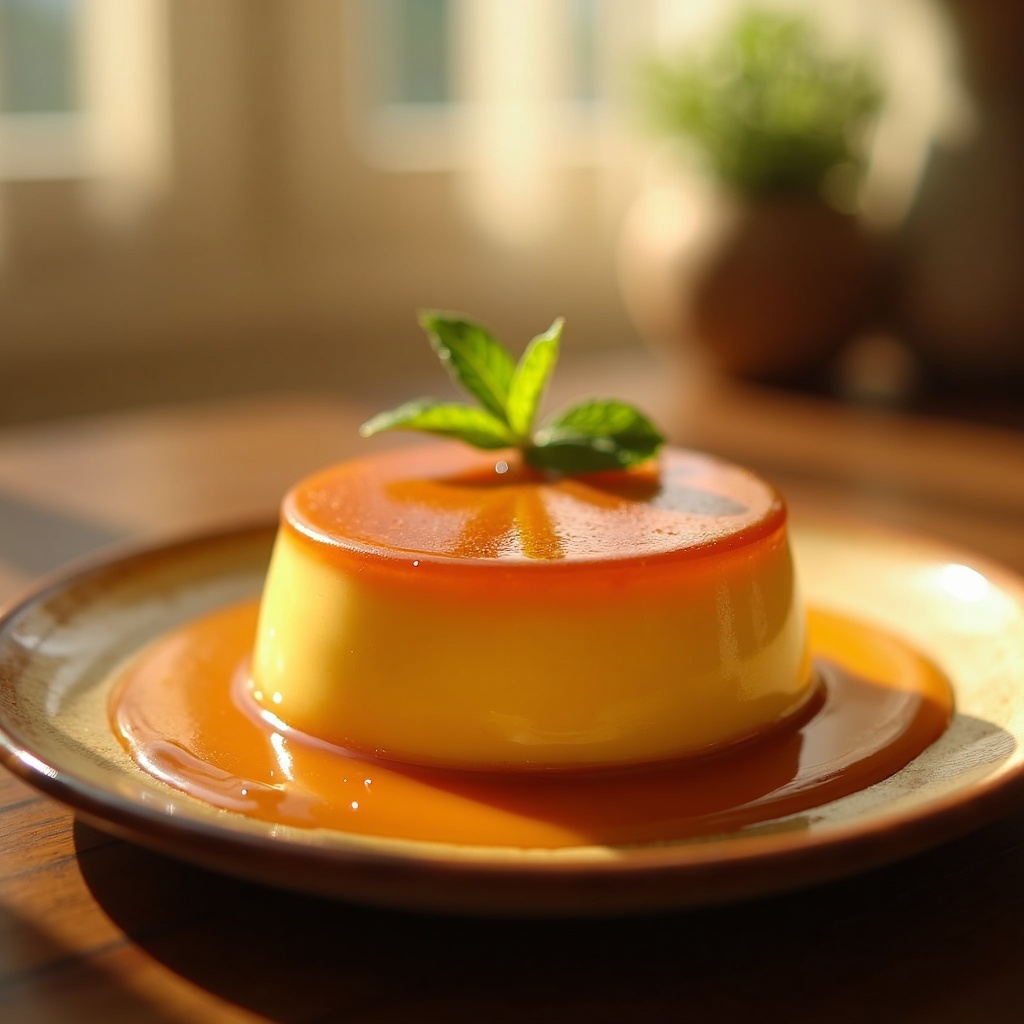
prompt
**Prompt:** "A velvety, golden-brown Bánh Flan, its caramel glaze pooling luxuriously around the base, glistening under warm, diffused light. The custard’s smooth, jiggly surface reflects a delicate sheen, dotted with tiny droplets of condensation. Served on a rustic ceramic plate, garnished with a sprig of fresh mint and a drizzle of caramel for contrast. The setting is a sunlit kitchen, soft morning light streaming through sheer curtains, casting gentle shadows. Shot in close-up macro style, highlighting the creamy texture and glossy caramel, with a shallow depth of field blurring the background. The scene evokes the rich, sweet aroma of vanilla and burnt sugar, almost tangible in the air.
Detailed Analysis of the Flux AI Image Prompt
Analyze the detailed prompt used to generate the image with Flux AI Image Generator.
Explore Flux Prompts for the Flux AI Image Generator
How to generate image by Flux.1 dev
Follow these four simple steps to create your desired image.
Step 1: Enter Your Text (Feel free to refine your prompt for better results)
Step 2: Choose Image Aspect Ratio
Step 3: Select Your Flux Model:
Step 4: Click the Generate Button and Wait a Few Seconds for Your Image
Related Flux AI tools for prompts about Flux.1 dev
Discover advanced tools from Flux AI to boost your creative workflow.